Access Profiles
Navigation: User Management → Access profiles
Access profiles define which sections of the admin panel an administrator can view and modify. Assign a profile to each administrator to enforce least-privilege access.
Add / Edit forms
Click + Add New to open the creation dialog, or Edit on an existing row to modify a record.
List view
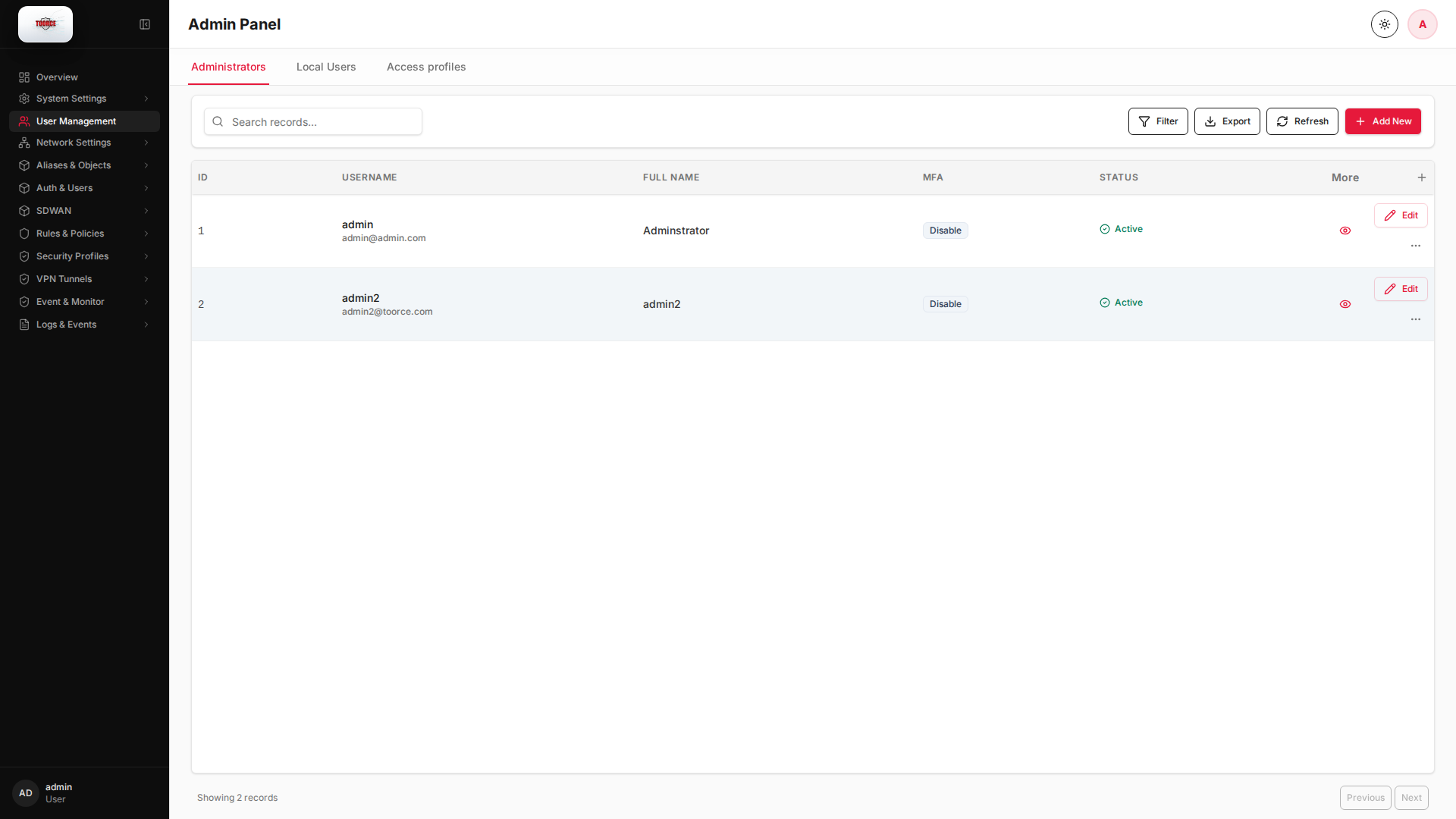
Add form
Empty form after clicking + Add New:
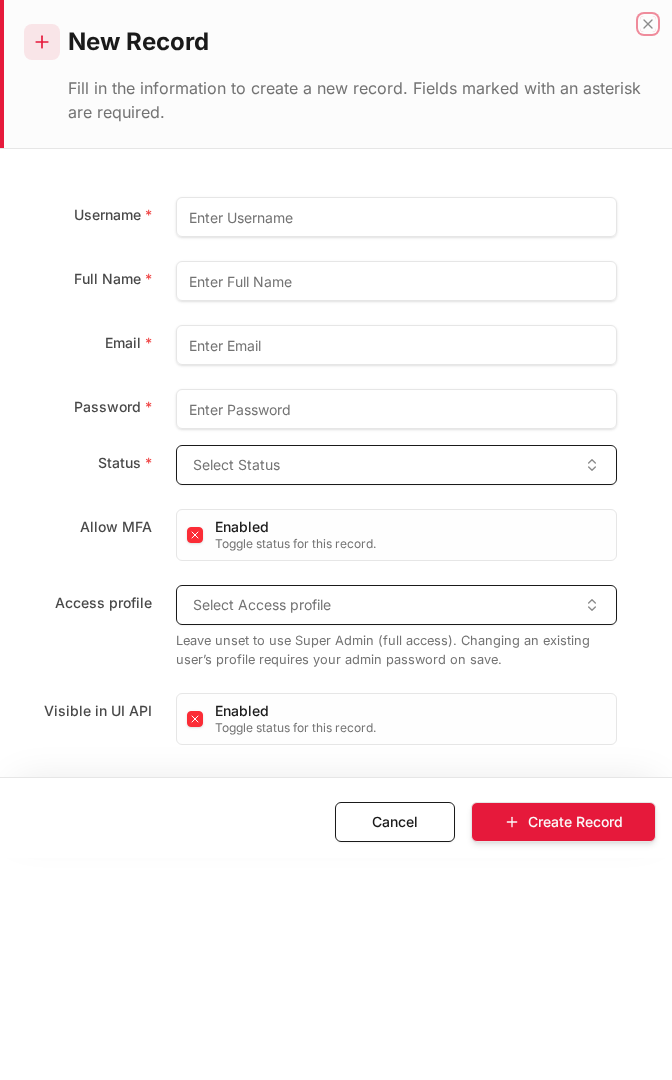
Same form filled with example data (do not save in production):
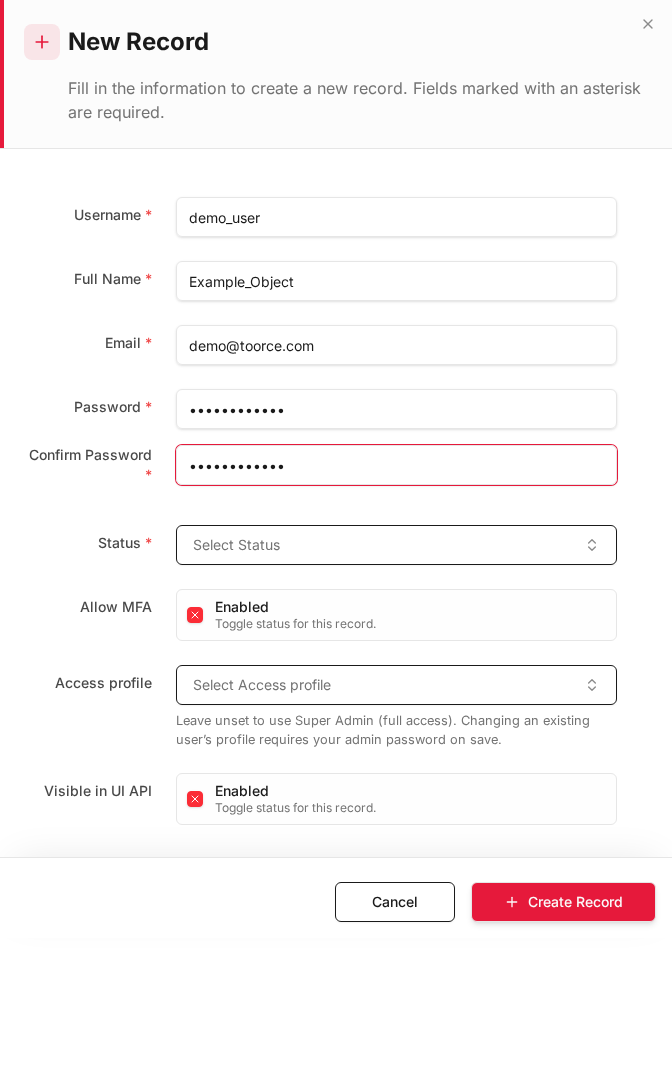
Edit form
Existing record opened with Edit:
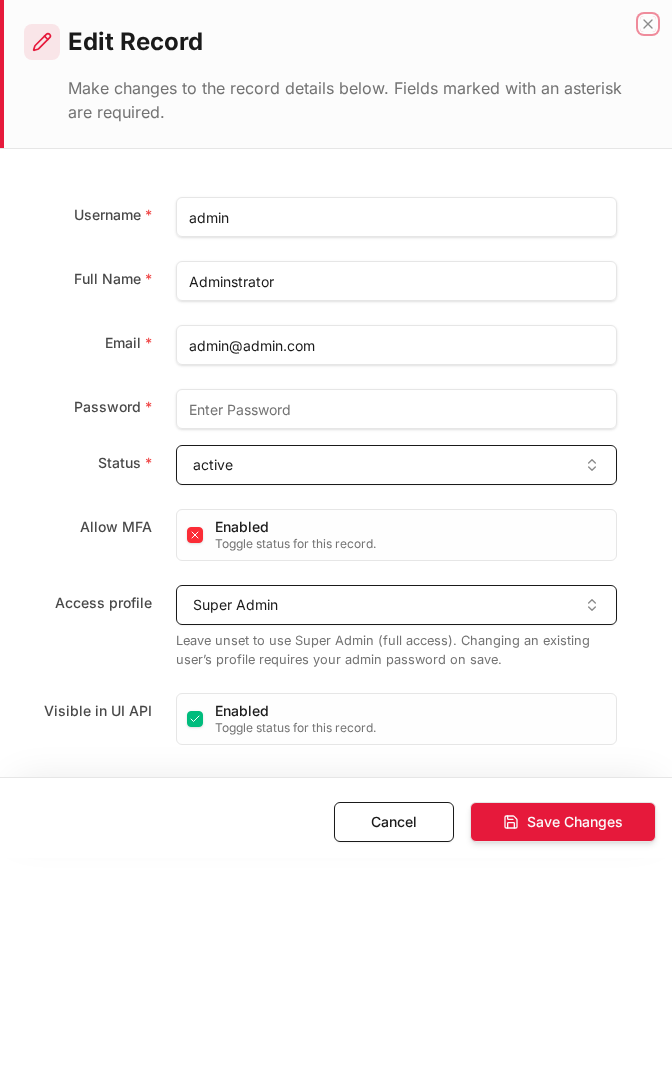
Form fields explained
Dialog title: New Record — Access Profile
| Field | Required | Description | Example value |
|---|---|---|---|
| Profile Name | Yes | Unique name referenced when assigning admins | Security_Only |
| Description | No | Purpose of this profile | Security team — rules and logs only |
| Permissions | Yes | Sidebar sections this profile may access | Rules, Profiles, Logs |
| Status | Yes | Active or Inactive | Active |
Technical background
Role-based access control (RBAC)
Access profiles define which admin panel sections an administrator may view or change. This implements least privilege for firewall operators — network staff cannot alter IPS signatures, for example.
Enforcement
When an admin logs in, the UI and API hide or disable sections not granted by their profile. Changing a user's profile on save may require the super-admin password.
How to create an access profile
- Go to User Management → Access profiles tab.
- Click Add New.
- Fill in:
| Field | Required | What to enter |
|---|---|---|
| Profile name | Yes | e.g. Security_Admin, Read_Only |
| Permissions | Yes | Select allowed sidebar sections |
- Click Save.
Example profiles
| Profile name | Allowed sections | Use case |
|---|---|---|
Full_Admin |
All sections | Super administrator |
Security_Only |
Rules, Profiles, Logs | Security team |
Network_Only |
Interfaces, Routes, SDWAN | Network team |
Read_Only |
Overview, Logs (view only) | Auditors |
Where access profiles are used
| Location | Field |
|---|---|
| Administrators | Access profile dropdown |
An administrator can only see and configure the sections allowed by their access profile.