Antivirus Security
Navigation: Security Profiles
Configure and manage antivirus security settings in the TOORCE Firewall admin panel.
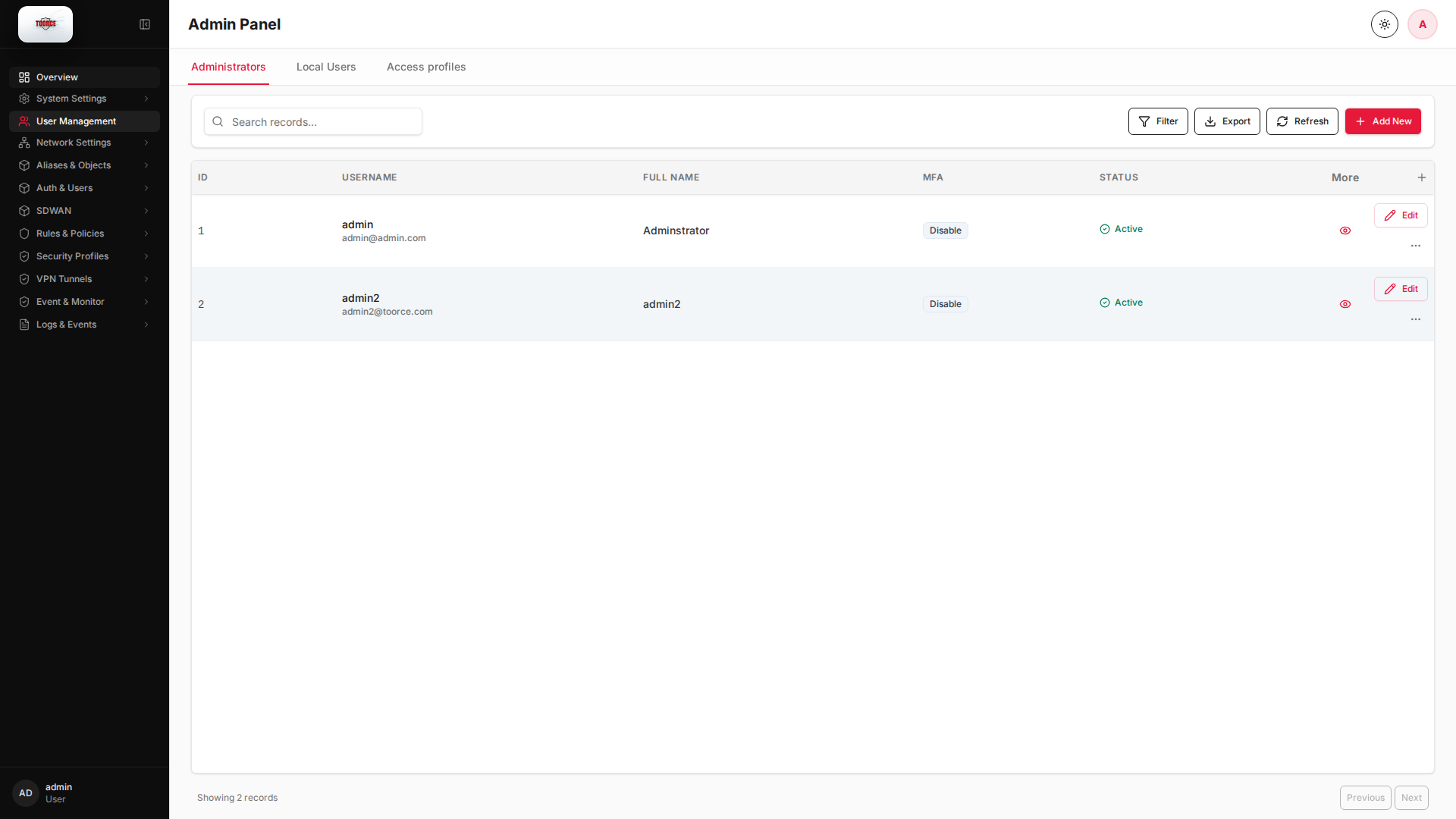
Add / Edit forms
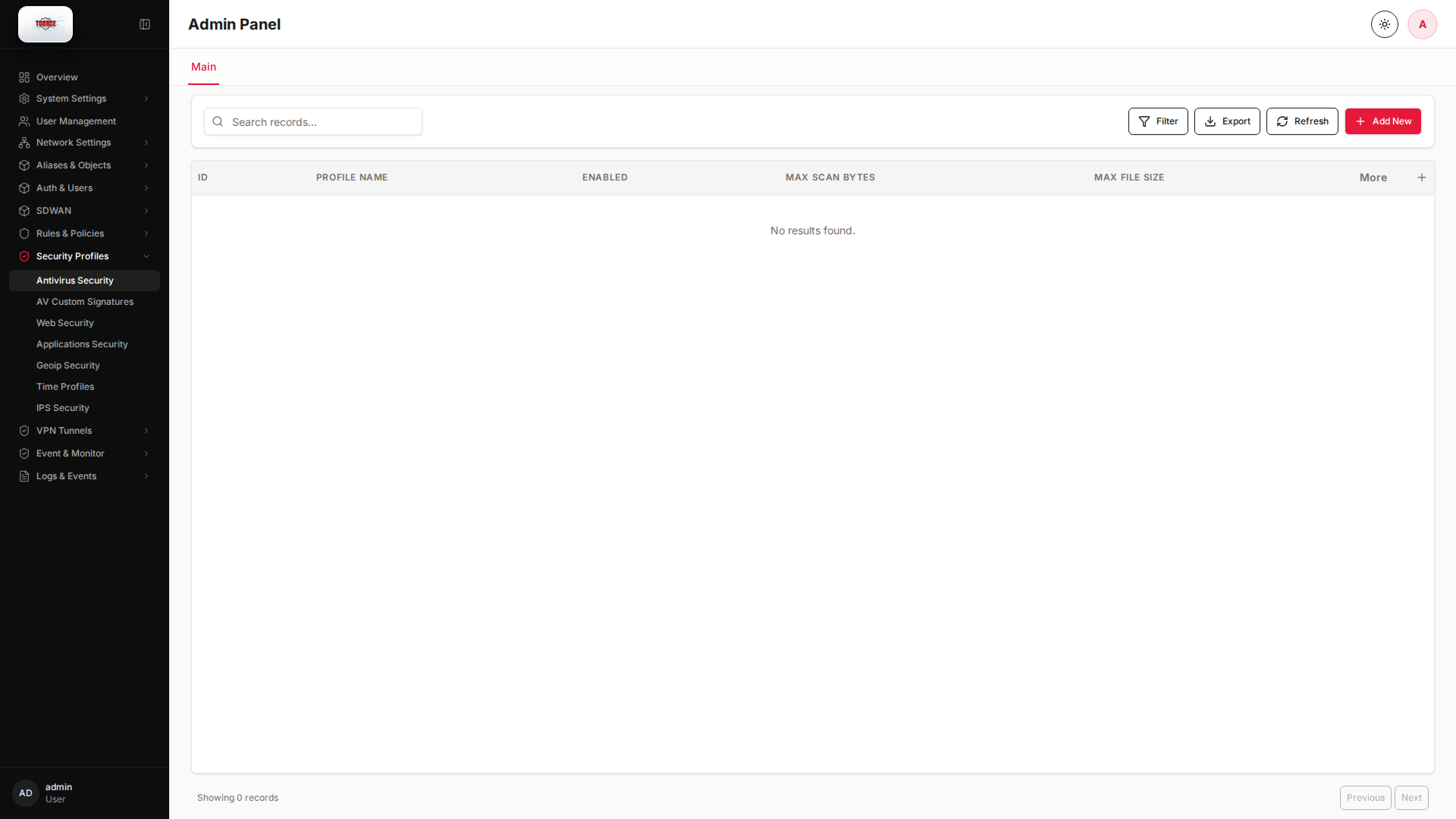
Click + Add New to open the creation dialog, or Edit on an existing row to modify a record.
List view
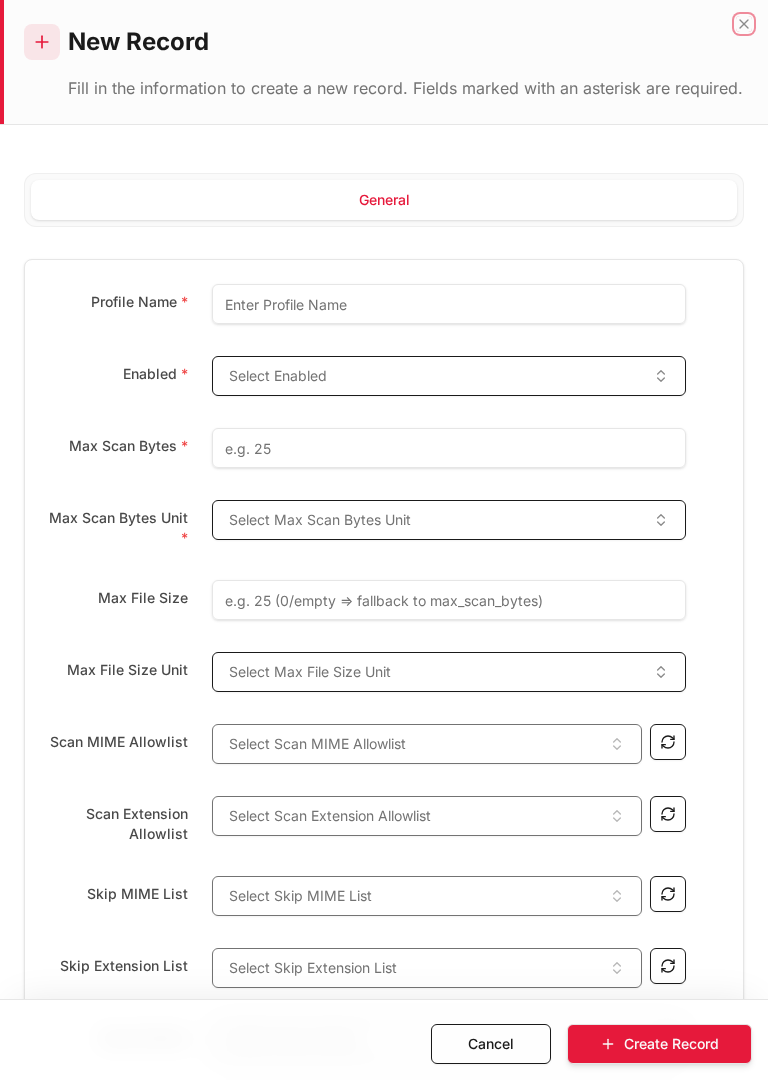
Add form
Empty form after clicking + Add New:
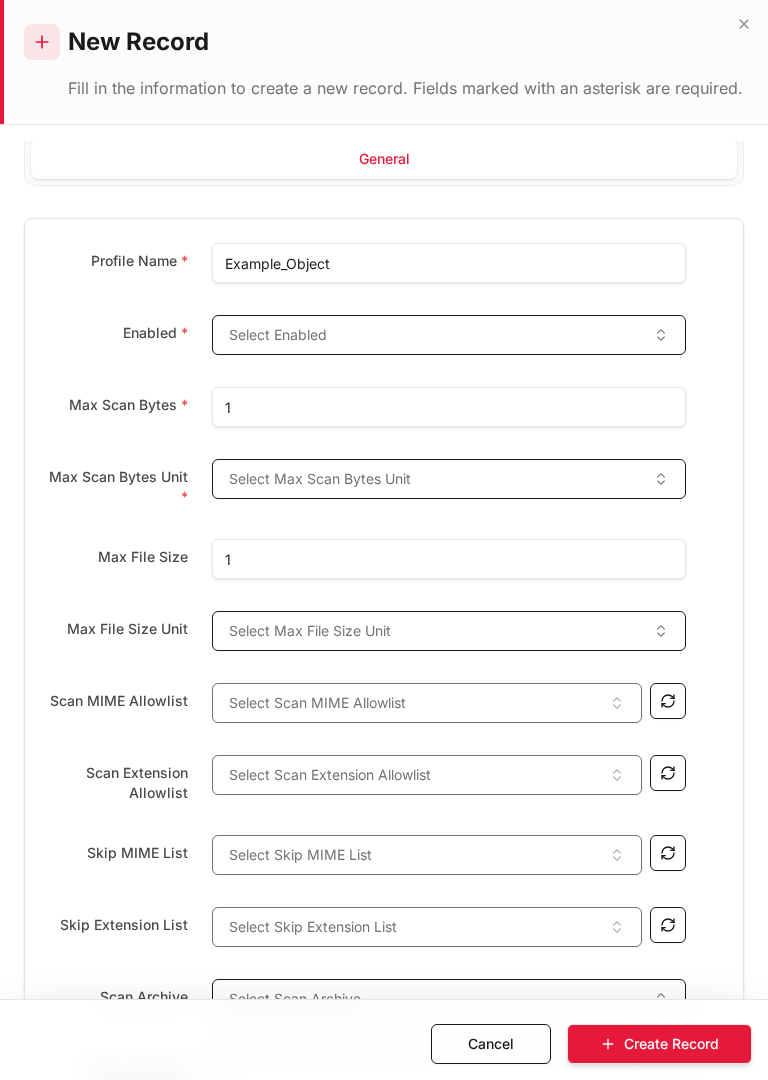
Same form filled with example data (do not save in production):
Edit form
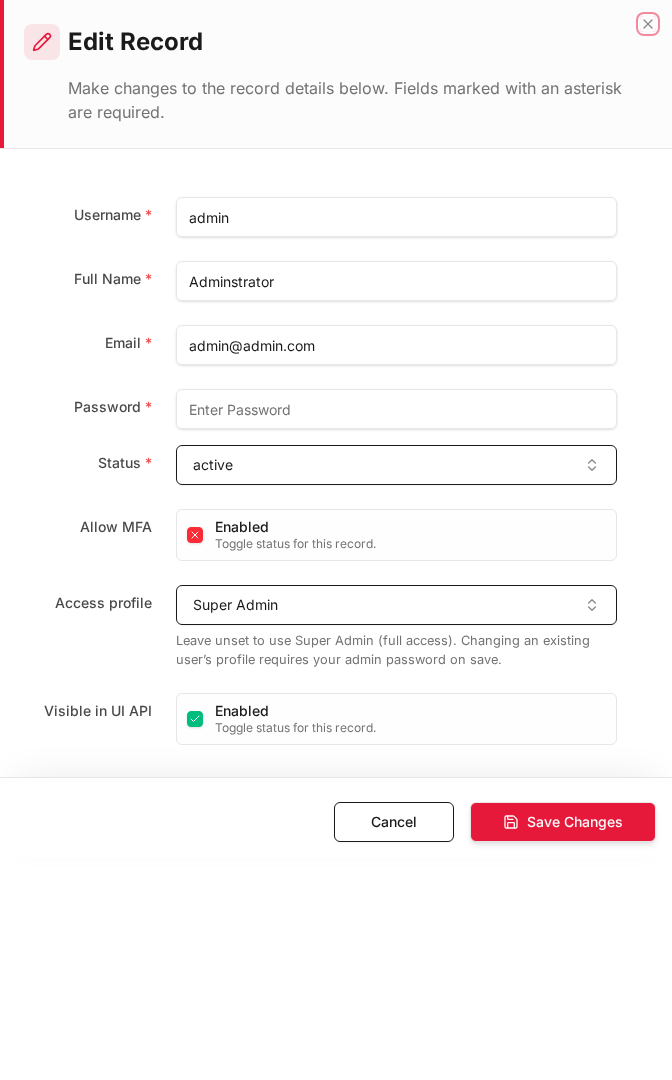
Existing record opened with Edit:
Form fields explained
Dialog title: New Record — Antivirus Profile
| Field | Required | Description | Example value |
|---|---|---|---|
| Profile Name | Yes | Name referenced in inline rules | Default_AV |
| Scan Mode | Yes | File scan aggressiveness | Full |
| Cloud AV | No | Query cloud reputation for unknown files | Enabled |
| Sandboxing | No | Detonate suspicious files in sandbox | Enabled |
| Action on detection | Yes | Block, alert, or allow with log | Block |
Technical background
Antivirus at the gateway
Gateway AV scans files and content in transit before they reach endpoints. TOORCE integrates file scanning, cloud AV lookup, and sandboxing for unknown files.
Scanning methods
| Method | Description |
|---|---|
| Signature-based | Matches known malware hashes and patterns |
| Cloud AV | Queries cloud reputation database for zero-day |
| Sandboxing | Executes suspicious files in isolated environment |
Security relevance
Gateway AV provides defense in depth — even if an endpoint lacks AV or is not patched, the firewall can block malware at the perimeter.
Available actions
- Administrators
- Local Users
- Access profiles
- Filter
- Export
- Refresh
- Add New
- Column Options
- Add Column
- View Details
- Edit
- Open menu
- Previous
- Next
Table columns
- ID Column Options
- USERNAME Column Options
- FULL NAME Column Options
- MFA Column Options
- STATUS Column Options
- More
- Add Column