Web Security
Navigation: Security Profiles
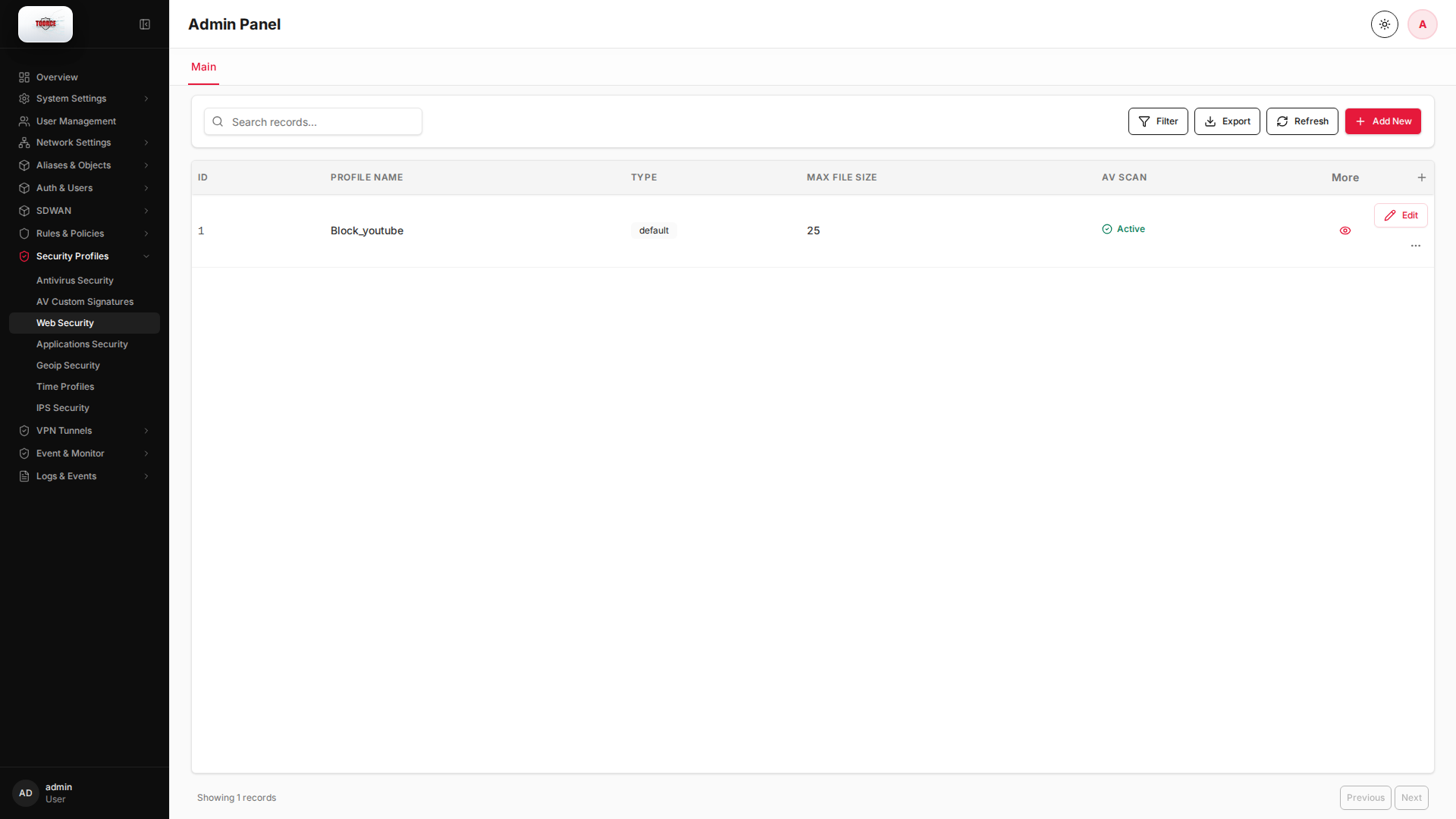
Configure and manage web security settings in the TOORCE Firewall admin panel.
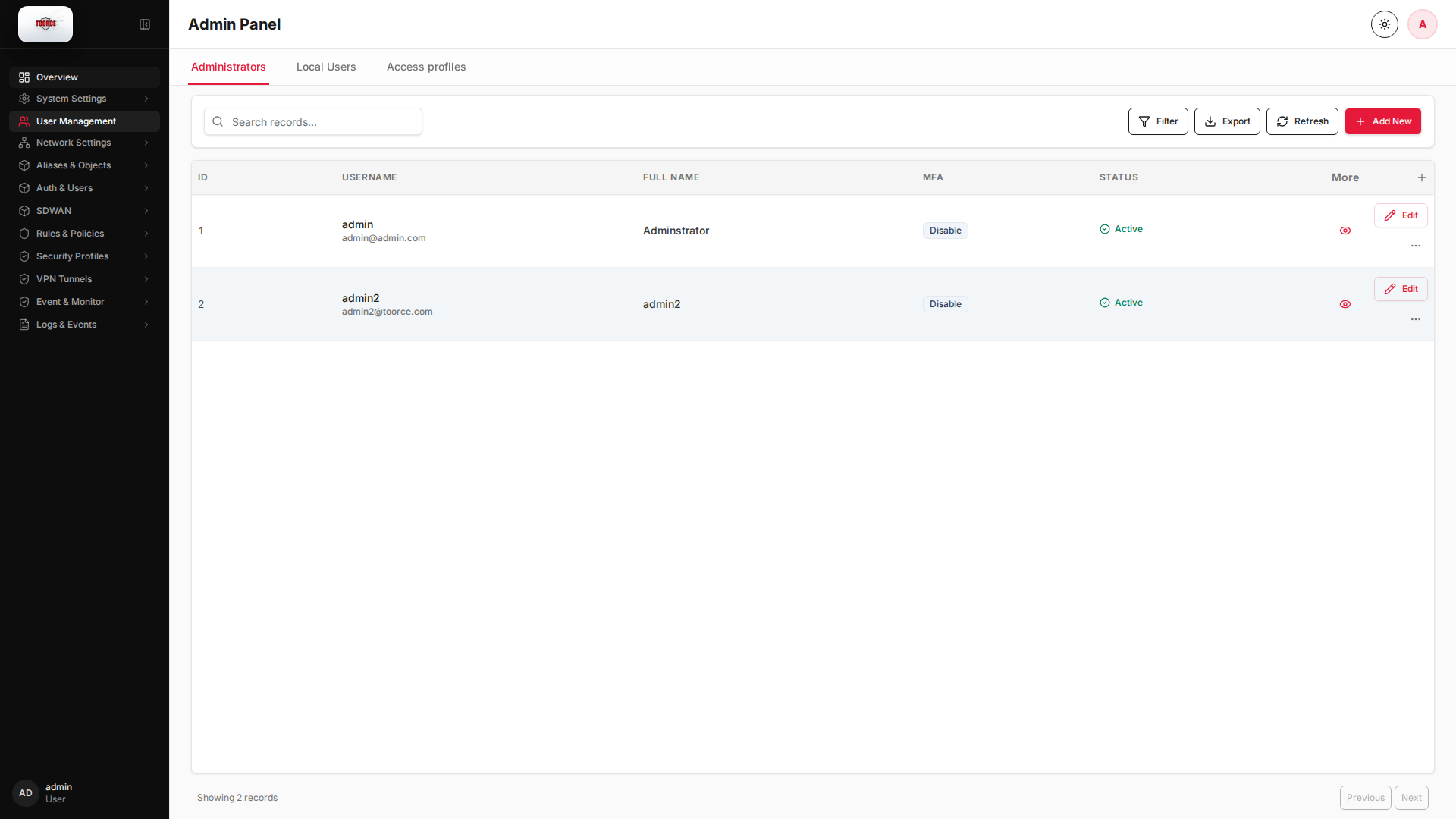
Add / Edit forms
Click + Add New to open the creation dialog, or Edit on an existing row to modify a record.
List view
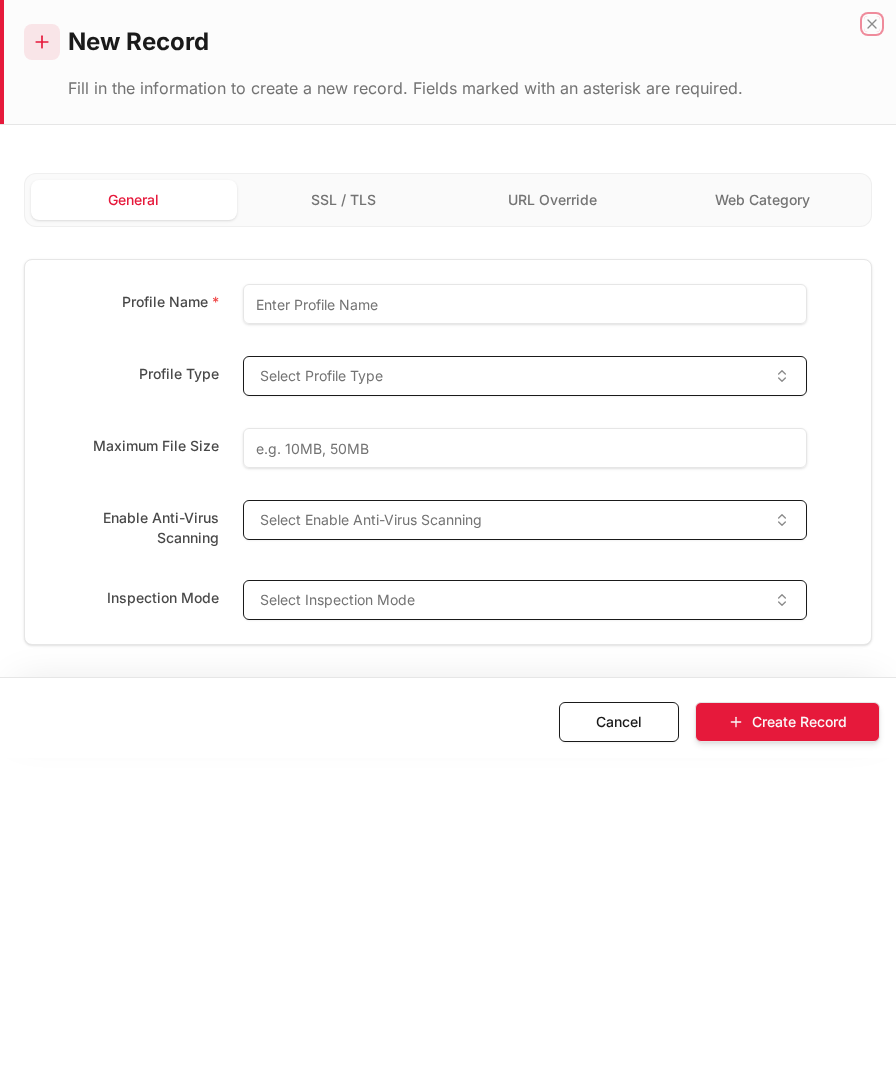
Add form
Empty form after clicking + Add New:
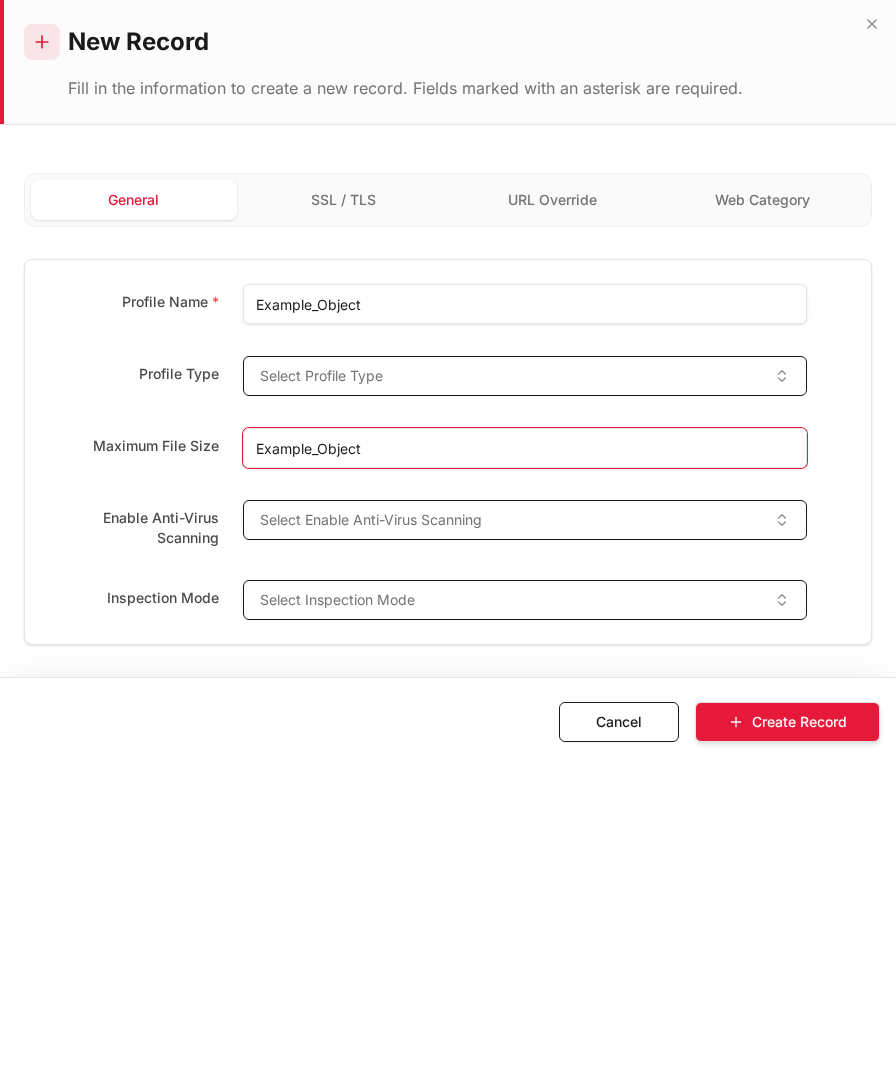
Same form filled with example data (do not save in production):
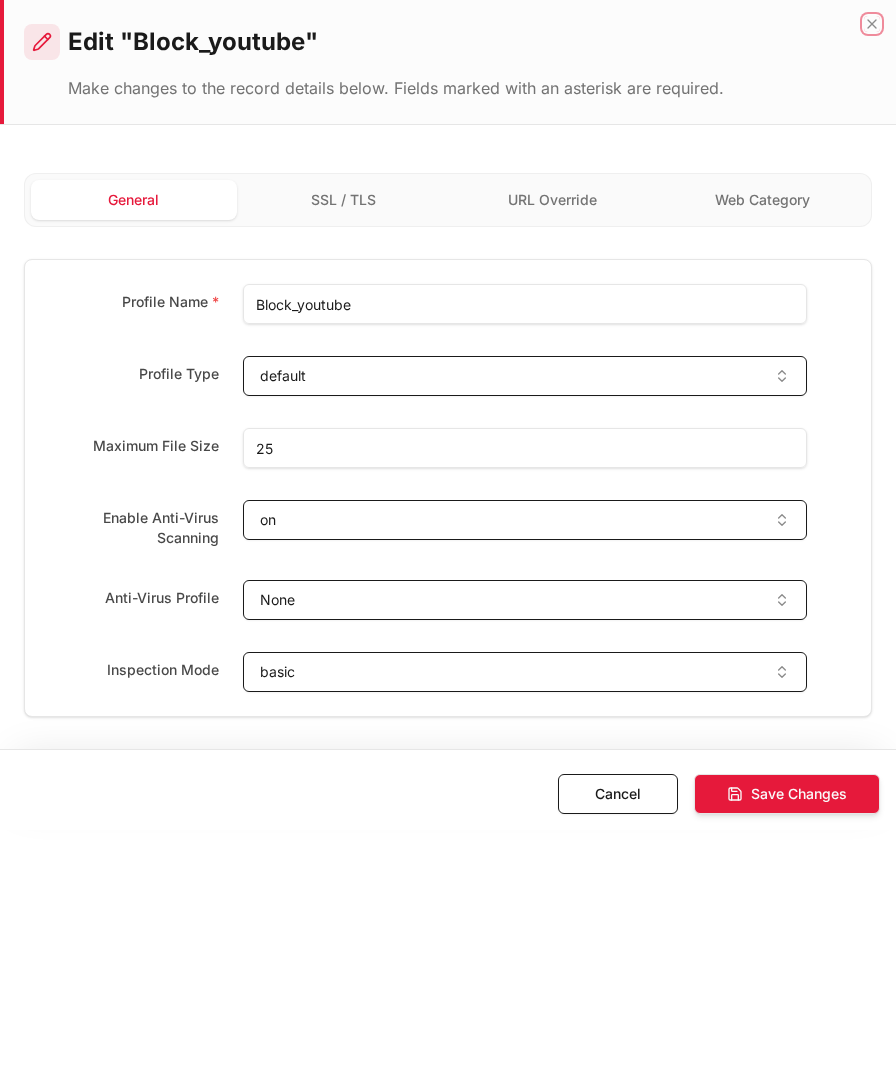
Edit form
Existing record opened with Edit:
Form fields explained
Dialog title: New Record — Web Security Profile
| Field | Required | Description | Example value |
|---|---|---|---|
| Profile Name | Yes | Name referenced in inline rules | Corporate_Web |
| URL Categories | Yes | Allowed/blocked category list | Block Malware, Adult |
| HTTPS Inspection | No | Decrypt TLS for URL filtering | Enabled |
| Safe Search | No | Enforce safe search on engines | Enabled |
Technical background
Web filtering / URL categorization
Web security profiles categorize URLs (business, social, malware, adult, etc.) and block or allow based on policy. TOORCE uses a URL Rating Server for real-time categorization.
Concepts
| Concept | Explanation |
|---|---|
| URL category | Predefined group (e.g. Social Networking, Malware) |
| HTTPS inspection | Decrypts TLS to inspect URL (requires proxy certificate) |
| Override rules | Per-URL exceptions to category blocks |
Security relevance
Web filtering prevents drive-by downloads, phishing, and data exfiltration via web upload. It is a core Secure Web Gateway (SWG) capability.
Available actions
- Administrators
- Local Users
- Access profiles
- Filter
- Export
- Refresh
- Add New
- Column Options
- Add Column
- View Details
- Edit
- Open menu
- Previous
- Next
Table columns
- ID Column Options
- USERNAME Column Options
- FULL NAME Column Options
- MFA Column Options
- STATUS Column Options
- More
- Add Column
Related topics
- DNS Security — name-level filtering and threat blocking before a browser session starts