Applications Security
Navigation: Security Profiles
Configure and manage applications security settings in the TOORCE Firewall admin panel.
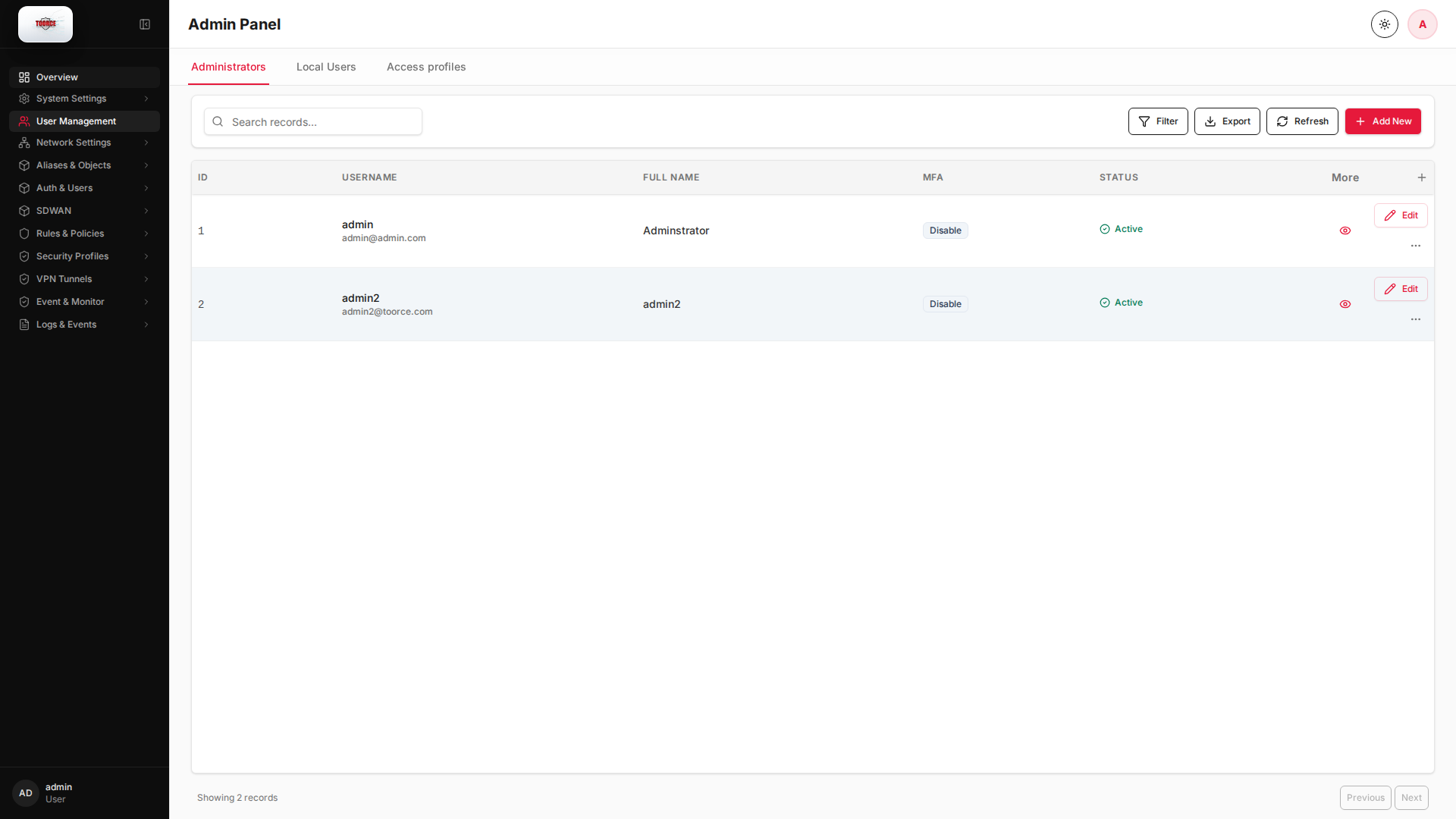
Add / Edit forms
Click + Add New to open the creation dialog, or Edit on an existing row to modify a record.
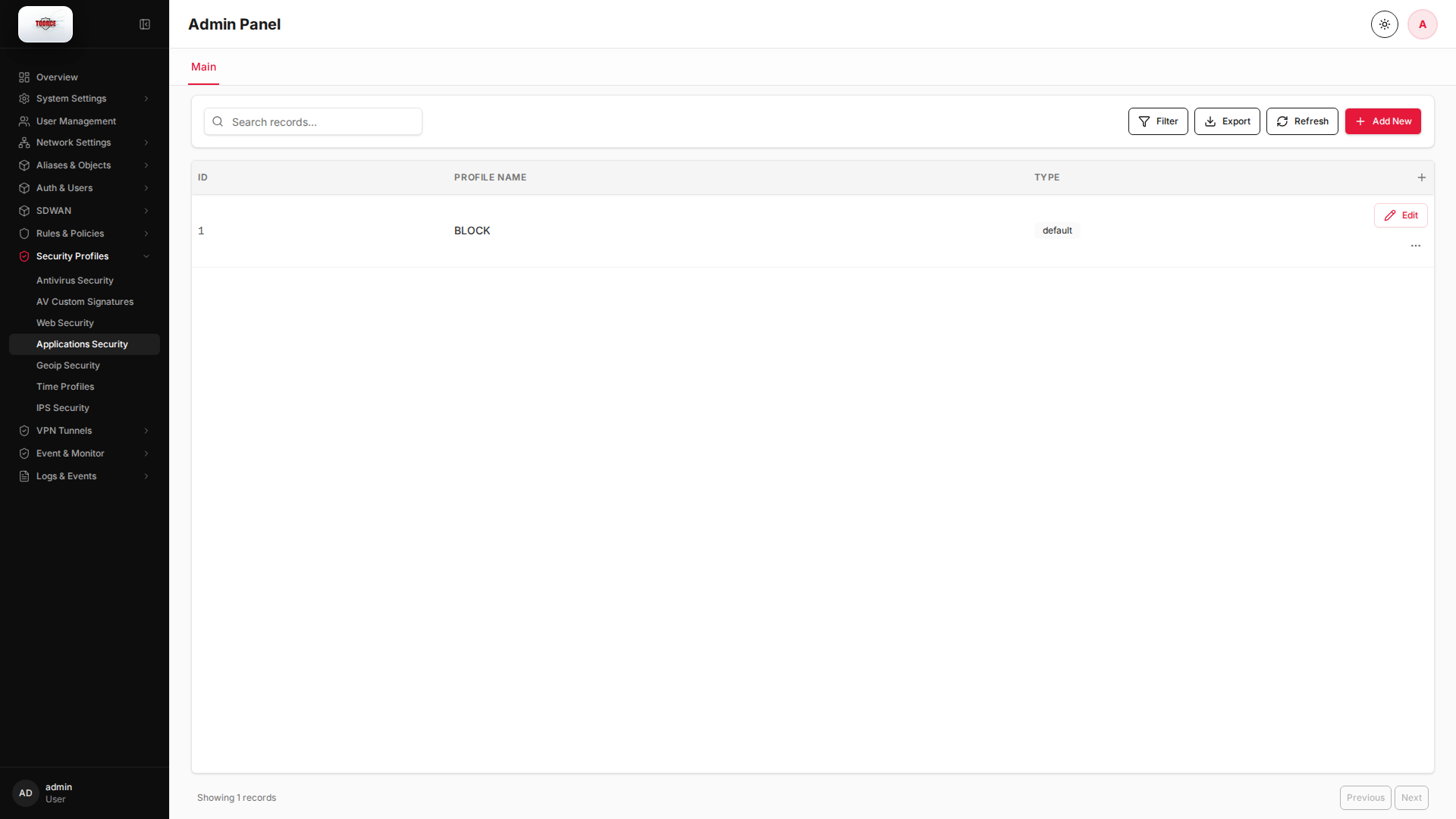
List view
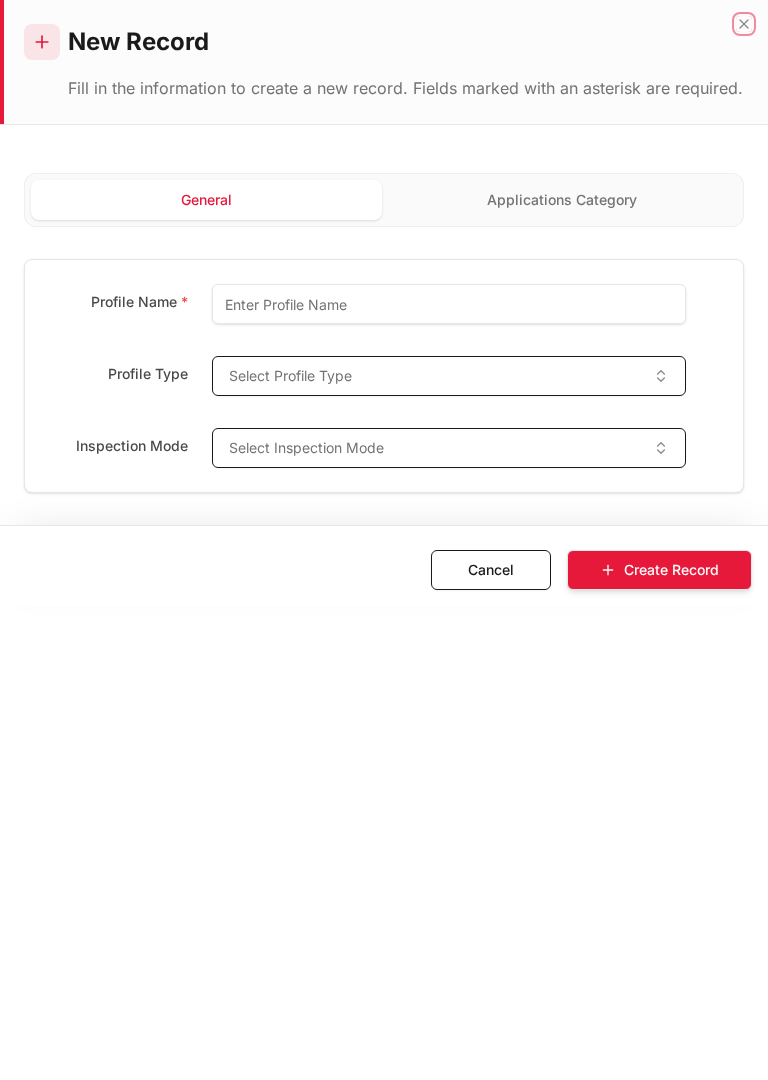
Add form
Empty form after clicking + Add New:
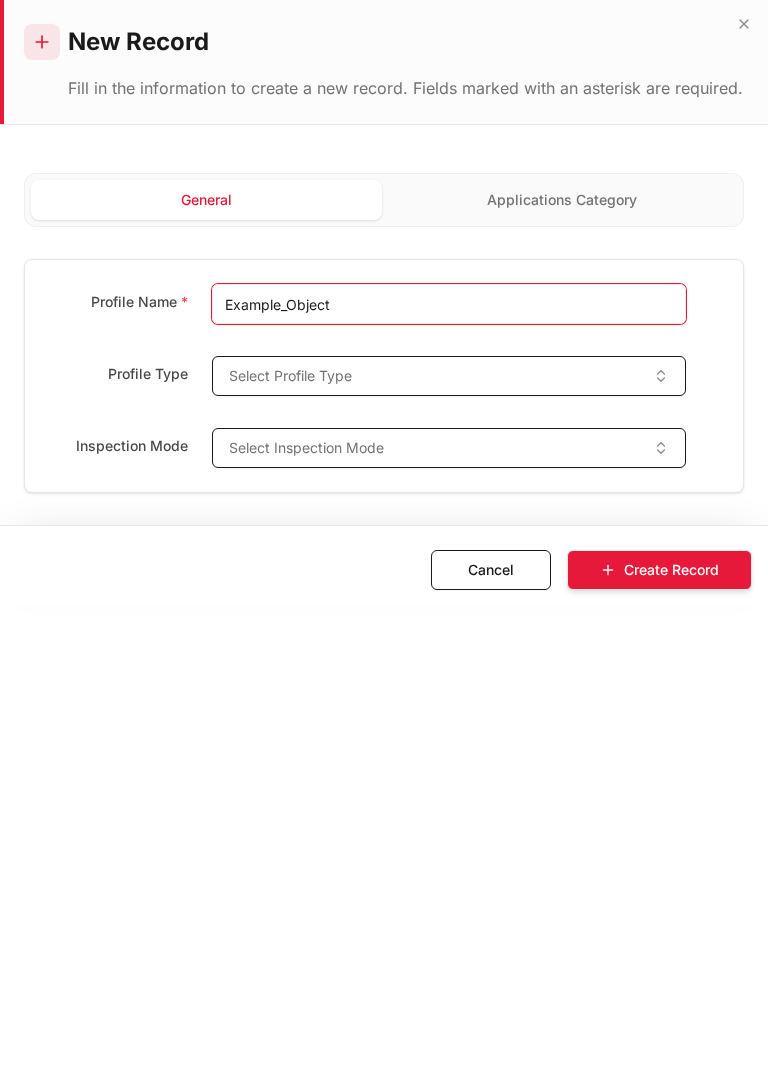
Same form filled with example data (do not save in production):
Edit form
Existing record opened with Edit:
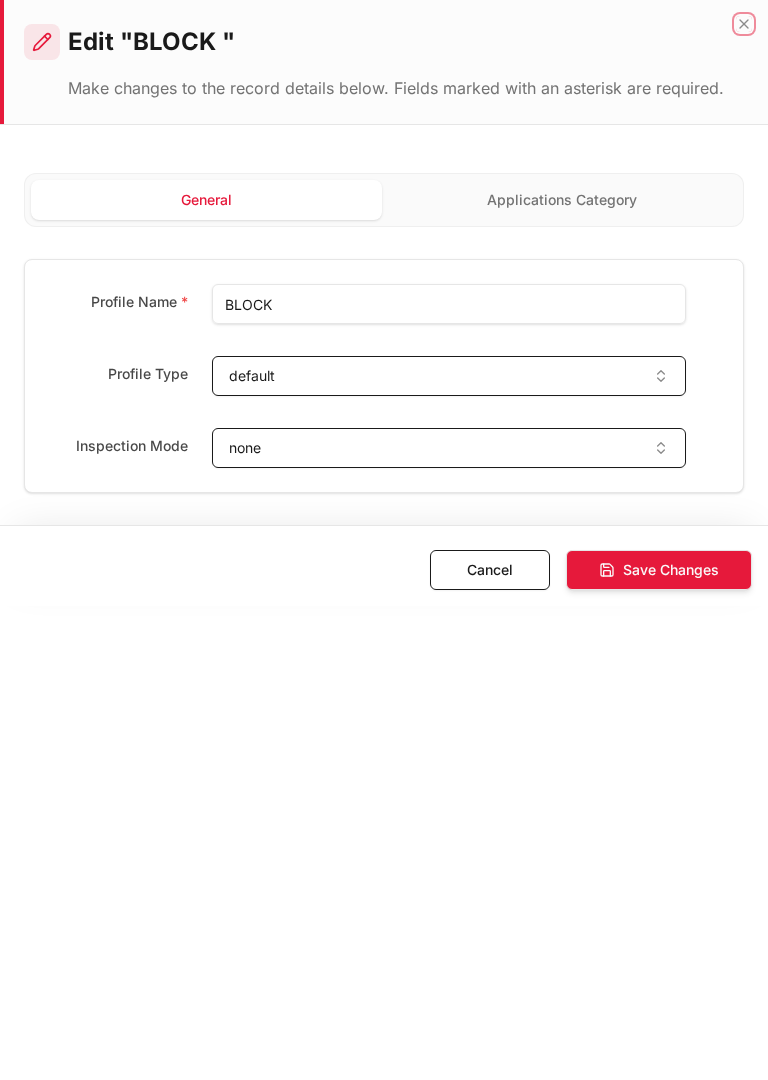
Form fields explained
Dialog title: New Record — Application Profile
| Field | Required | Description | Example value |
|---|---|---|---|
| Profile Name | Yes | Name referenced in inline rules | Block_P2P |
| Applications | Yes | DPI-identified apps to control | BitTorrent, Tor |
| Action | Yes | Allow, block, or limit bandwidth | Block |
Technical background
Application control (DPI)
Deep Packet Inspection (DPI) identifies applications (Facebook, BitTorrent, Skype) regardless of port. Apps can be blocked even if they use HTTPS or non-standard ports.
vs Port-based filtering
Port filtering only sees Layer 4. Application control sees Layer 7 content patterns, making it effective against evasive applications that use port 443 for non-HTTPS traffic.
Available actions
- Administrators
- Local Users
- Access profiles
- Filter
- Export
- Refresh
- Add New
- Column Options
- Add Column
- View Details
- Edit
- Open menu
- Previous
- Next
Table columns
- ID Column Options
- USERNAME Column Options
- FULL NAME Column Options
- MFA Column Options
- STATUS Column Options
- More
- Add Column