IPS Security
Navigation: Security Profiles
Configure and manage ips security settings in the TOORCE Firewall admin panel.
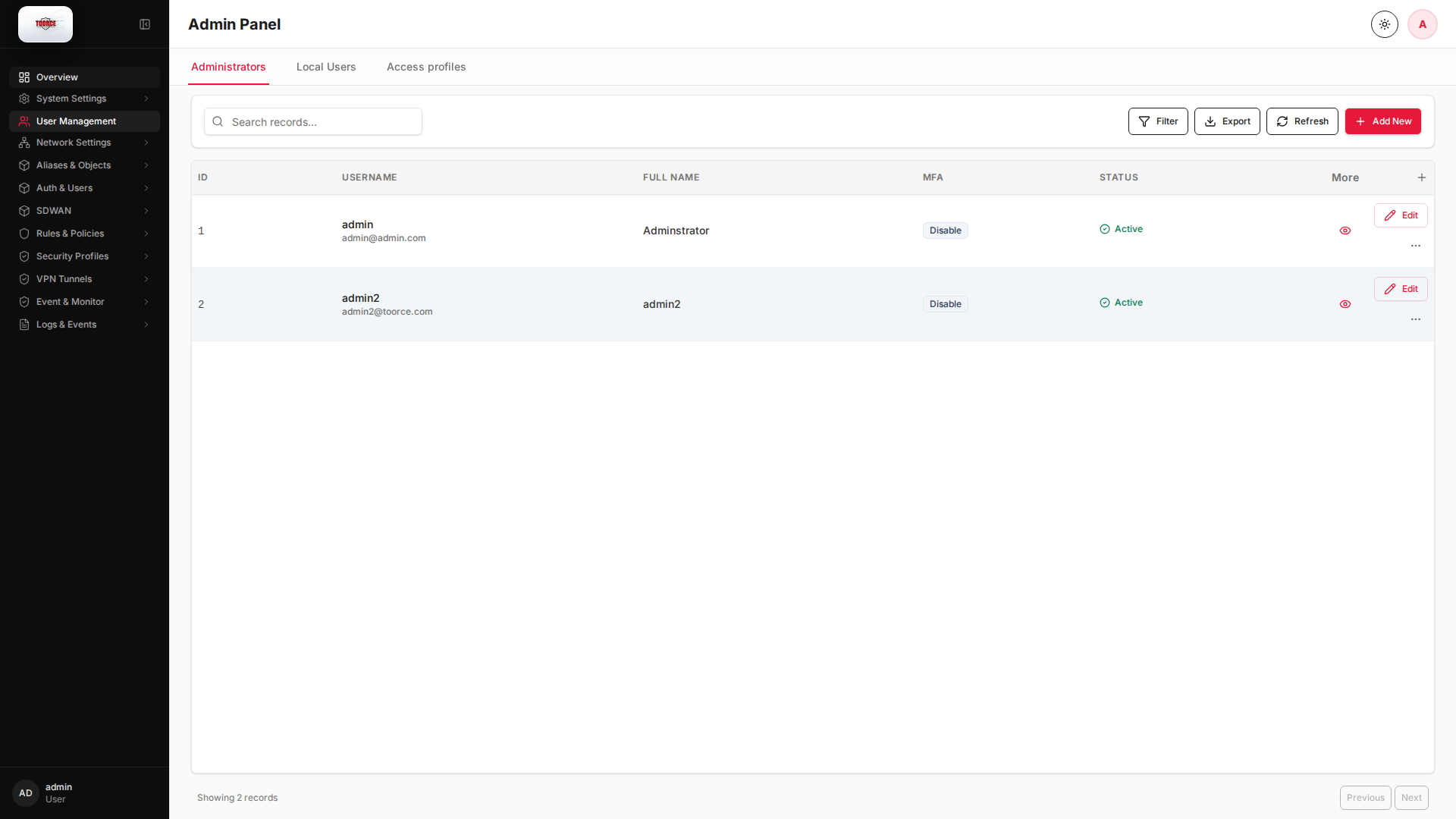
Add / Edit forms
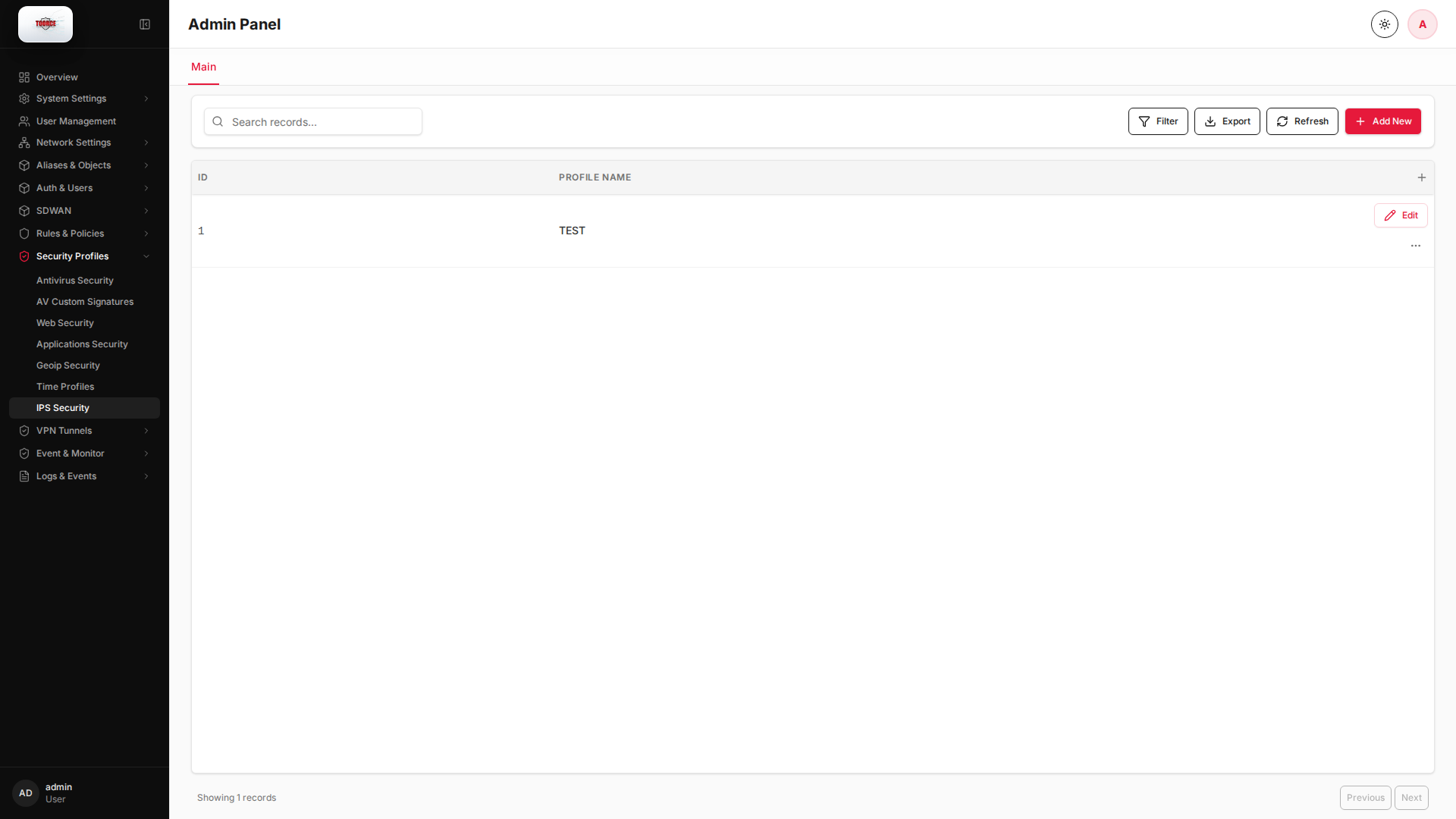
Click + Add New to open the creation dialog, or Edit on an existing row to modify a record.
List view
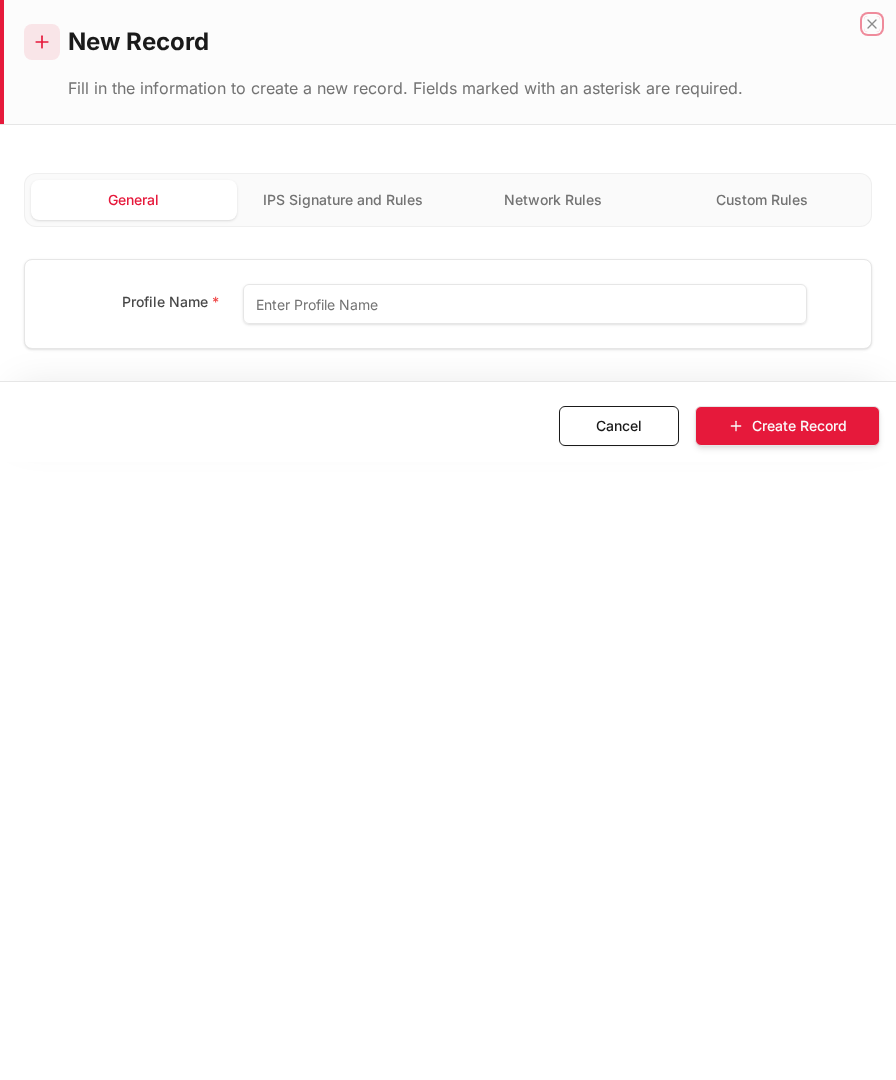
Add form
Empty form after clicking + Add New:
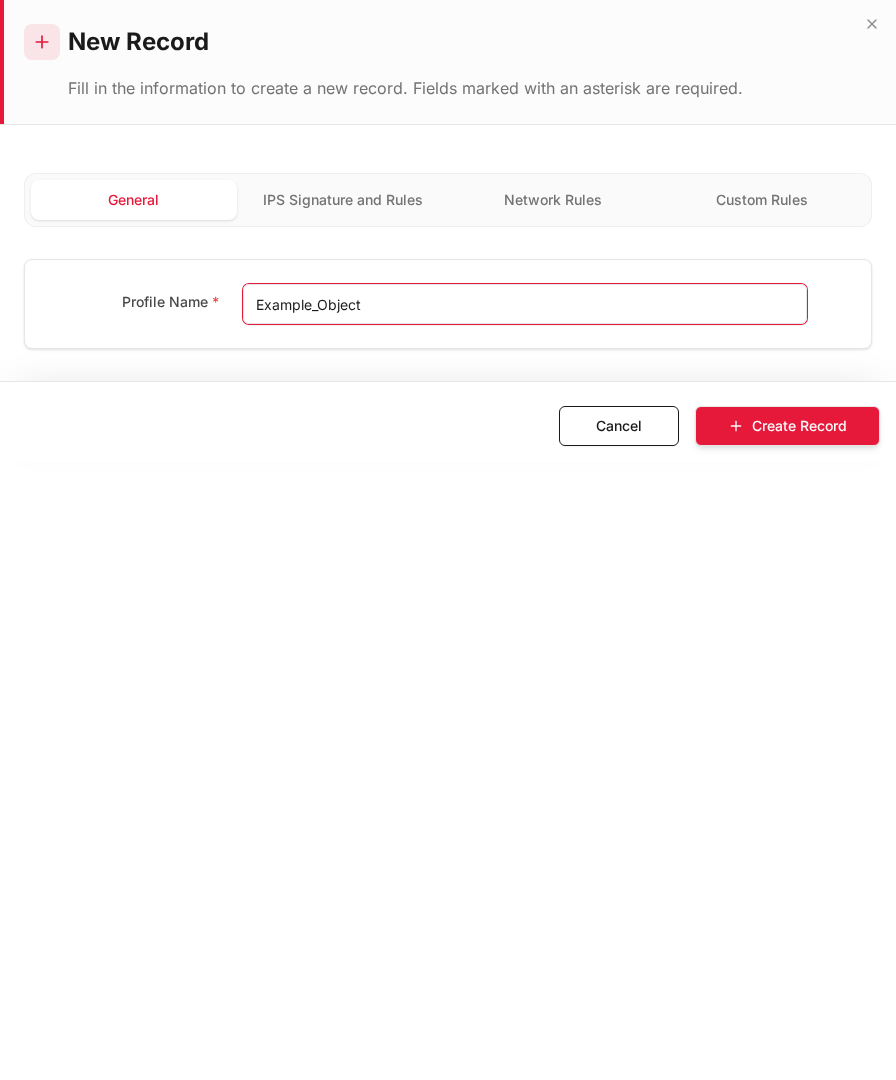
Same form filled with example data (do not save in production):
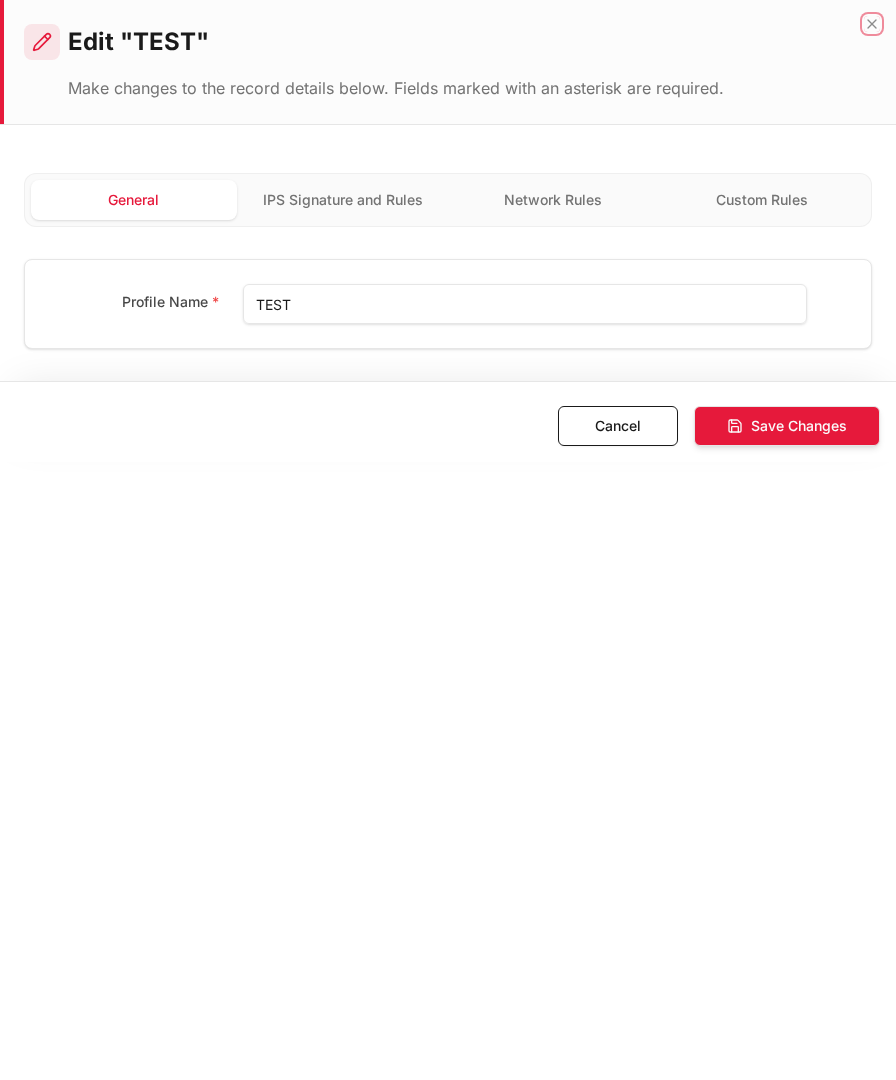
Edit form
Existing record opened with Edit:
Form fields explained
Dialog title: New Record — IPS Profile
| Field | Required | Description | Example value |
|---|---|---|---|
| Profile Name | Yes | Name referenced in inline rules | Default_IPS |
| Ruleset | Yes | Snort ruleset severity level | Balanced |
| Default Action | Yes | Alert, drop, or reject on match | Drop |
| Block offenders | No | Temporarily block repeat offenders | Enabled |
Technical background
Intrusion Prevention System (IPS)
IPS uses signature-based detection (Snort rules) to identify exploits, port scans, malware C2 traffic, and protocol anomalies in real time. TOORCE runs Snort on NFQUEUE for inline packet inspection.
IPS actions
| Action | Behavior |
|---|---|
| Alert | Log the event, allow traffic |
| Drop | Block the packet/connection |
| Reject | Block and send RST to both sides |
Signature identifiers
Each Snort rule has a GID (generator ID) and SID (signature ID). Custom rules can be added via AV Custom Signatures and IPS event rulesets.
Security relevance
IPS provides virtual patching — protecting vulnerable services (e.g. mail server on port 25) against known exploits before OS patches are applied.
Available actions
- Administrators
- Local Users
- Access profiles
- Filter
- Export
- Refresh
- Add New
- Column Options
- Add Column
- View Details
- Edit
- Open menu
- Previous
- Next
Table columns
- ID Column Options
- USERNAME Column Options
- FULL NAME Column Options
- MFA Column Options
- STATUS Column Options
- More
- Add Column