Local Users/Groups
Navigation: Auth & Users
Configure and manage local users/groups settings in the TOORCE Firewall admin panel.
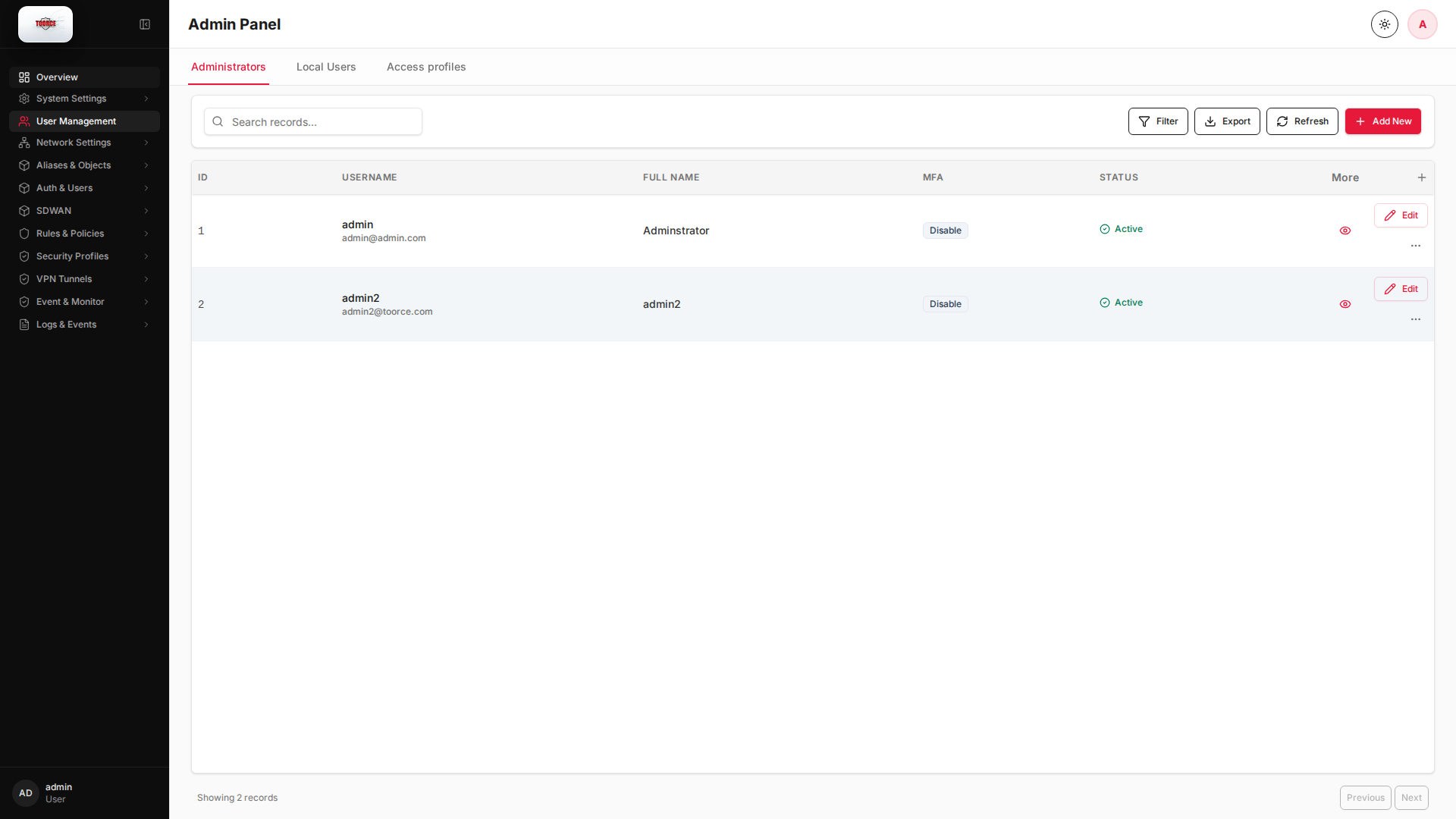
Add / Edit forms
Click + Add New to open the creation dialog, or Edit on an existing row to modify a record.
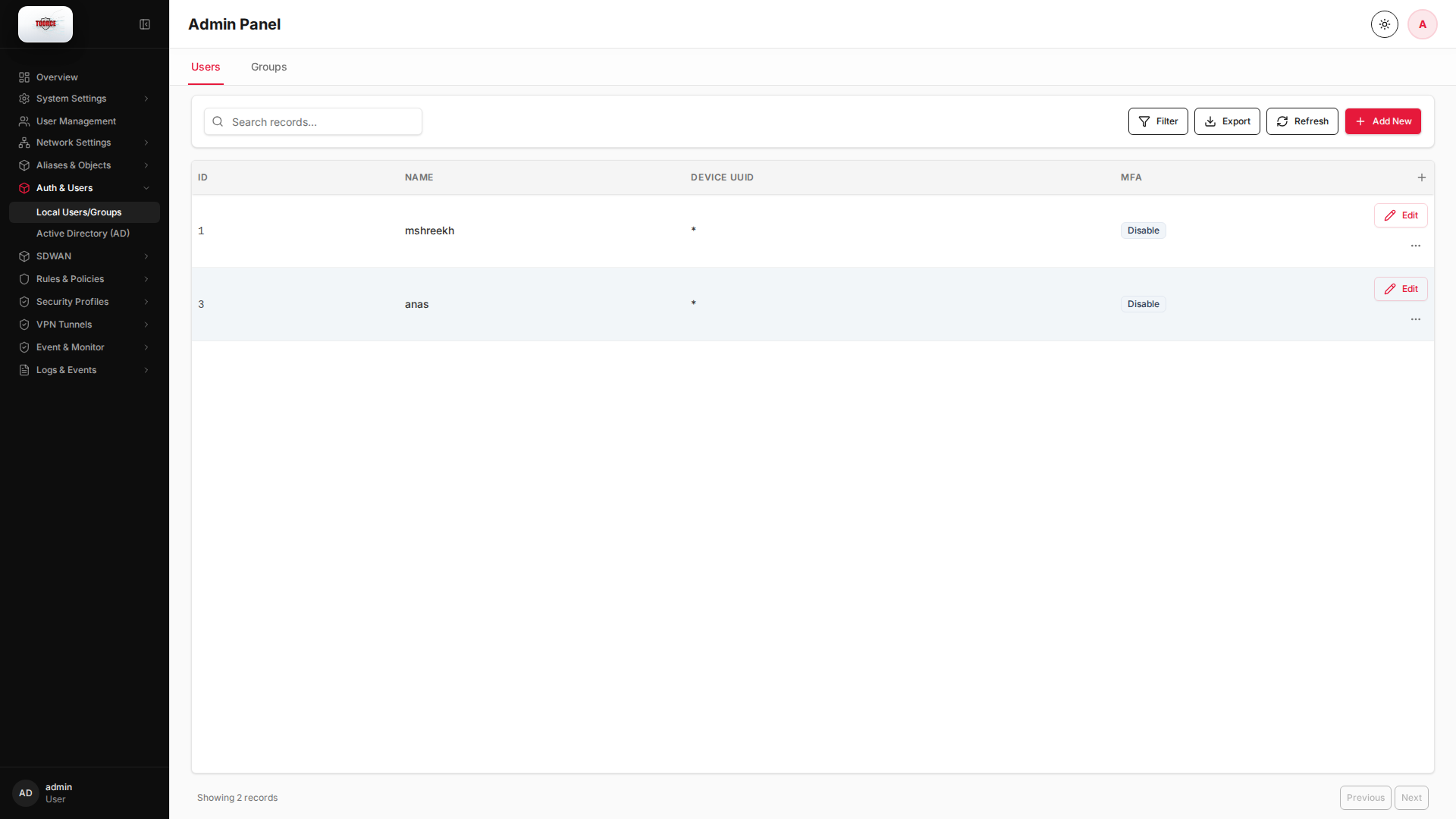
List view
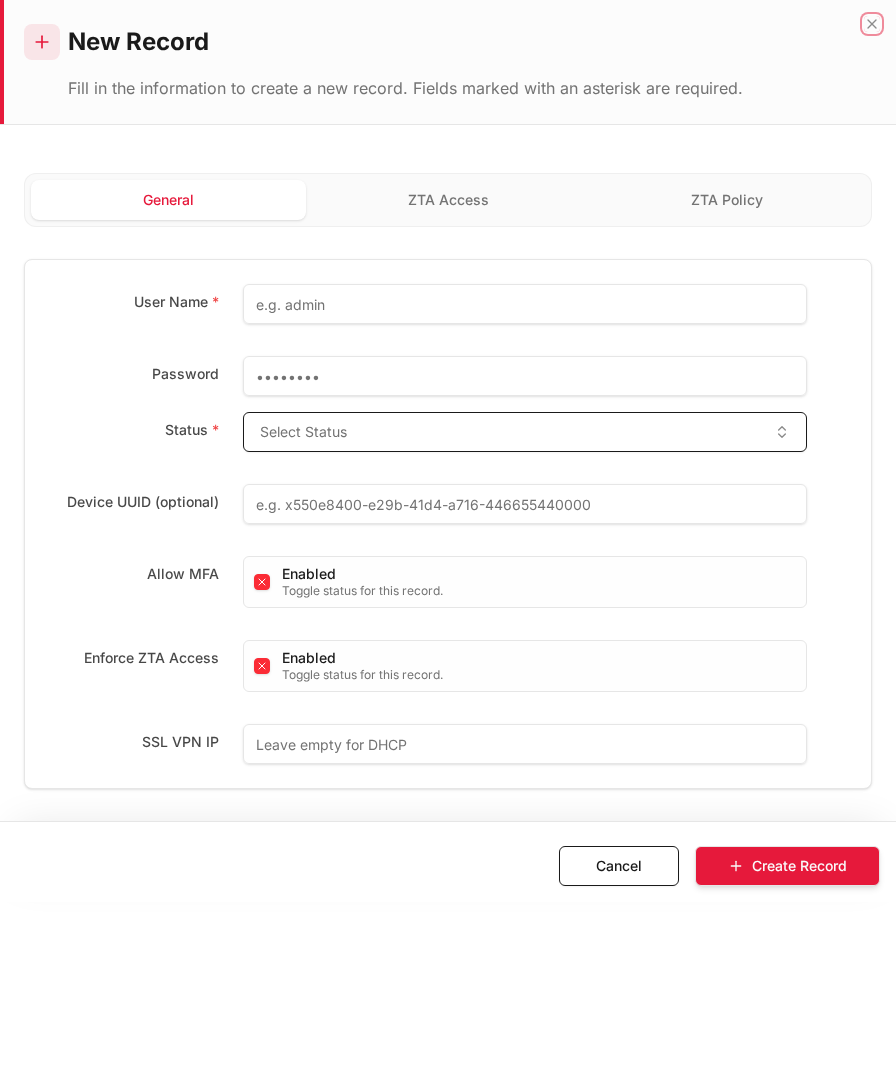
Add form
Empty form after clicking + Add New:
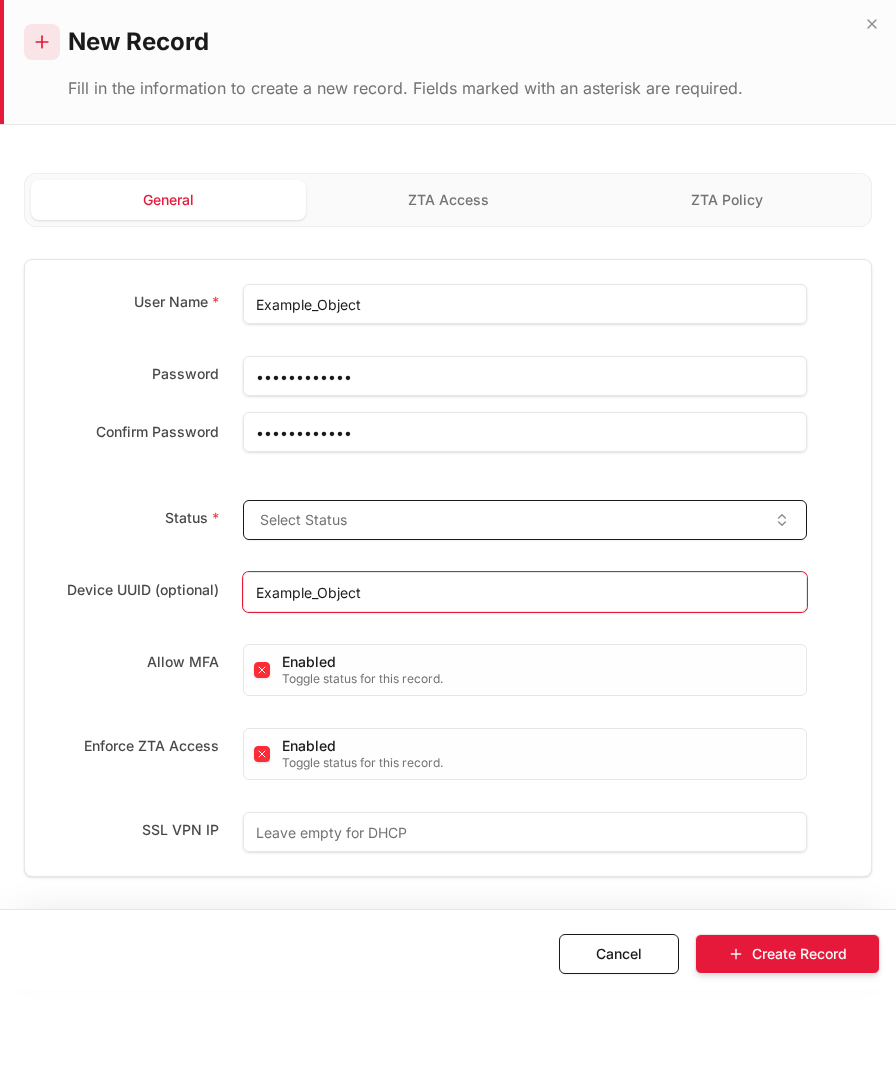
Same form filled with example data (do not save in production):
Edit form
Existing record opened with Edit:
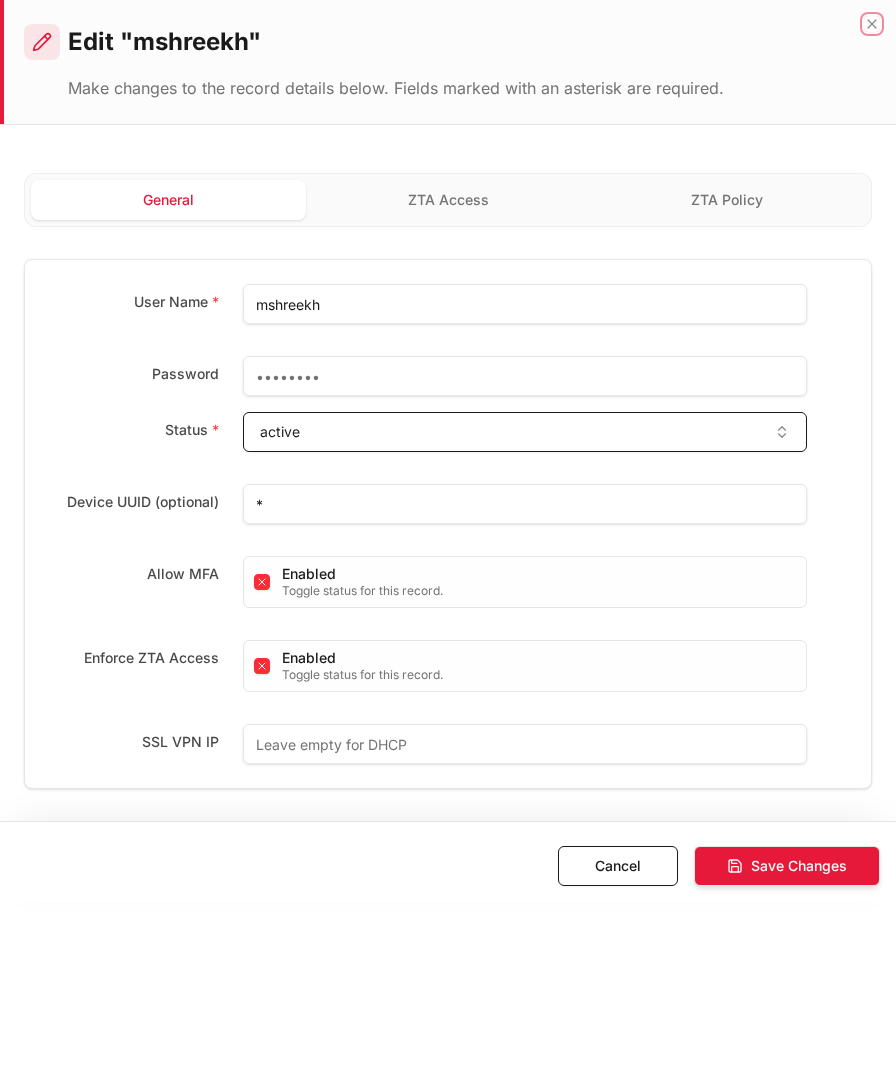
Form fields explained
Dialog title: New Record — Local User/Group
| Field | Required | Description | Example value |
|---|---|---|---|
| Name | Yes | Username or group name | vpn_users |
| Type | Yes | User or Group | Group |
| Password | No | Required for user type only | (secret) |
| Members | No | Users in this group | alice, bob |
| Status | Yes | Active or Inactive | Active |
Technical background
Local authentication
Local users are accounts stored on the firewall itself (not in Active Directory). Used for VPN, captive portal, and user-based firewall rules (Source Users field in inline rules).
Groups
Users are organized into groups for bulk policy assignment — e.g. vpn_users group allowed in SSL VPN, guests group rate-limited.
Available actions
- Administrators
- Local Users
- Access profiles
- Filter
- Export
- Refresh
- Add New
- Column Options
- Add Column
- View Details
- Edit
- Open menu
- Previous
- Next
Table columns
- ID Column Options
- USERNAME Column Options
- FULL NAME Column Options
- MFA Column Options
- STATUS Column Options
- More
- Add Column