TOORCE WAF — Administrator Guide
Welcome to the TOORCE Web Application Firewall administration guide. This documentation covers all areas of the web-based admin panel accessible at your WAF management URL (default: https://<waf-ip>:10443).
Getting started
Sign in
- Open the admin panel URL in your browser (e.g.
https://192.168.100.111:10443/login). - Enter your Username and Password.
- Click Sign In.
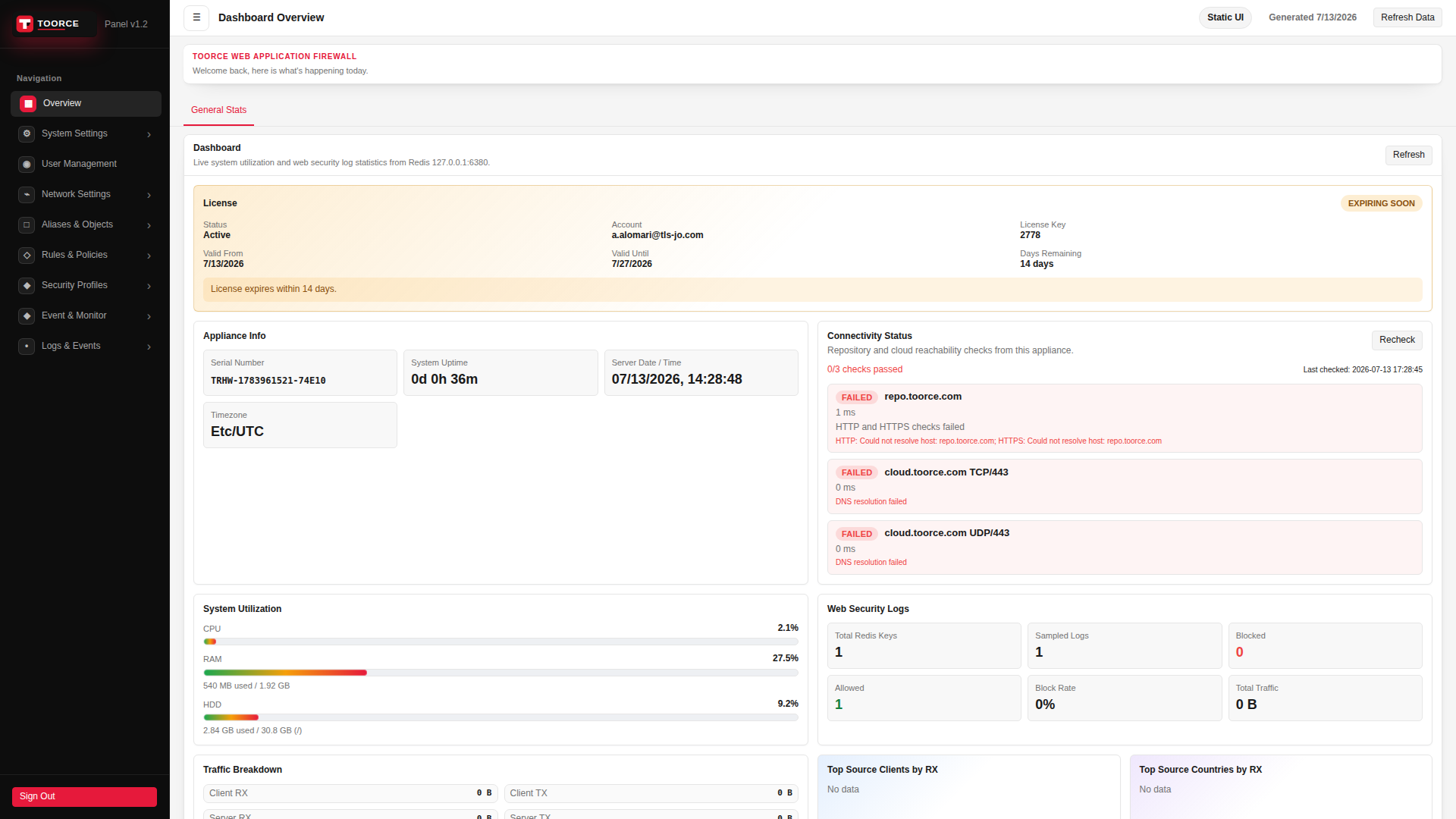
Admin panel layout
The interface consists of:
- Sidebar navigation (left) — main configuration areas
- Content area (center) — settings, tables, and dashboards
- Header (top) — refresh and page actions
Guide sections
- Overview
- System Settings
- User Management
- Network Settings
- Aliases & Objects
- Rules & Policies
- Security Profiles
- Event & Monitor
- Logs & Events
Reference
This guide was generated from the TOORCE WAF web interface (Admin Panel v1.2).
Captured from
- Appliance: TOORCE WAF (192.168.100.111:10443)
- Product: TOORCE Web Application Firewall
© TOORCE WAF