Proxy Certificate
Navigation: Rules & Policies
Configure and manage proxy certificate settings in the TOORCE Firewall admin panel.
Add / Edit forms
Click + Add New to open the creation dialog, or Edit on an existing row to modify a record.
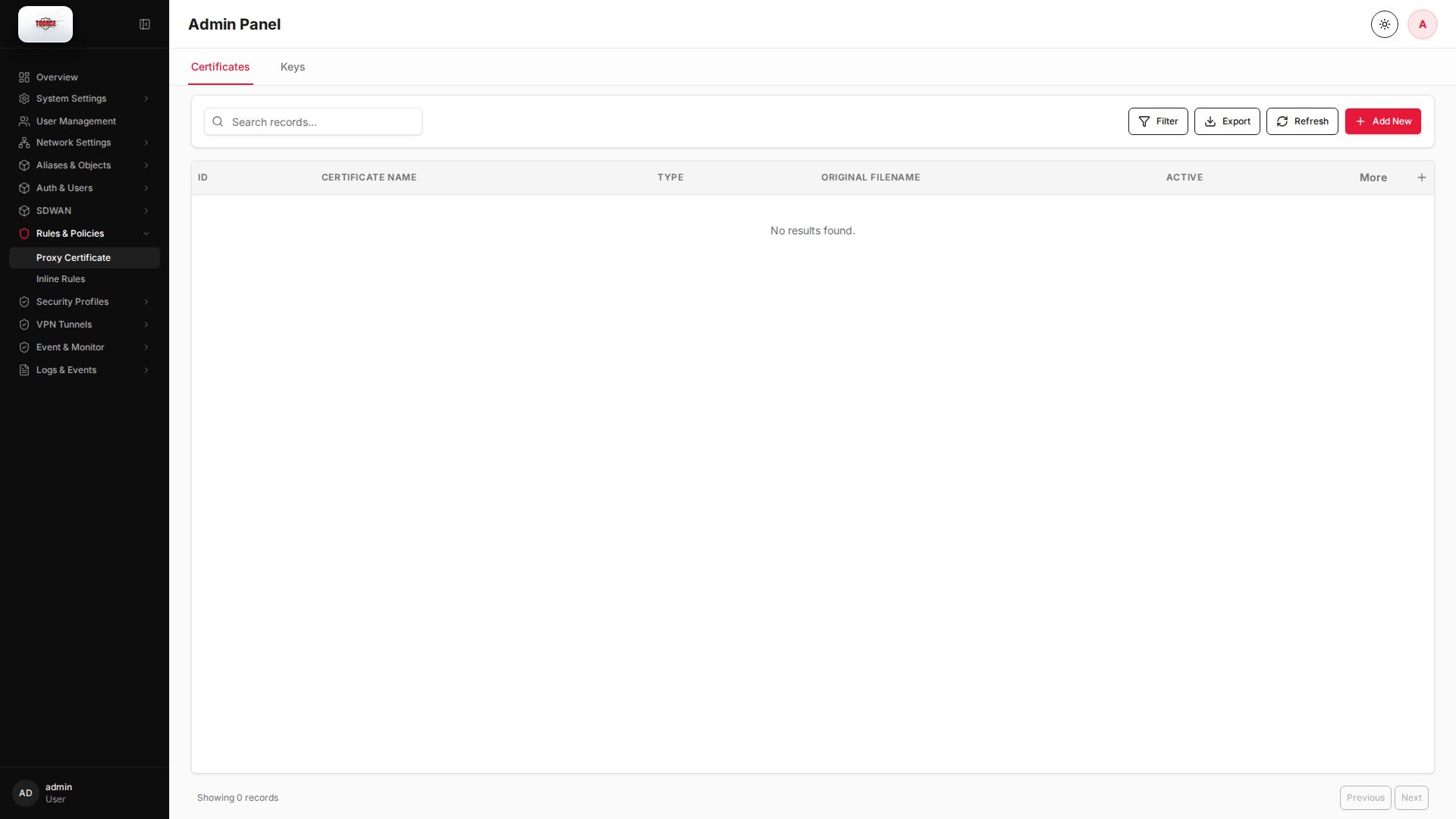
List view
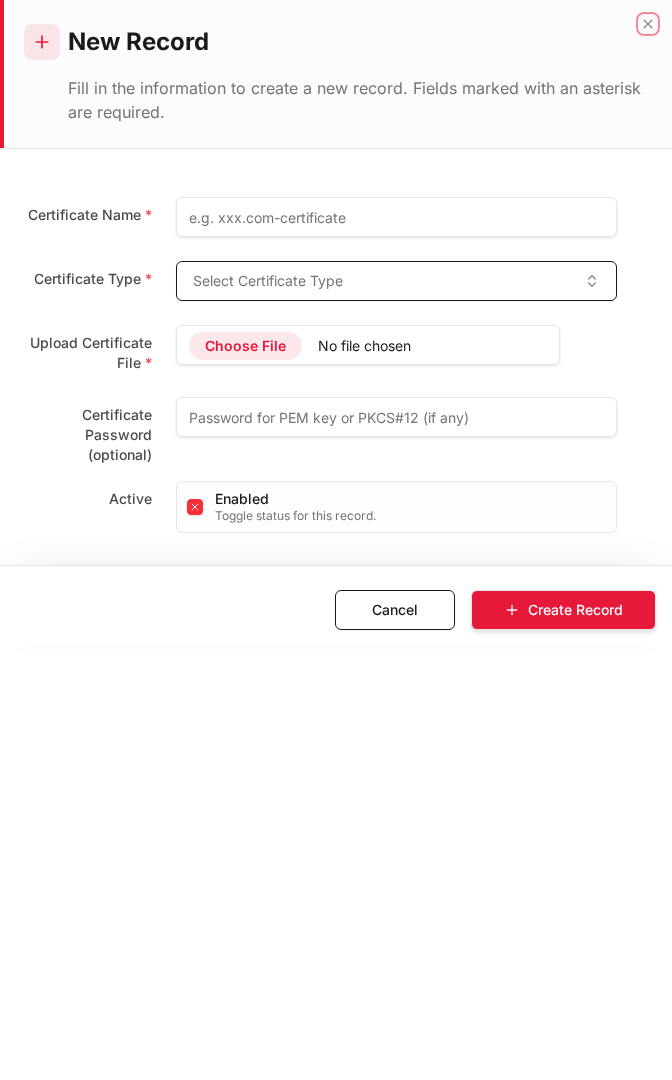
Add form
Empty form after clicking + Add New:
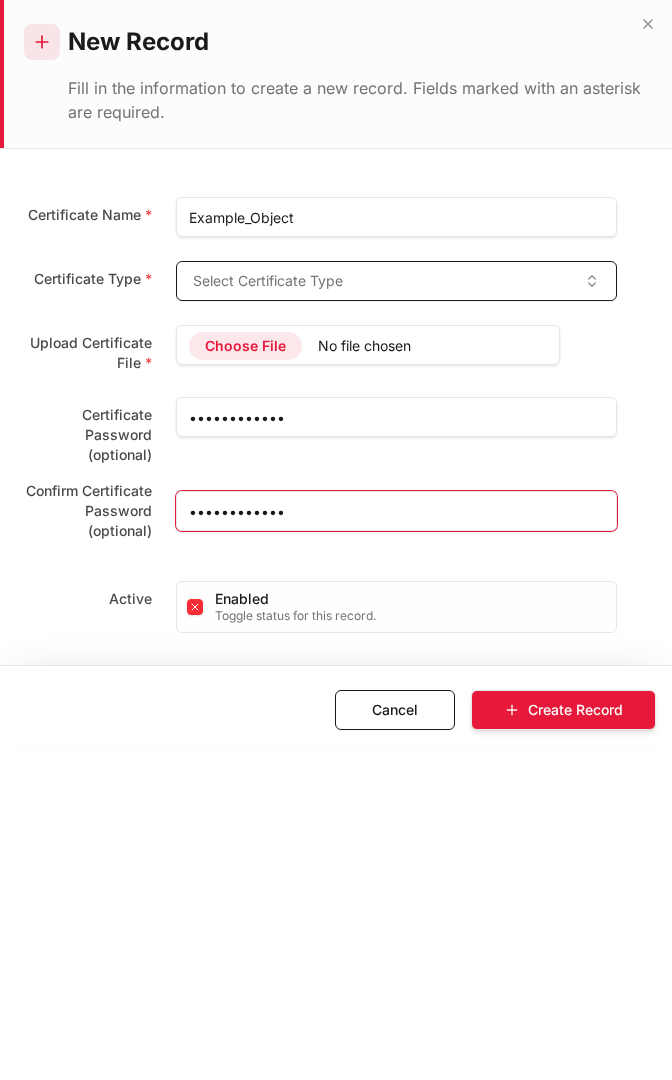
Same form filled with example data (do not save in production):
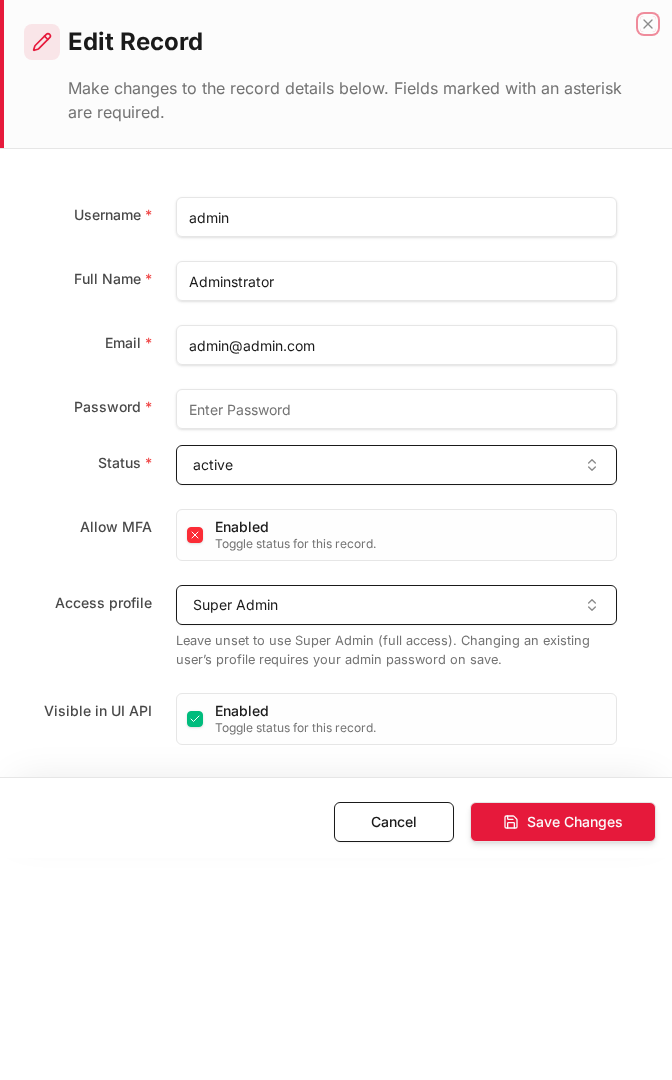
Edit form
Existing record opened with Edit:
Form fields explained
Dialog title: New Record — Proxy Certificate
| Field | Required | Description | Example value |
|---|---|---|---|
| Certificate Name | Yes | Label for this CA/certificate | TOORCE_Proxy_CA |
| Certificate Type | Yes | CA, Server, or Client certificate | CA |
| Common Name (CN) | Yes | Subject CN for the certificate | TOORCE-FW-01 |
| Validity (days) | No | Certificate lifetime | 3650 |
| Status | Yes | Active or Inactive | Active |
Technical background
HTTPS inspection certificates
Proxy certificates enable the firewall to decrypt HTTPS traffic for URL filtering and malware scanning. A local CA certificate must be installed on client browsers to avoid certificate warnings.
Deployment
Export the CA from this page and deploy via GPO (Windows) or MDM (mobile) so clients trust the firewall as a signing authority for inspected sessions.
Available actions
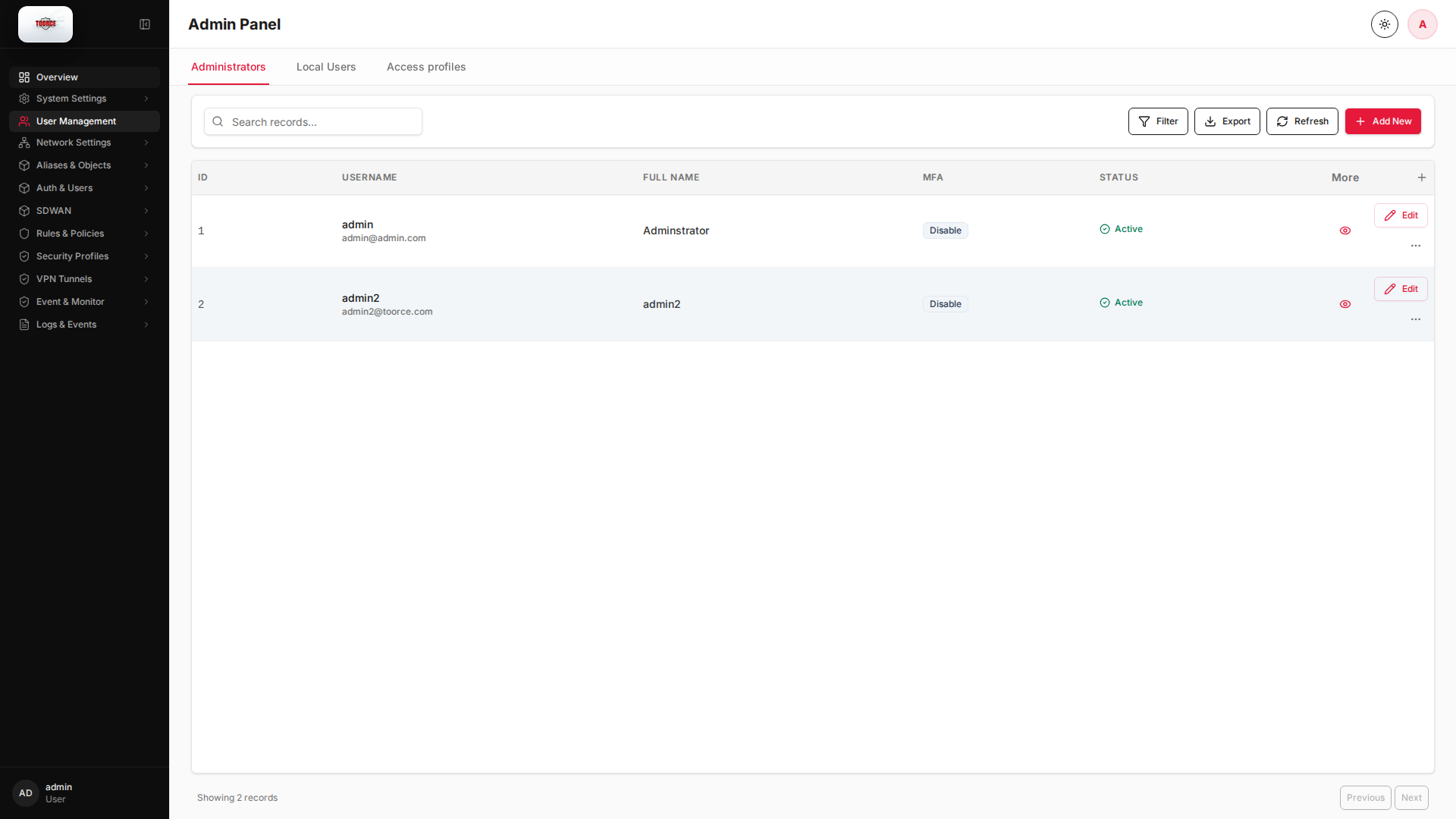
- Administrators
- Local Users
- Access profiles
- Filter
- Export
- Refresh
- Add New
- Column Options
- Add Column
- View Details
- Edit
- Open menu
- Previous
- Next
Table columns
- ID Column Options
- USERNAME Column Options
- FULL NAME Column Options
- MFA Column Options
- STATUS Column Options
- More
- Add Column