Web Security
Navigation: Security Profiles
Static schema from generated uiapi metadata.
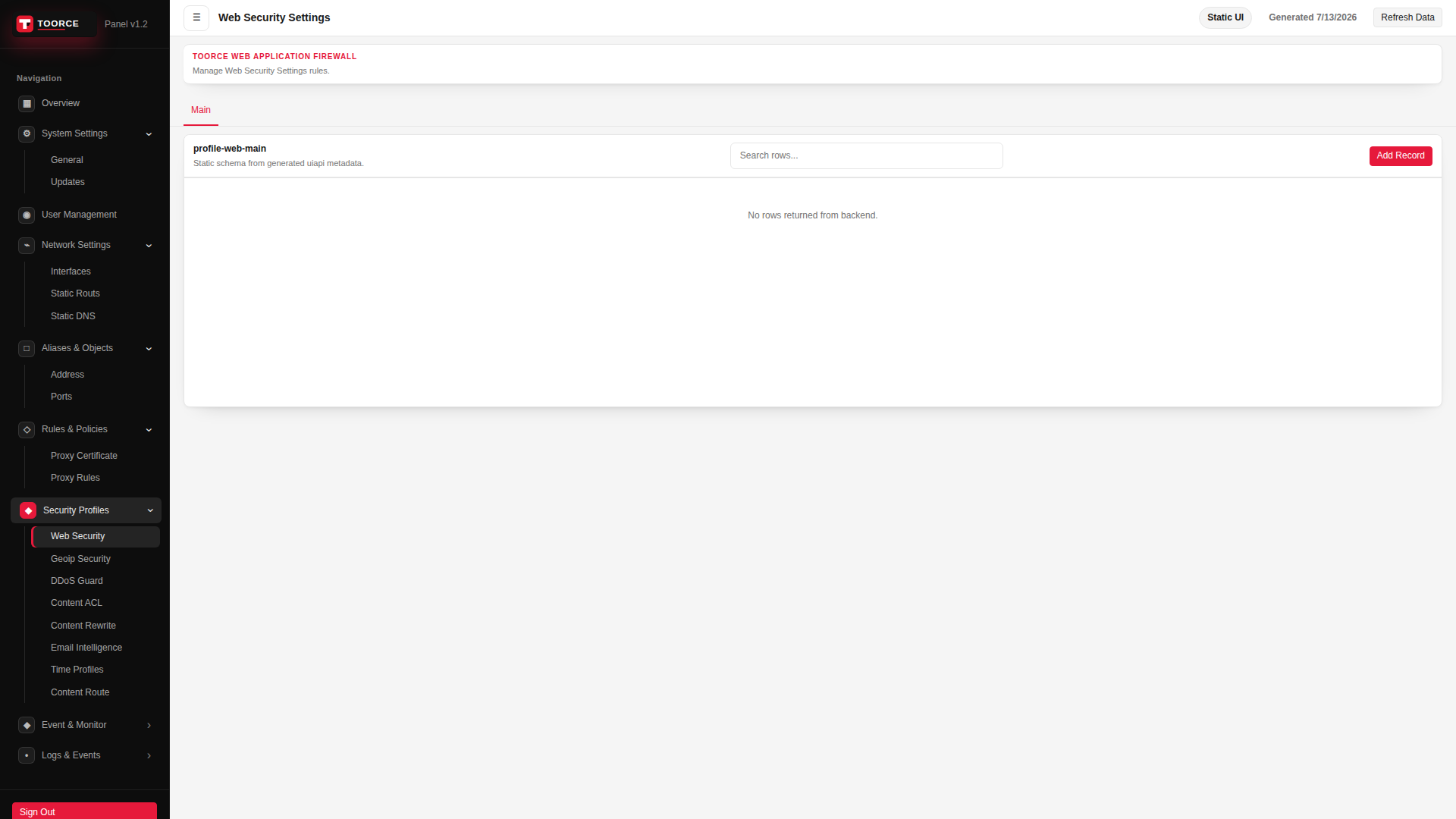
Add / Edit forms
Click + Add New to open the creation dialog, or Edit on an existing row to modify a record.
List view
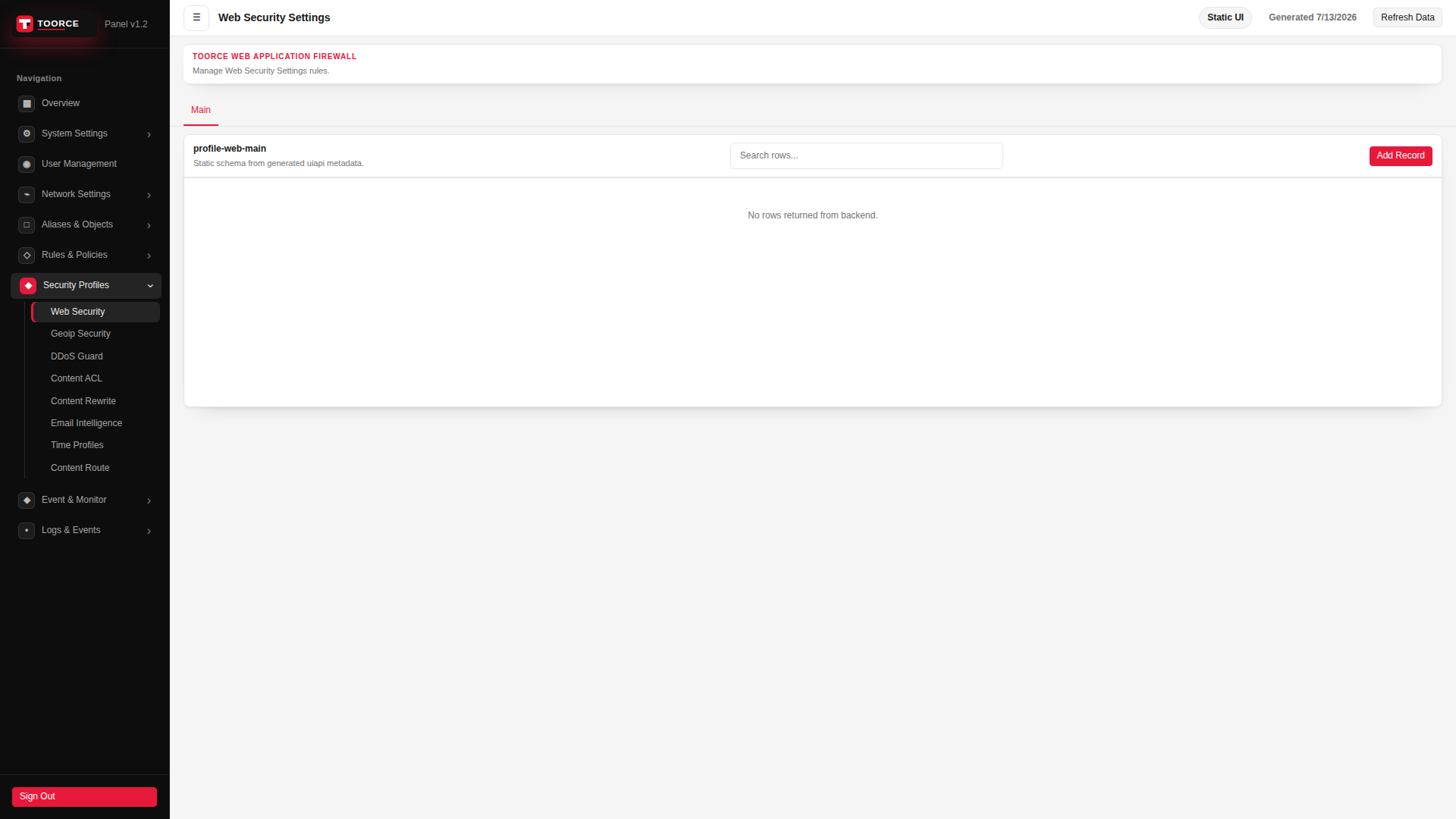
Add form — all tabs
The add dialog contains 4 tabs. Example values in the filled screenshots are for documentation only — do not save them on a production appliance.
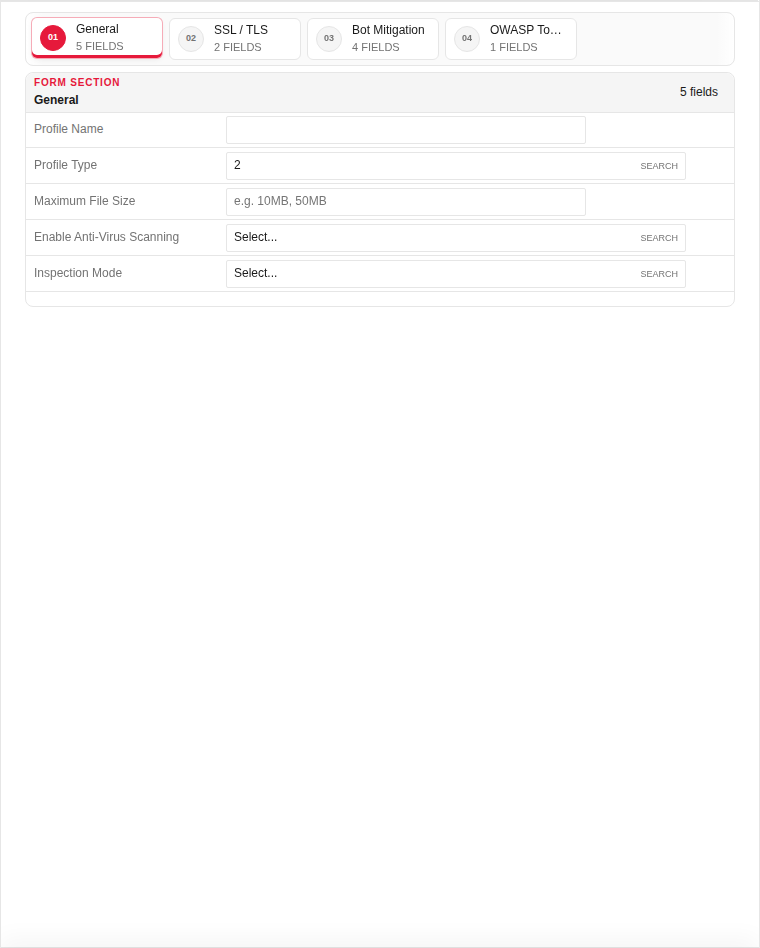
General
| Field | Required | Description | Example | Why this data is needed |
|---|---|---|---|---|
| Profile Name | Yes | Unique name attached to proxy rules. | Corporate_Web |
Required — proxy rules reference this profile by name. |
| Profile Type | Yes | Detection sensitivity preset. | Standard |
Required — controls false-positive vs detection trade-off. |
| Maximum File Size | No | Largest upload the WAF will scan. | 10MB |
Prevents memory exhaustion from oversized uploads. |
| Enable Anti-Virus Scanning | No | Scan uploaded files for malware. | Enabled |
Recommended when users can upload files through the app. |
| Inspection Mode | Yes | Block, detect-only, or passive log. | Block |
Required — Block stops attacks; Detect-only logs without blocking. |
Empty:
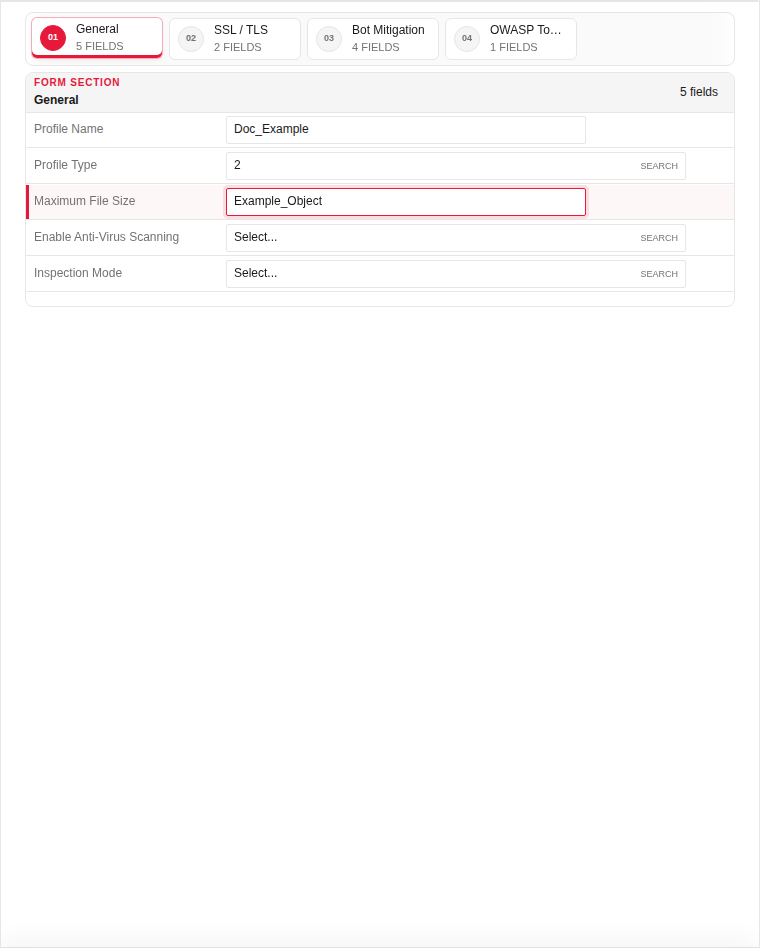
Filled with example data (for illustration — shows why each field needs a value):
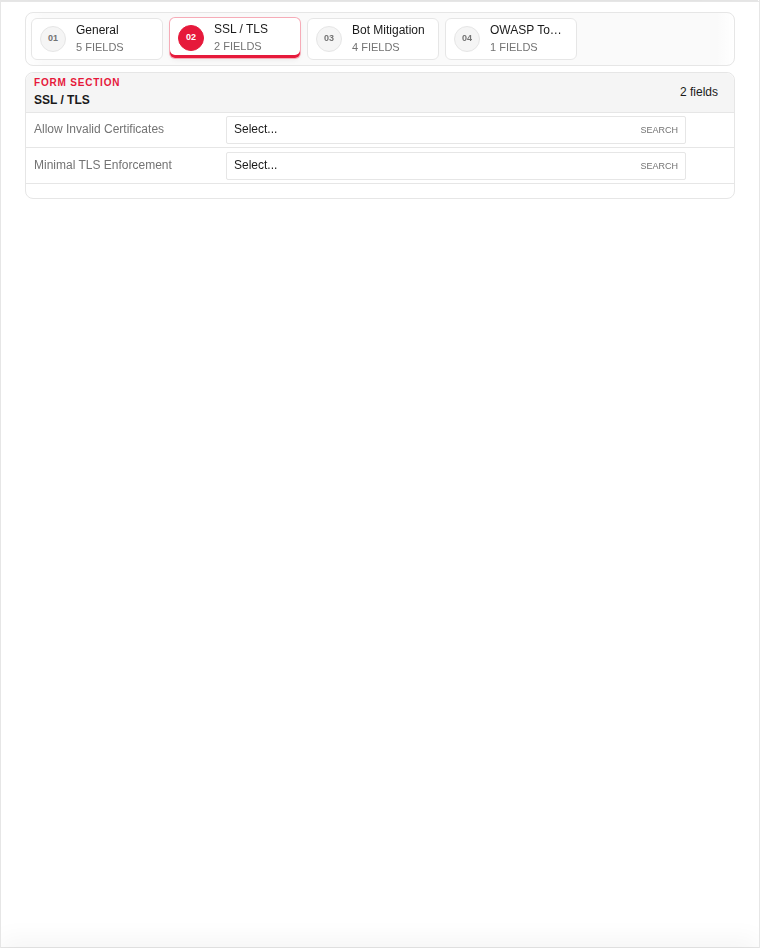
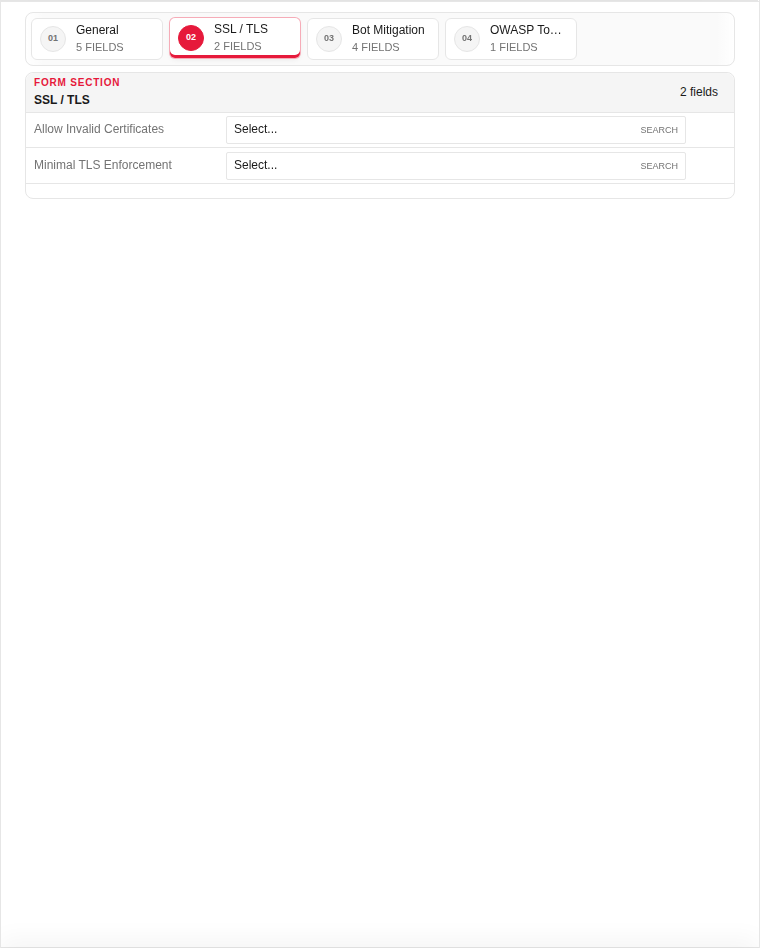
SSL / TLS
| Field | Required | Description | Example | Why this data is needed |
|---|---|---|---|---|
| HTTPS Inspection | Yes | Decrypt TLS to inspect encrypted payloads. | Enabled |
Required for WAF to inspect HTTPS request bodies and headers. |
| Minimum TLS Version | Yes | Oldest TLS version clients may use. | TLS 1.2 |
Required — blocks weak protocols (SSLv3, TLS 1.0). |
| Certificate Validation | No | Verify backend server certificates. | Enabled |
Prevents MITM between WAF and origin server. |
Empty:
Filled with example data (for illustration — shows why each field needs a value):
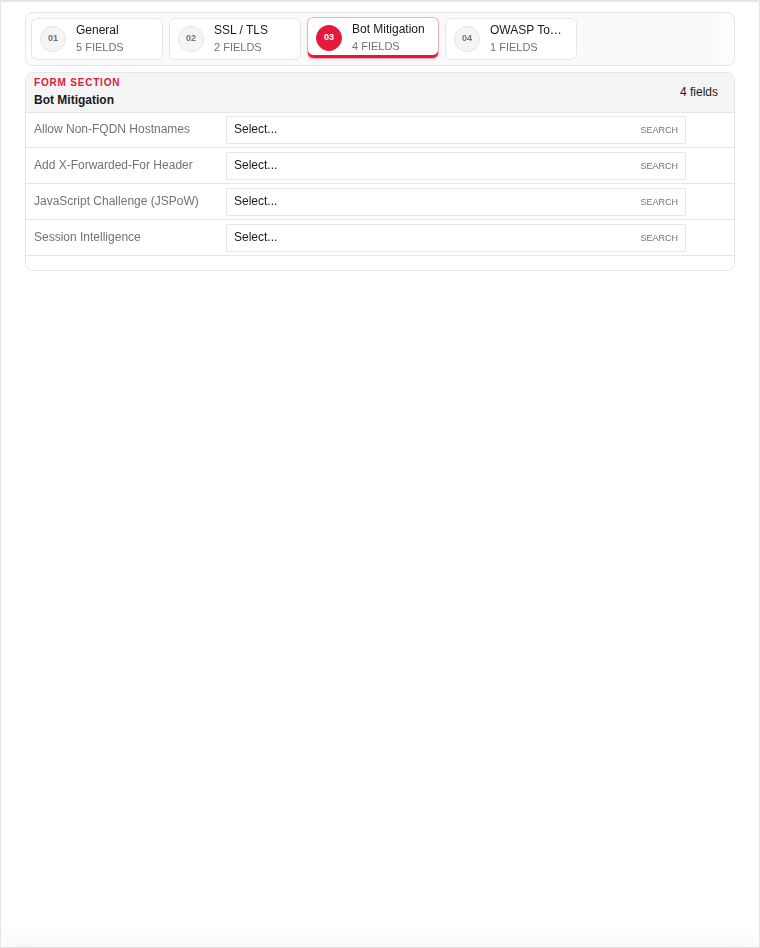
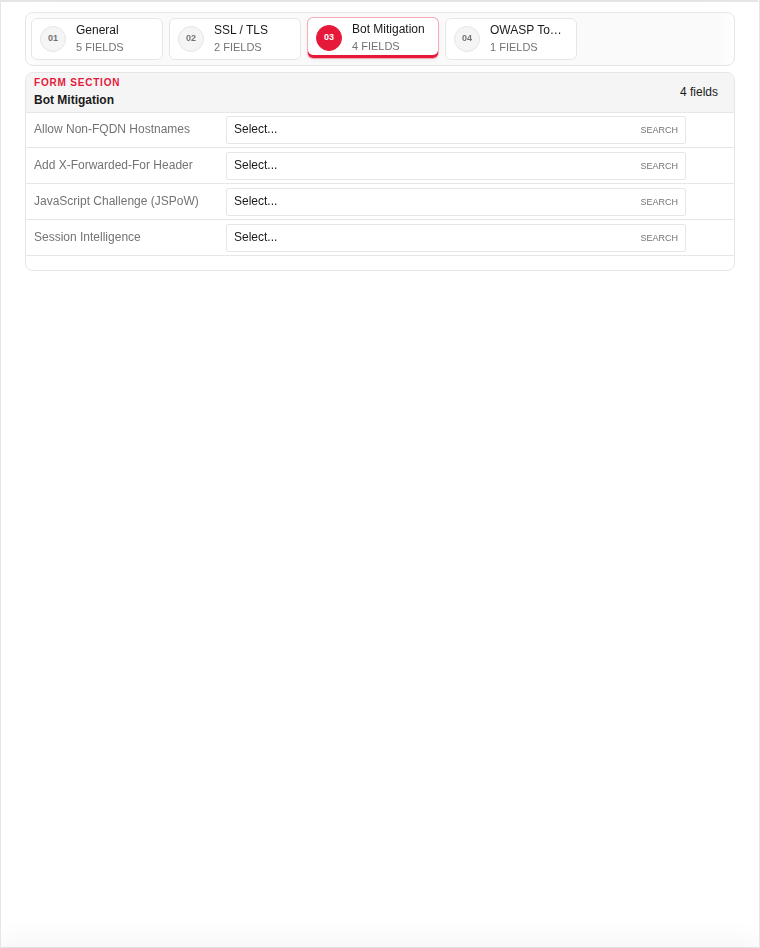
Bot Mitigation
| Field | Required | Description | Example | Why this data is needed |
|---|---|---|---|---|
| Enable Bot Detection | Yes | Detect automated clients and scrapers. | Enabled |
Required to stop credential stuffing and scraping bots. |
| Challenge Mode | No | CAPTCHA or JavaScript challenge for suspicious clients. | Auto |
Challenges bots while allowing legitimate browsers through. |
| Allow Known Bots | No | Whitelist search engine crawlers. | Google, Bing |
Optional — prevents SEO impact from blocking good bots. |
Empty:
Filled with example data (for illustration — shows why each field needs a value):
OWASP Top 10
| Field | Required | Description | Example | Why this data is needed |
|---|---|---|---|---|
| SQL Injection Protection | Yes | Block SQL injection patterns in requests. | Enabled |
Required — prevents database compromise via web forms. |
| XSS Protection | Yes | Block cross-site scripting payloads. | Enabled |
Required — stops script injection in user input. |
| Path Traversal Protection | Yes | Block directory traversal attempts (../). | Enabled |
Required — prevents access to files outside the web root. |
| Command Injection Protection | Yes | Block OS command injection in parameters. | Enabled |
Required — stops remote code execution via web input. |
Empty:
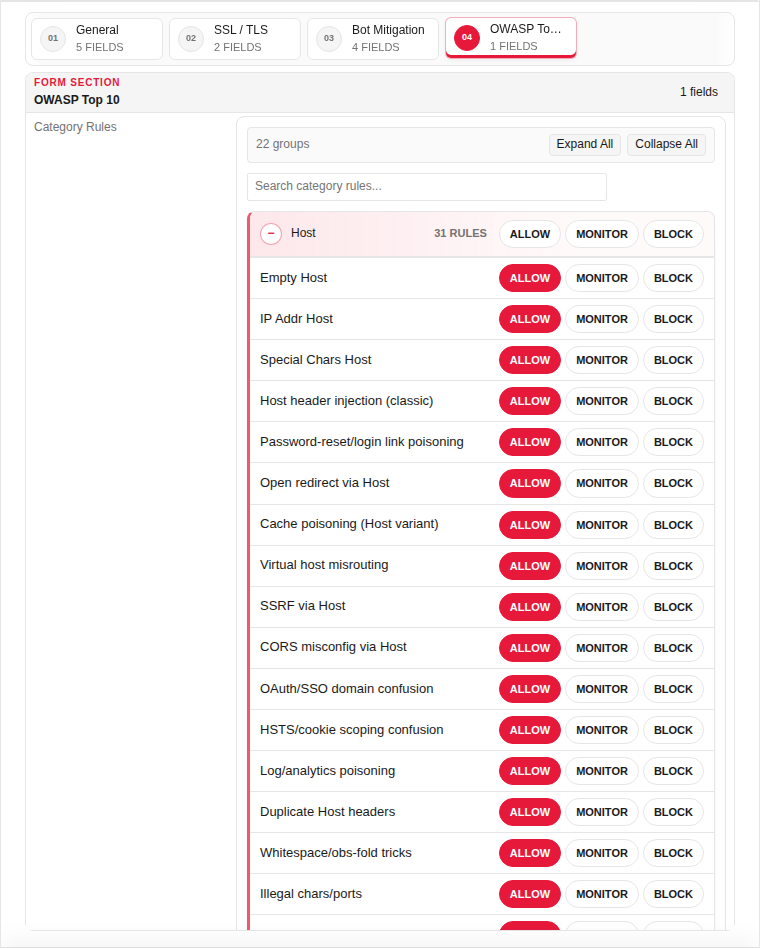
Filled with example data (for illustration — shows why each field needs a value):
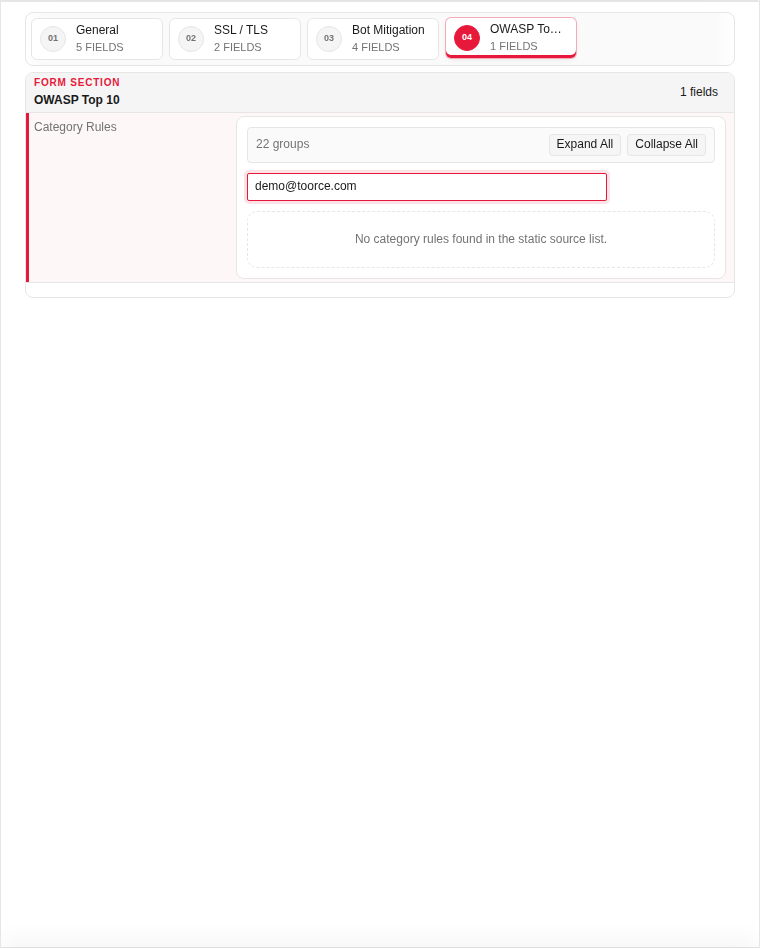
Technical background
Web Security is the primary WAF profile. It enables OWASP protection, bot detection, request inspection, and policy-based allow/block actions. Attach this profile to proxy rules to protect web applications against common attacks such as SQL injection, XSS, and automated scanning.
Page sections
- Web Security Settings
Available actions
- ▦ Overview
- ⚙ System Settings ›
- General
- Updates
- ◉ User Management
- ⌁ Network Settings ›
- Interfaces
- Static Routs
- Static DNS
- □ Aliases & Objects ›
- Address
- Ports
- ◇ Rules & Policies ›
- Proxy Certificate
- Proxy Rules
- ◆ Security Profiles ›
- Web Security
- Geoip Security
- DDoS Guard
- Content ACL
- Content Rewrite
- Email Intelligence
- Time Profiles
- Content Route
- ◆ Event & Monitor ›
- • Logs & Events ›
- Sign Out
- Refresh Data
- Main
- Add Record