Content Route
Navigation: Security Profiles
Static schema from generated uiapi metadata.
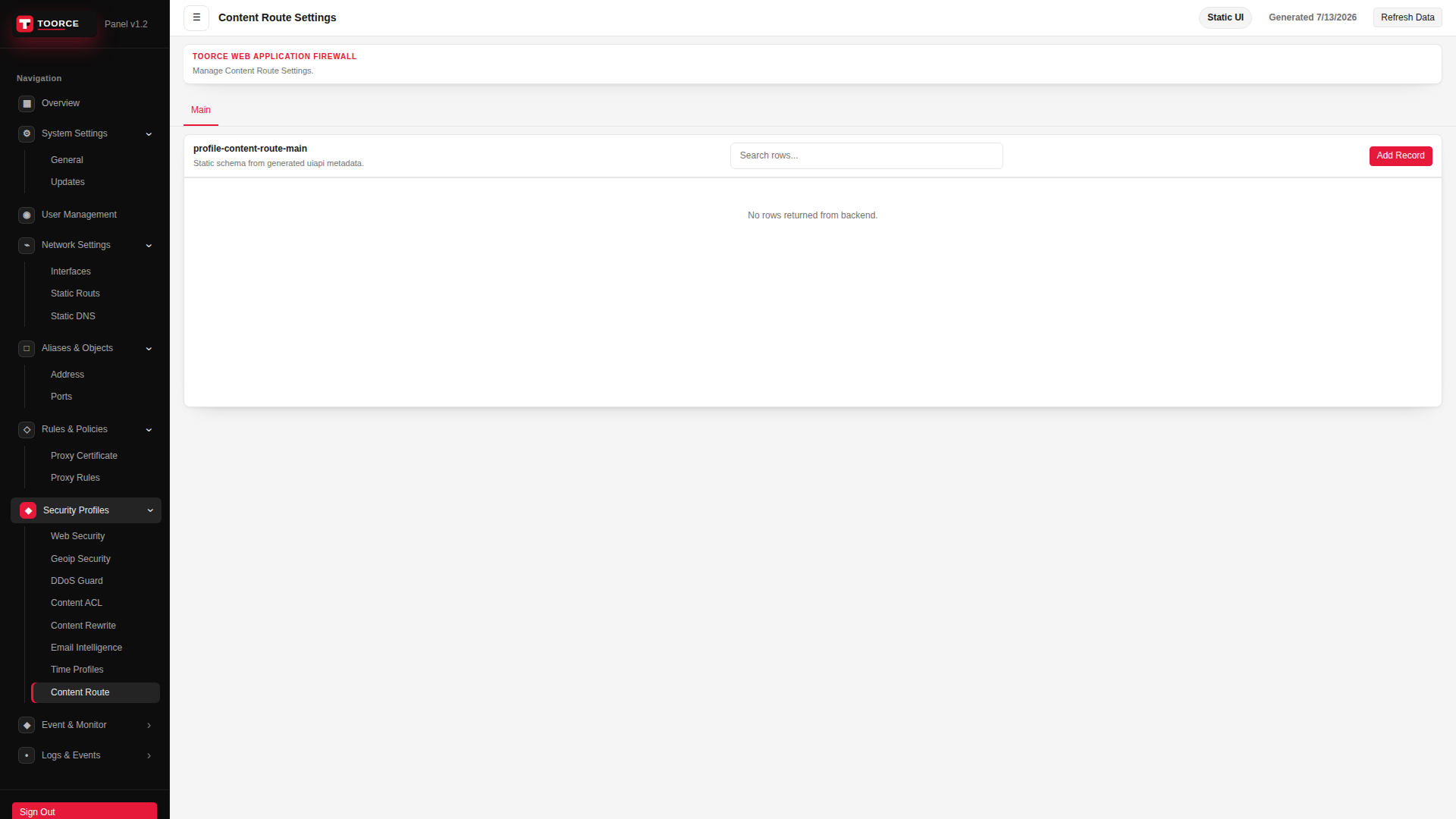
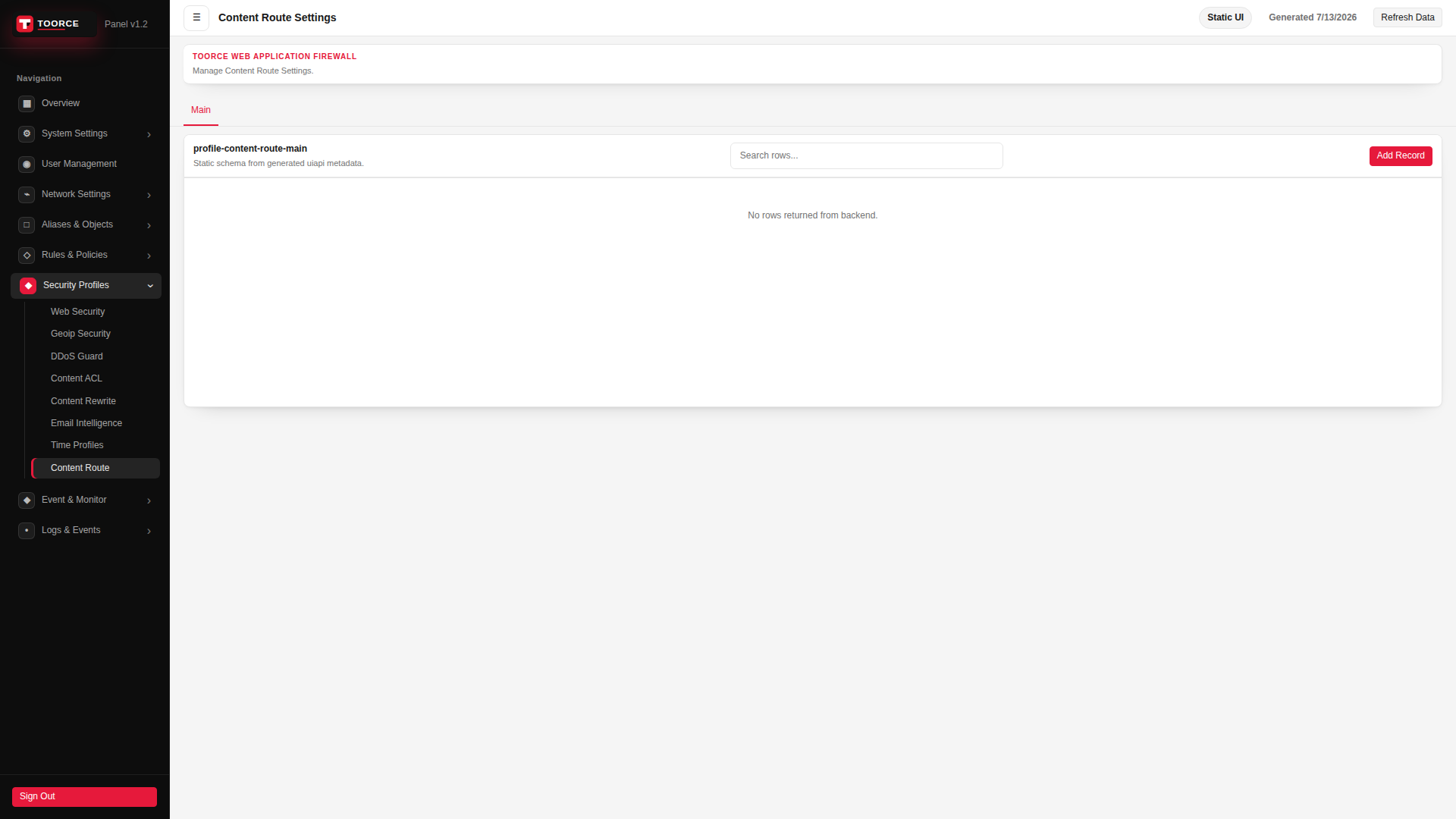
Add / Edit forms
Click + Add New to open the creation dialog, or Edit on an existing row to modify a record.
List view
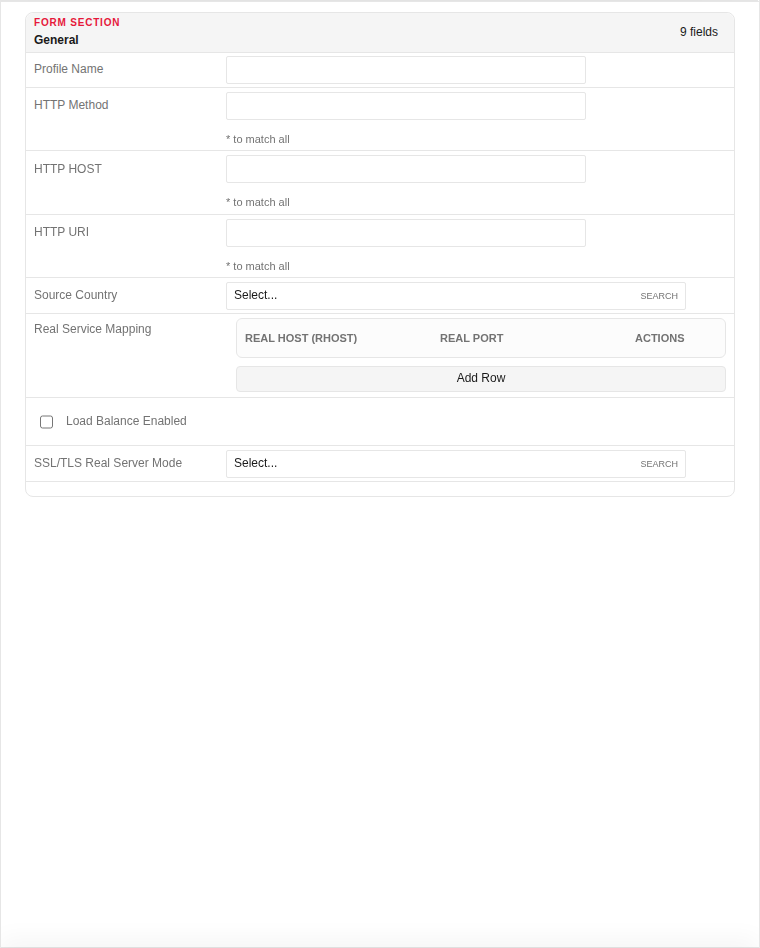
Add form
| Field | Required | Description | Example | Why this data is needed |
|---|---|---|---|---|
| Profile Name | Yes | Unique name for proxy rule attachment. | API_Route |
Required — identifies this routing profile in proxy rules. |
| HTTP Method | Yes | Method to match (* for all). | GET |
Required — routes can differ by GET vs POST. |
| HTTP HOST | Yes | Host header to match (* for all). | api.example.com |
Required — directs traffic based on the requested hostname. |
| HTTP URI | Yes | URI path to match (* for all). | /api/v1/* |
Required — the primary routing key for path-based dispatch. |
| Source Country | No | Optional GeoIP filter for this route. | Any |
Restrict routing to specific client countries. |
| Real Service Mapping | Yes | Backend server pool for matched requests. | backend_pool_1 |
Required — without a backend, matched traffic has nowhere to go. |
| Load Balance Enabled | No | Distribute across multiple backends. | Enabled |
Enable when multiple origin servers serve the same route. |
| SSL/TLS Real Server Mode | No | How the WAF connects to backends (plain, TLS). | HTTPS |
Required when backends expect encrypted connections. |
Empty form after clicking + Add New:
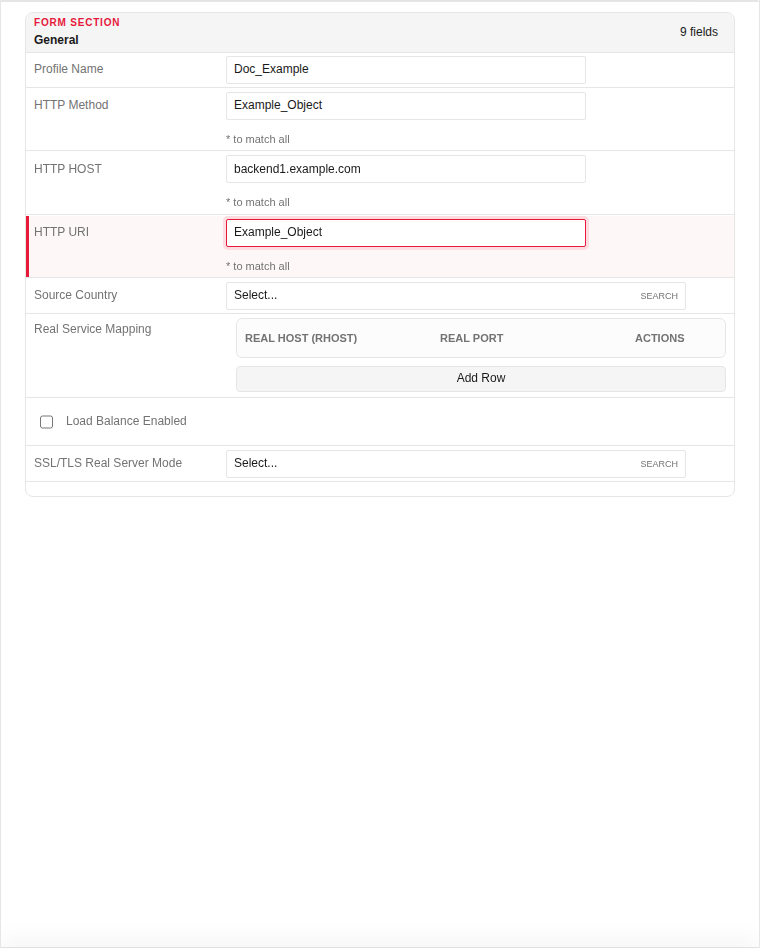
Same form filled with example data (do not save in production):
Page sections
- Content Route Settings
Available actions
- ▦ Overview
- ⚙ System Settings ›
- General
- Updates
- ◉ User Management
- ⌁ Network Settings ›
- Interfaces
- Static Routs
- Static DNS
- □ Aliases & Objects ›
- Address
- Ports
- ◇ Rules & Policies ›
- Proxy Certificate
- Proxy Rules
- ◆ Security Profiles ›
- Web Security
- Geoip Security
- DDoS Guard
- Content ACL
- Content Rewrite
- Email Intelligence
- Time Profiles
- Content Route
- ◆ Event & Monitor ›
- • Logs & Events ›
- Sign Out
- Refresh Data
- Main
- Add Record