DDoS Guard
Navigation: Security Profiles
Manage DDoS guard thresholds and ban timing.
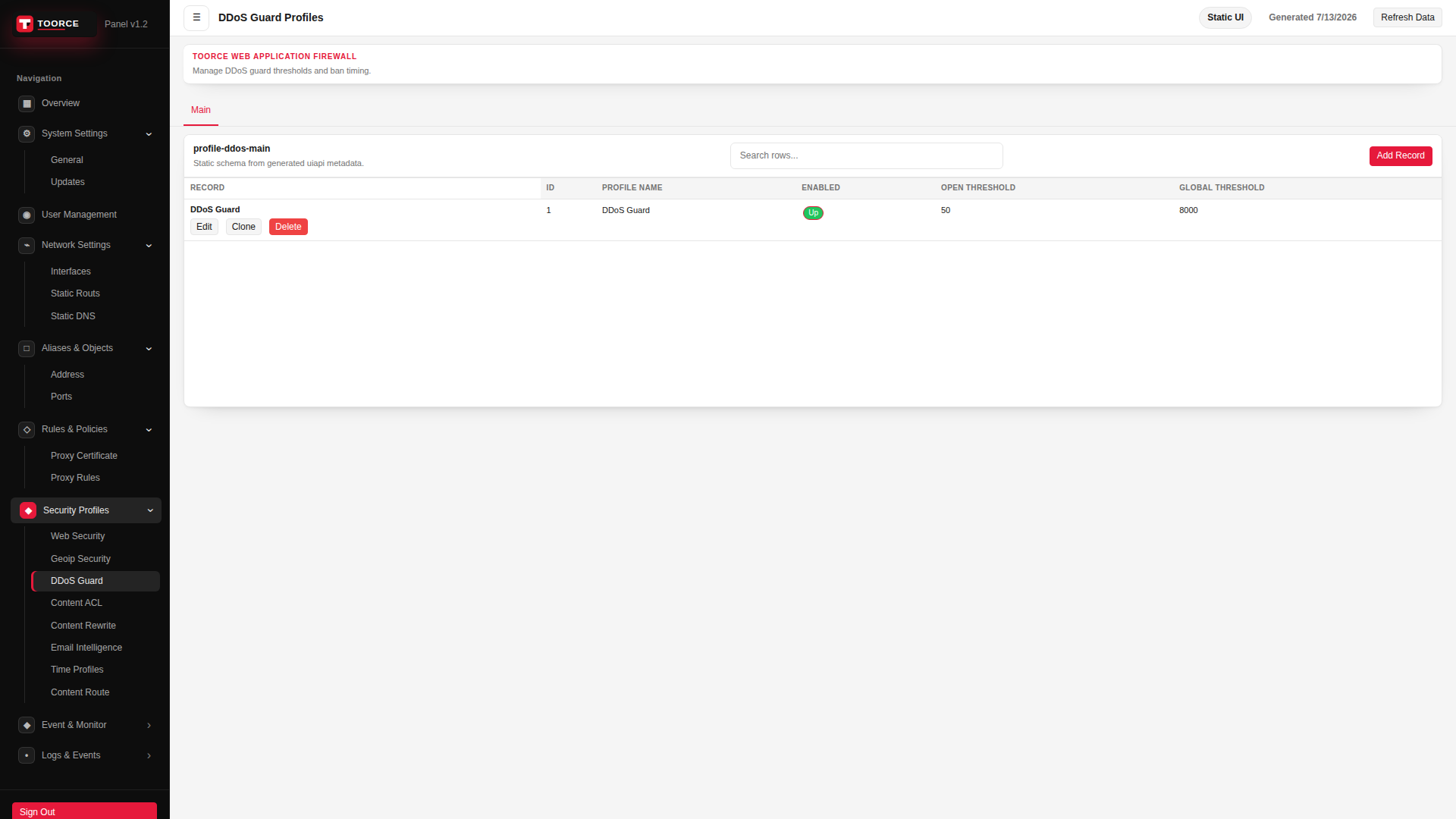
Add / Edit forms
Click + Add New to open the creation dialog, or Edit on an existing row to modify a record.
List view
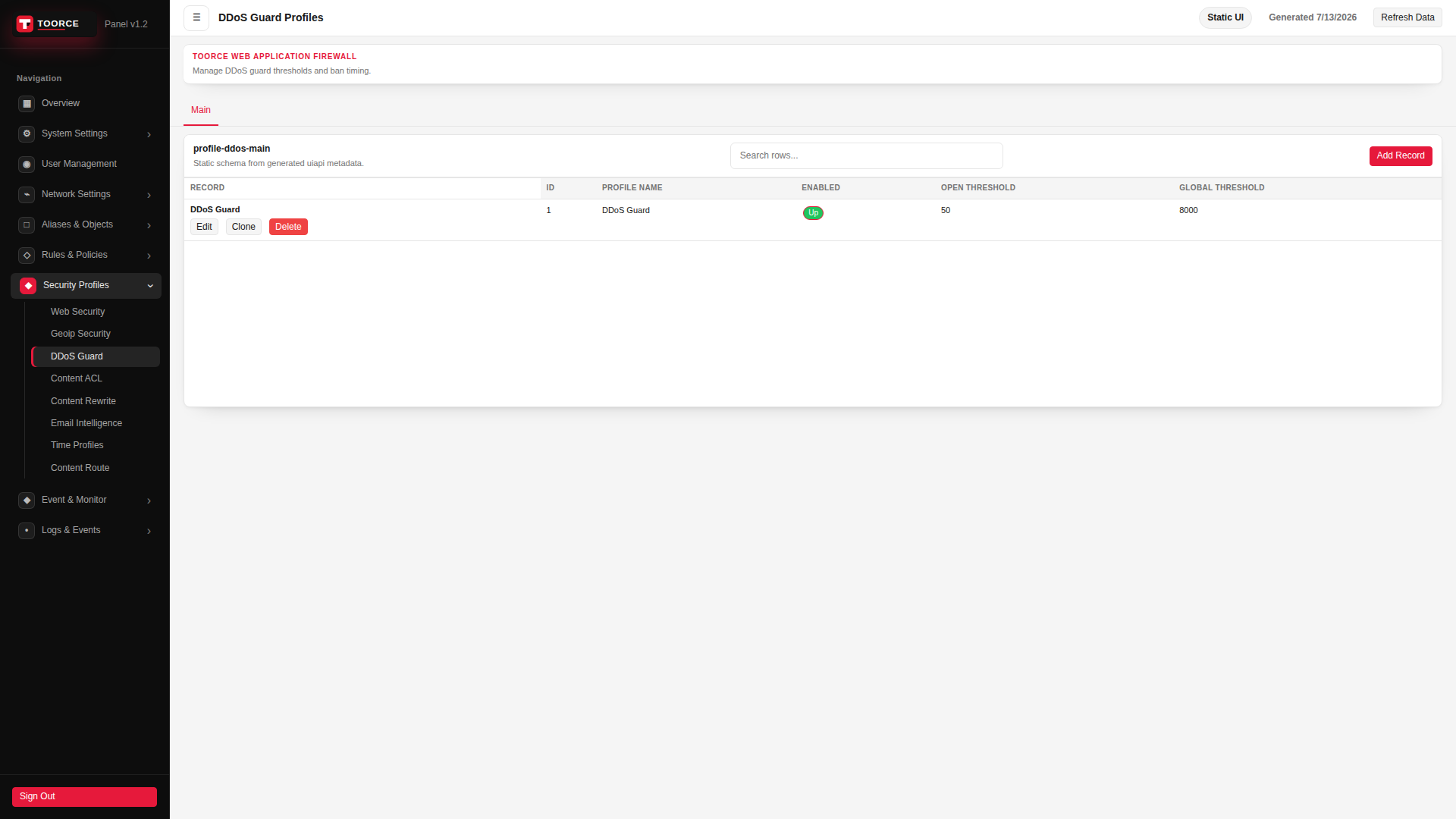
Add form — all tabs
The add dialog contains 4 tabs. Example values in the filled screenshots are for documentation only — do not save them on a production appliance.
General
| Field | Required | Description | Example | Why this data is needed |
|---|---|---|---|---|
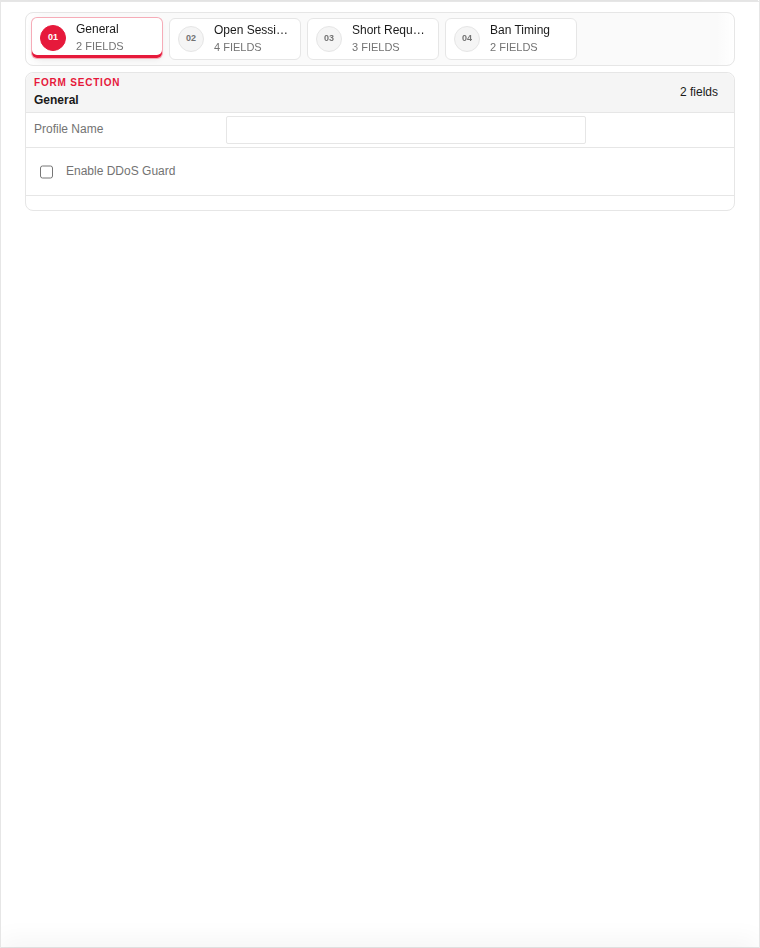
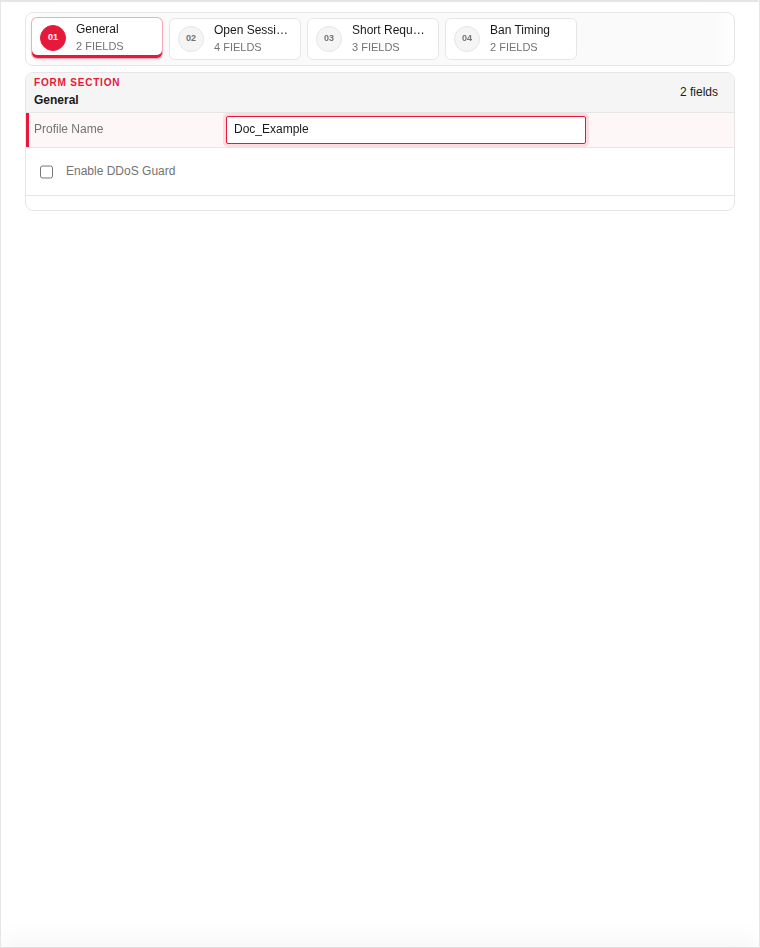
| Profile Name | Yes | Unique name attached to proxy rules. | Default_DDoS |
Required for proxy rules to apply rate limiting. |
| Enable DDoS Guard | Yes | Master switch for this profile. | Enabled |
Must be Enabled — without it no rate limits are enforced. |
Empty:
Filled with example data (for illustration — shows why each field needs a value):
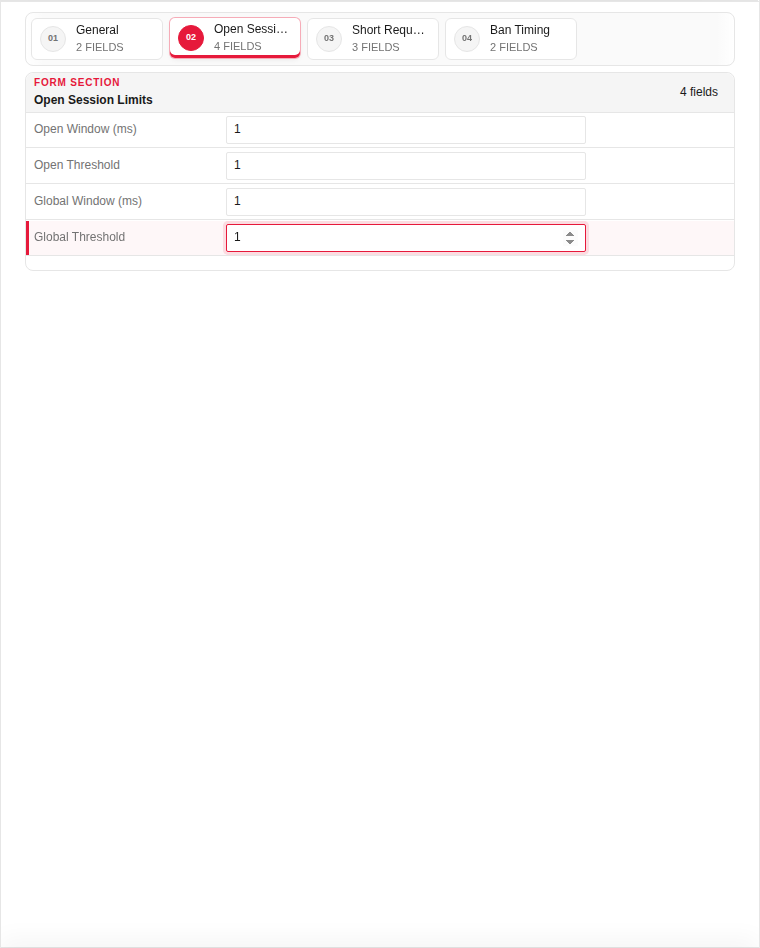
Open Session Limits
| Field | Required | Description | Example | Why this data is needed |
|---|---|---|---|---|
| Max Sessions per IP | Yes | Maximum concurrent connections from one IP. | 100 |
Required — prevents one client from exhausting server connections. |
| Max Sessions per Country | No | Concurrent connection cap per country. | 10000 |
Limits distributed attacks from a single country. |
Empty:
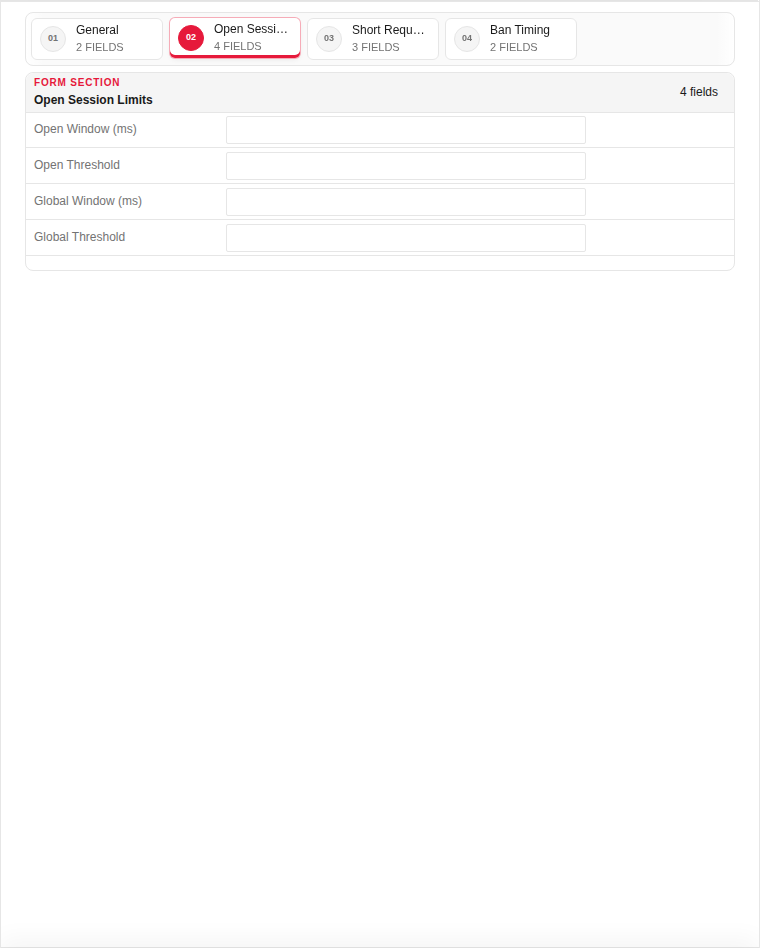
Filled with example data (for illustration — shows why each field needs a value):
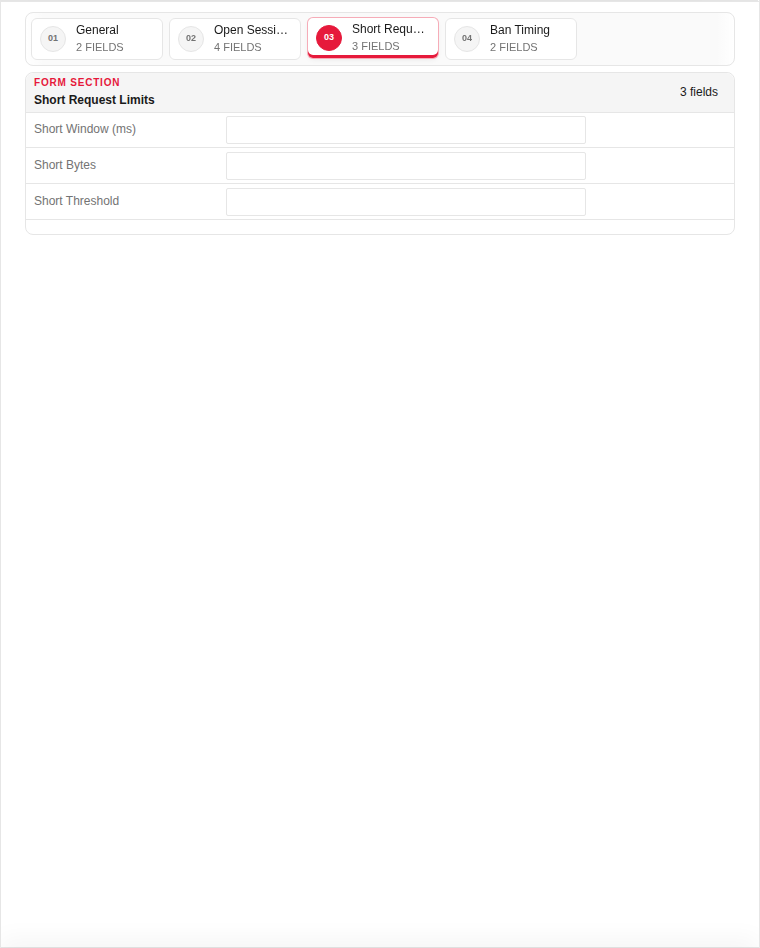
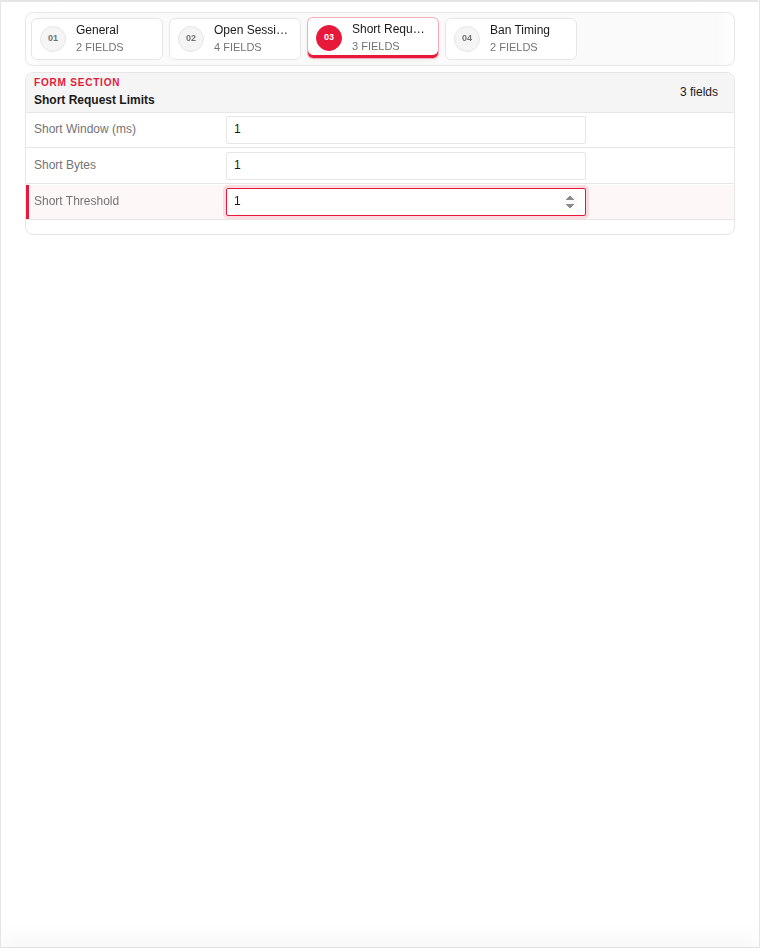
Short Request Limits
| Field | Required | Description | Example | Why this data is needed |
|---|---|---|---|---|
| Requests per Second (per IP) | Yes | HTTP request rate limit per source IP. | 50 |
Required — blocks HTTP flood attacks. |
| Burst Allowance | No | Temporary burst above the rate limit. | 10 |
Allows legitimate traffic spikes without false blocks. |
Empty:
Filled with example data (for illustration — shows why each field needs a value):
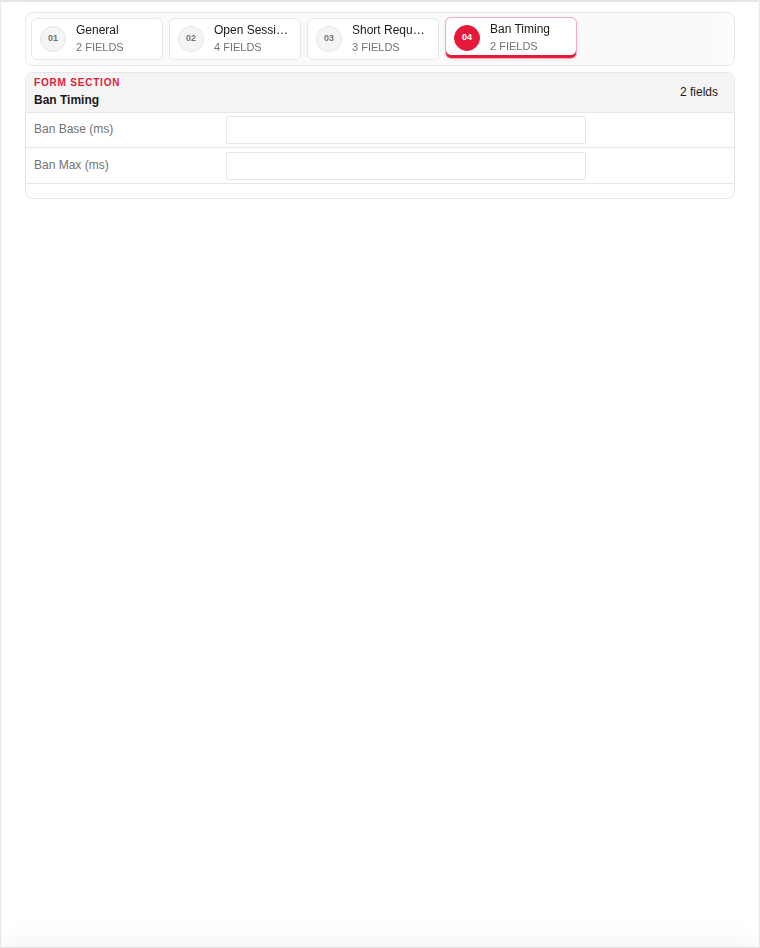
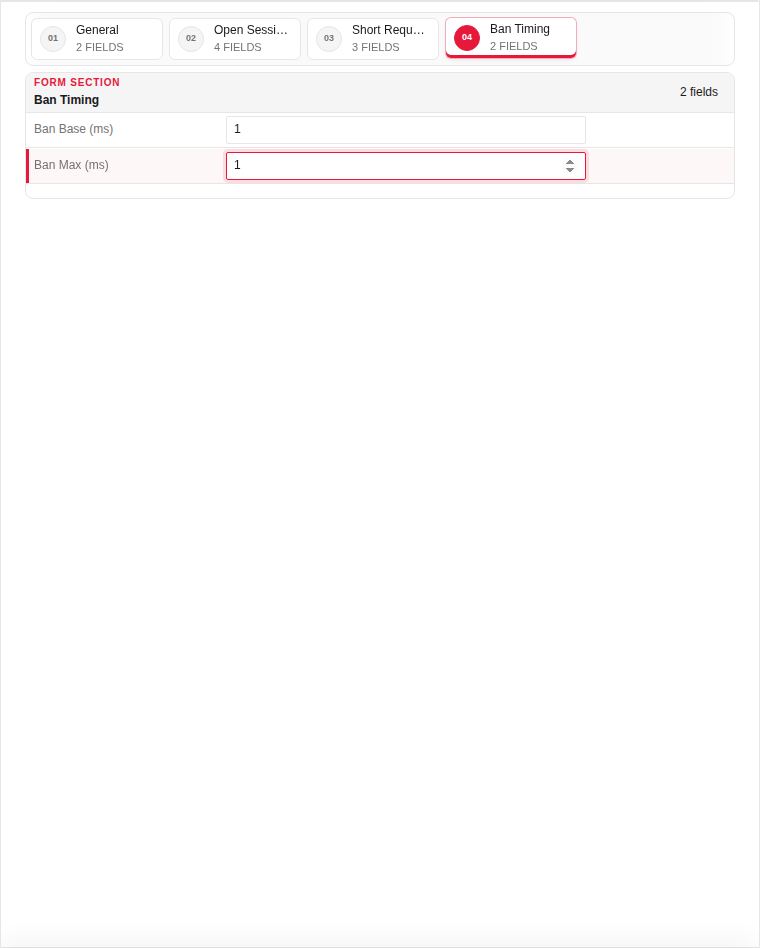
Ban Timing
| Field | Required | Description | Example | Why this data is needed |
|---|---|---|---|---|
| Ban Duration (seconds) | Yes | How long offending IPs are blocked. | 300 |
Required — gives attackers a cooldown period before retry. |
| Progressive Ban | No | Increase ban time for repeat offenders. | Enabled |
Discourages persistent attackers with escalating penalties. |
Empty:
Filled with example data (for illustration — shows why each field needs a value):
Edit form — all tabs
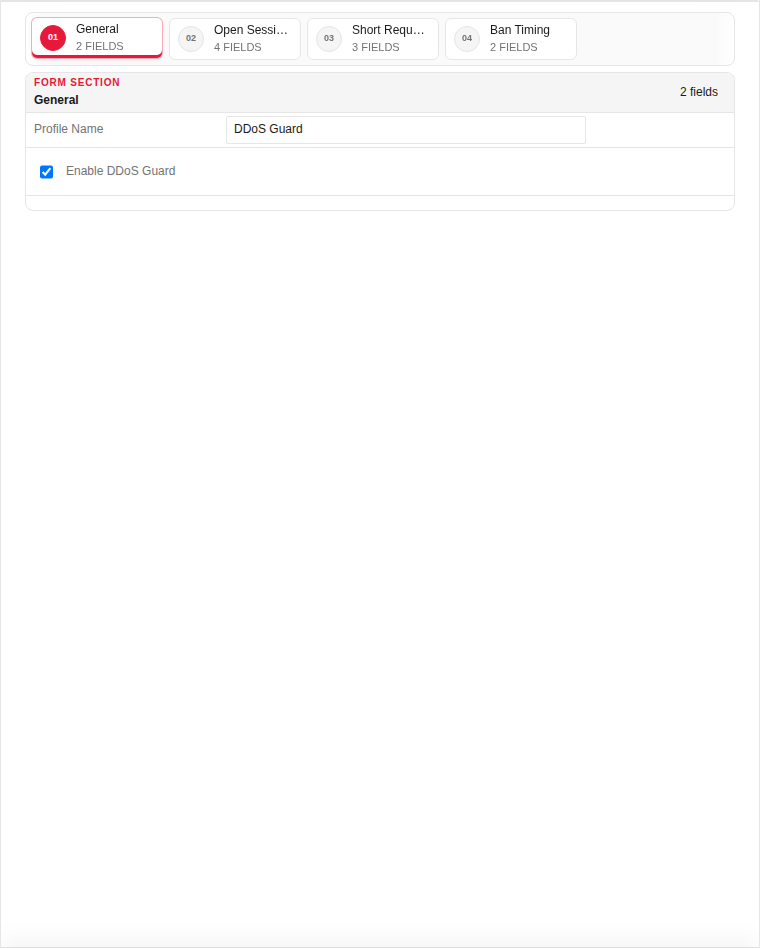
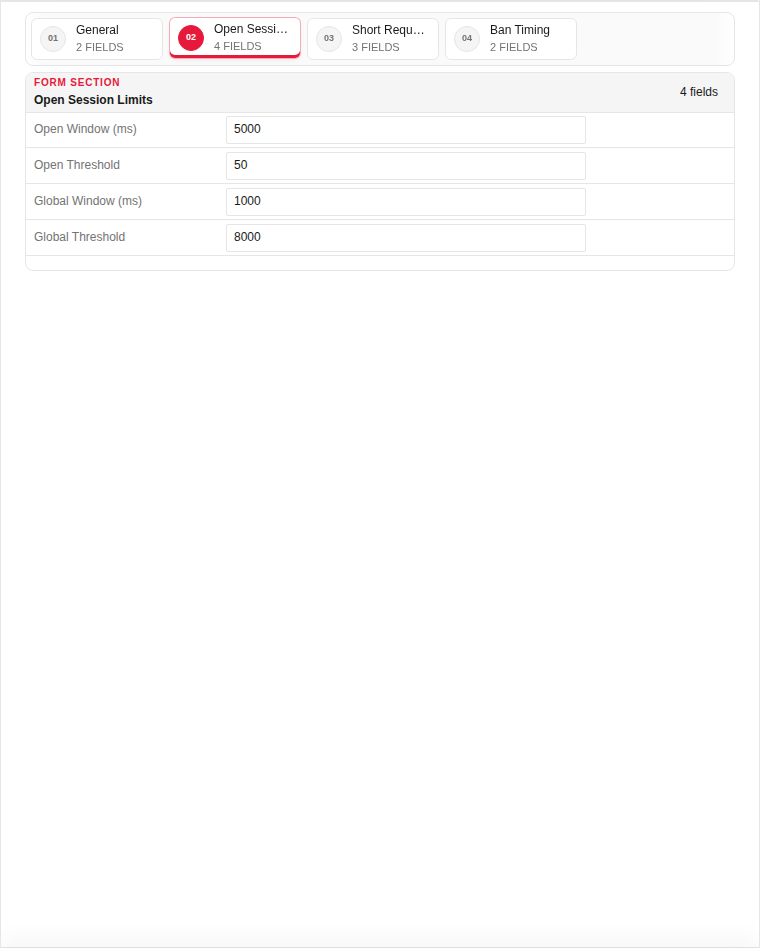
The edit dialog contains 4 tabs. Fields are the same as Add — values show the currently saved record:
General
| Field | Required | Description | Example | Why this data is needed |
|---|---|---|---|---|
| Profile Name | Yes | Unique name attached to proxy rules. | Default_DDoS |
Required for proxy rules to apply rate limiting. |
| Enable DDoS Guard | Yes | Master switch for this profile. | Enabled |
Must be Enabled — without it no rate limits are enforced. |
Open Session Limits
| Field | Required | Description | Example | Why this data is needed |
|---|---|---|---|---|
| Max Sessions per IP | Yes | Maximum concurrent connections from one IP. | 100 |
Required — prevents one client from exhausting server connections. |
| Max Sessions per Country | No | Concurrent connection cap per country. | 10000 |
Limits distributed attacks from a single country. |
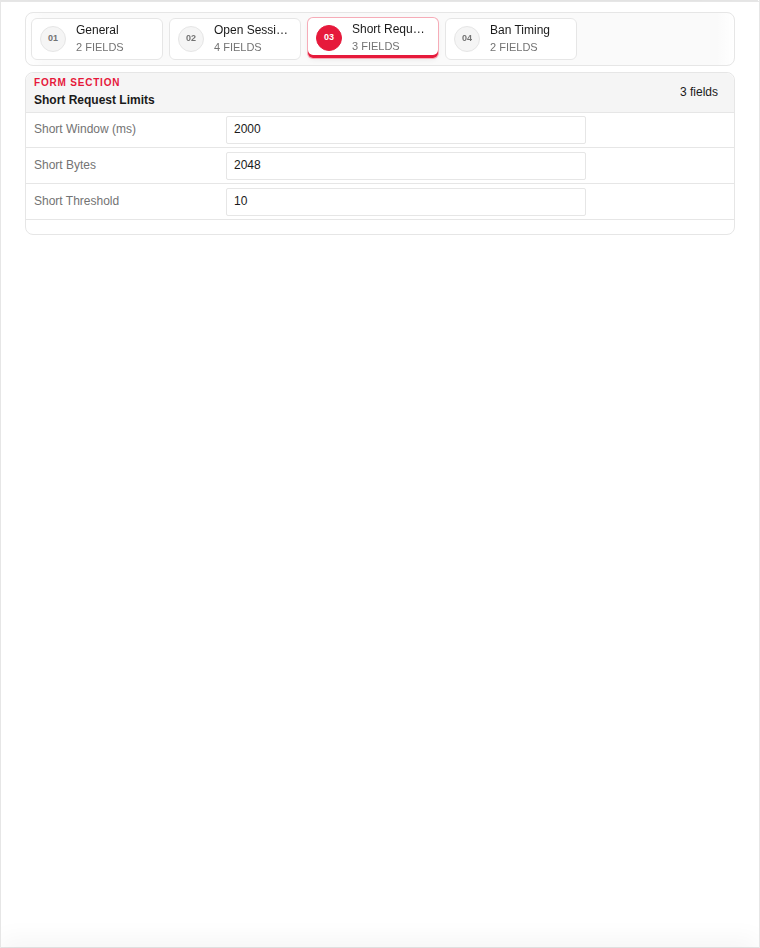
Short Request Limits
| Field | Required | Description | Example | Why this data is needed |
|---|---|---|---|---|
| Requests per Second (per IP) | Yes | HTTP request rate limit per source IP. | 50 |
Required — blocks HTTP flood attacks. |
| Burst Allowance | No | Temporary burst above the rate limit. | 10 |
Allows legitimate traffic spikes without false blocks. |
Ban Timing
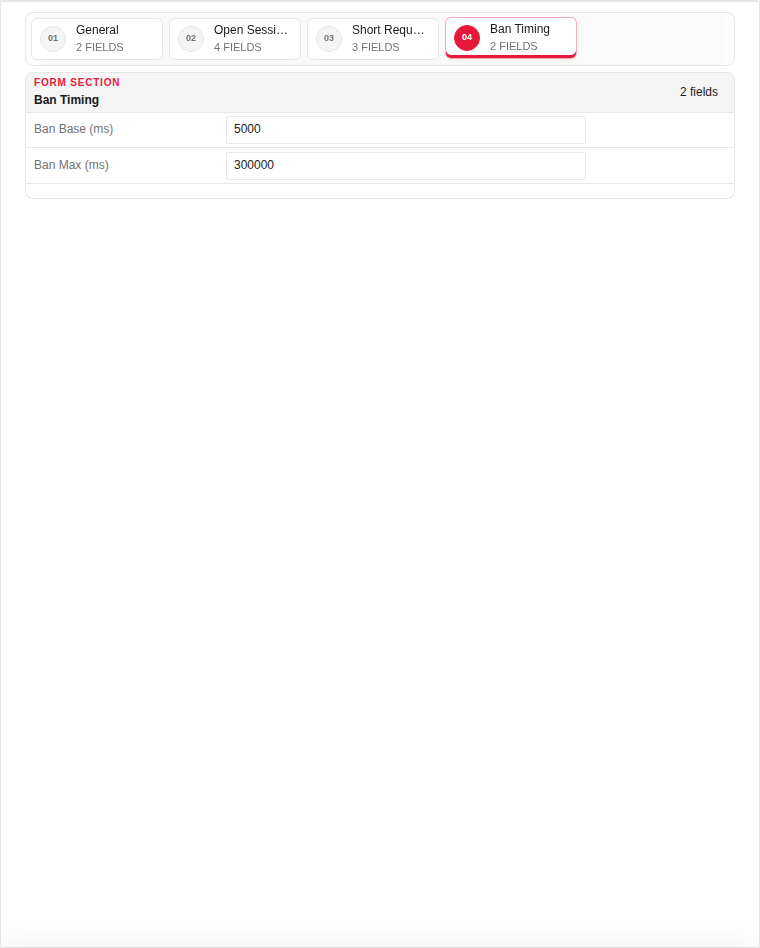
| Field | Required | Description | Example | Why this data is needed |
|---|---|---|---|---|
| Ban Duration (seconds) | Yes | How long offending IPs are blocked. | 300 |
Required — gives attackers a cooldown period before retry. |
| Progressive Ban | No | Increase ban time for repeat offenders. | Enabled |
Discourages persistent attackers with escalating penalties. |
Technical background
DDoS Guard provides rate limiting and flood protection at the application layer. Configure thresholds per source IP, country, or URI pattern to mitigate volumetric and slow-rate attacks before they reach backend servers.
Page sections
- DDoS Guard Profiles
Available actions
- ▦ Overview
- ⚙ System Settings ›
- General
- Updates
- ◉ User Management
- ⌁ Network Settings ›
- Interfaces
- Static Routs
- Static DNS
- □ Aliases & Objects ›
- Address
- Ports
- ◇ Rules & Policies ›
- Proxy Certificate
- Proxy Rules
- ◆ Security Profiles ›
- Web Security
- Geoip Security
- DDoS Guard
- Content ACL
- Content Rewrite
- Email Intelligence
- Time Profiles
- Content Route
- ◆ Event & Monitor ›
- • Logs & Events ›
- Sign Out
- Refresh Data
- Main
- Add Record
- Edit
- Clone
- Delete
Table columns
- RECORD
- ID
- PROFILE NAME
- ENABLED
- OPEN THRESHOLD
- GLOBAL THRESHOLD