Static Routs
Navigation: Network Settings
Static schema from generated uiapi metadata.
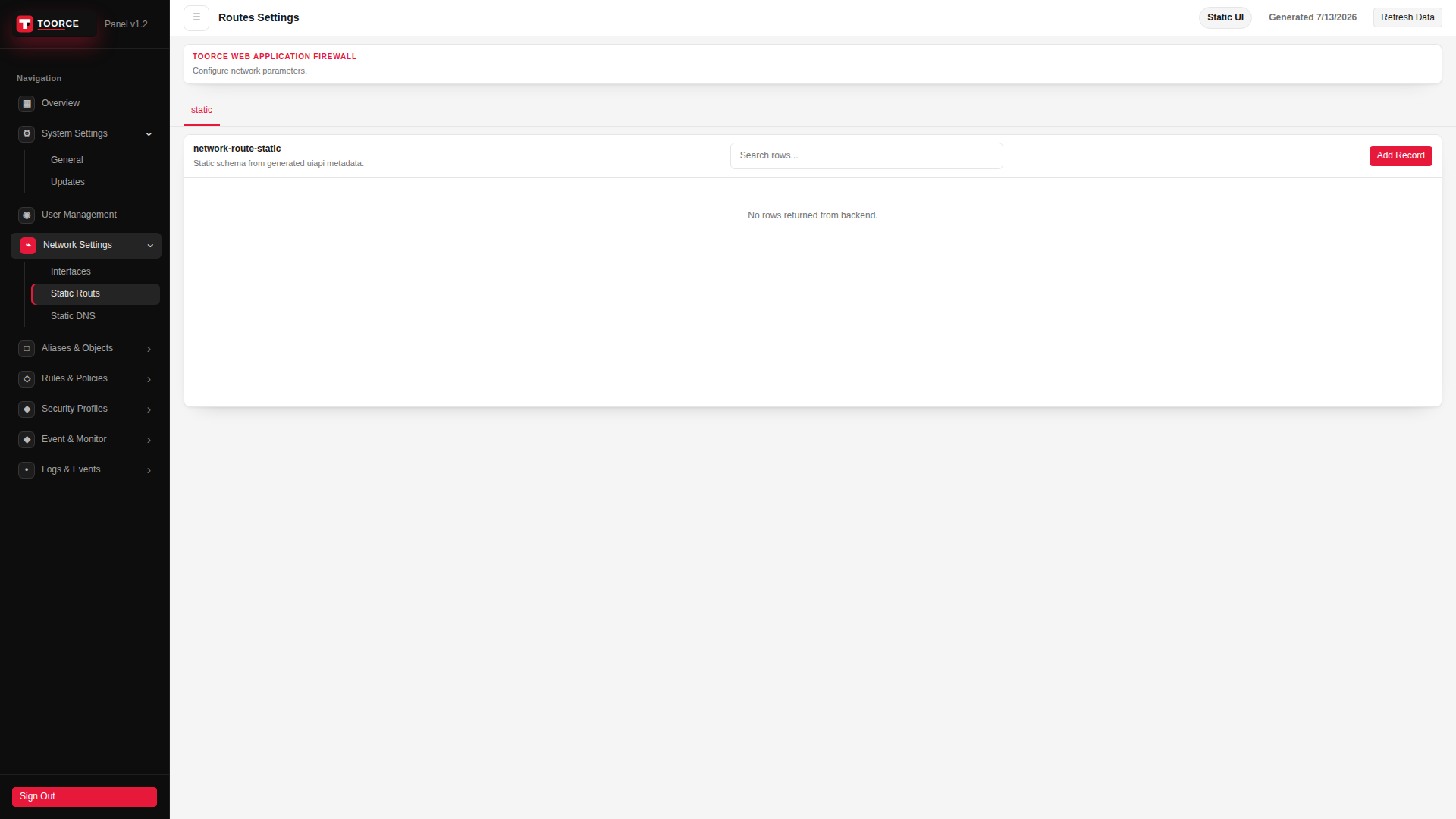
Add / Edit forms
Click + Add New to open the creation dialog, or Edit on an existing row to modify a record.
List view
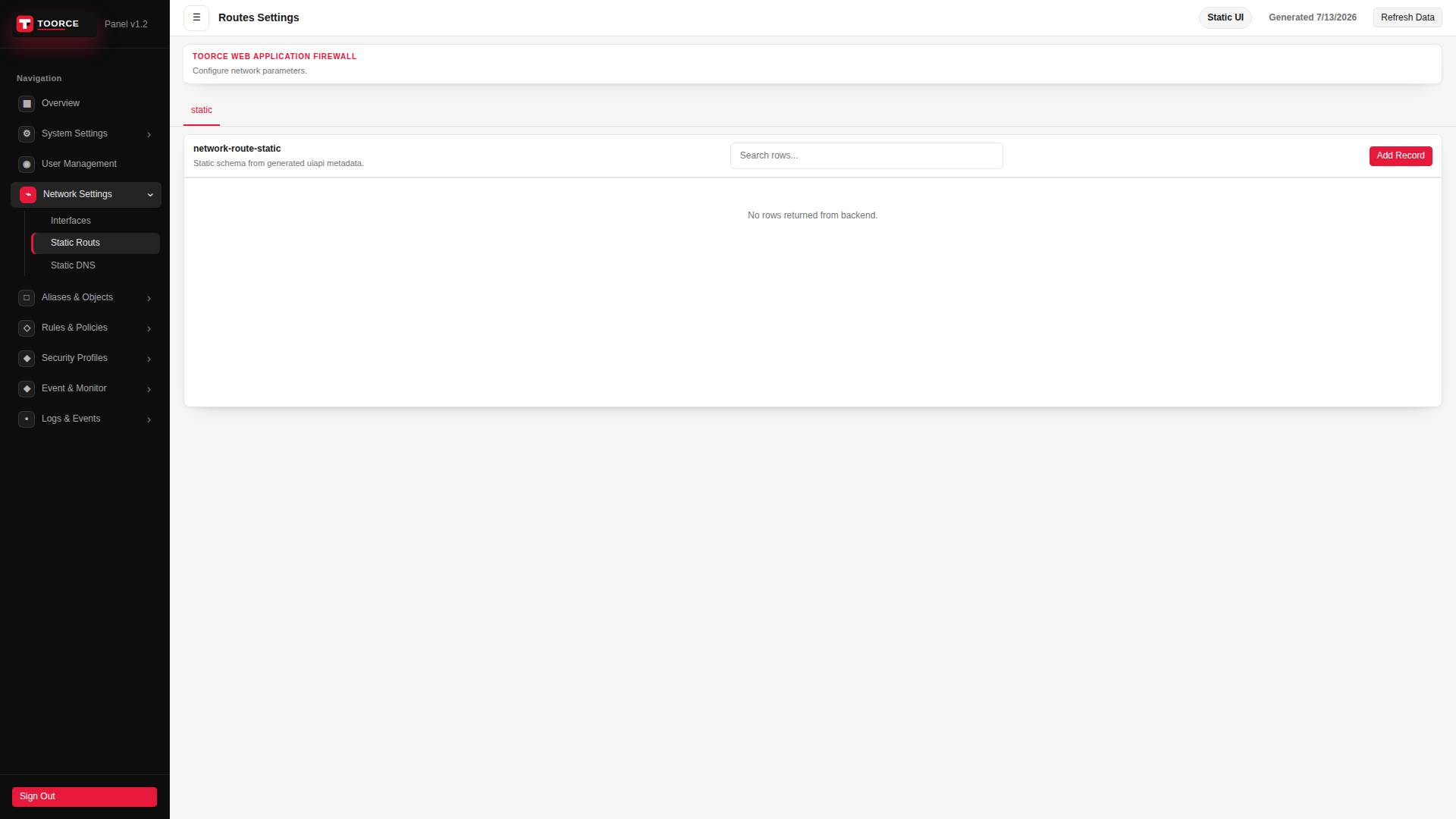
Add form
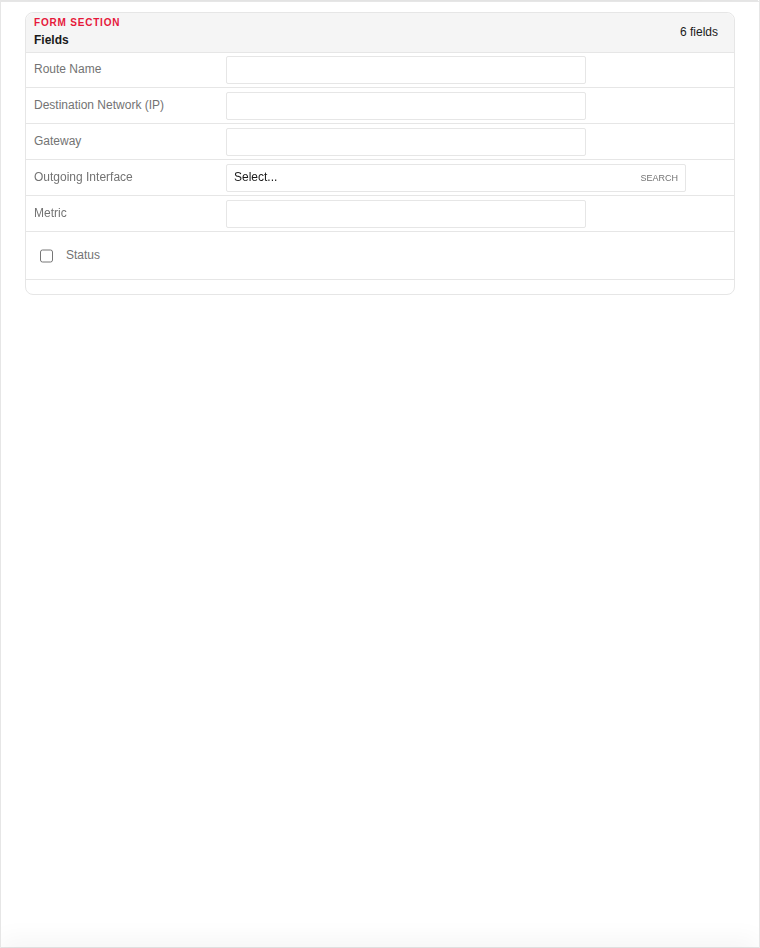
| Field | Required | Description | Example | Why this data is needed |
|---|---|---|---|---|
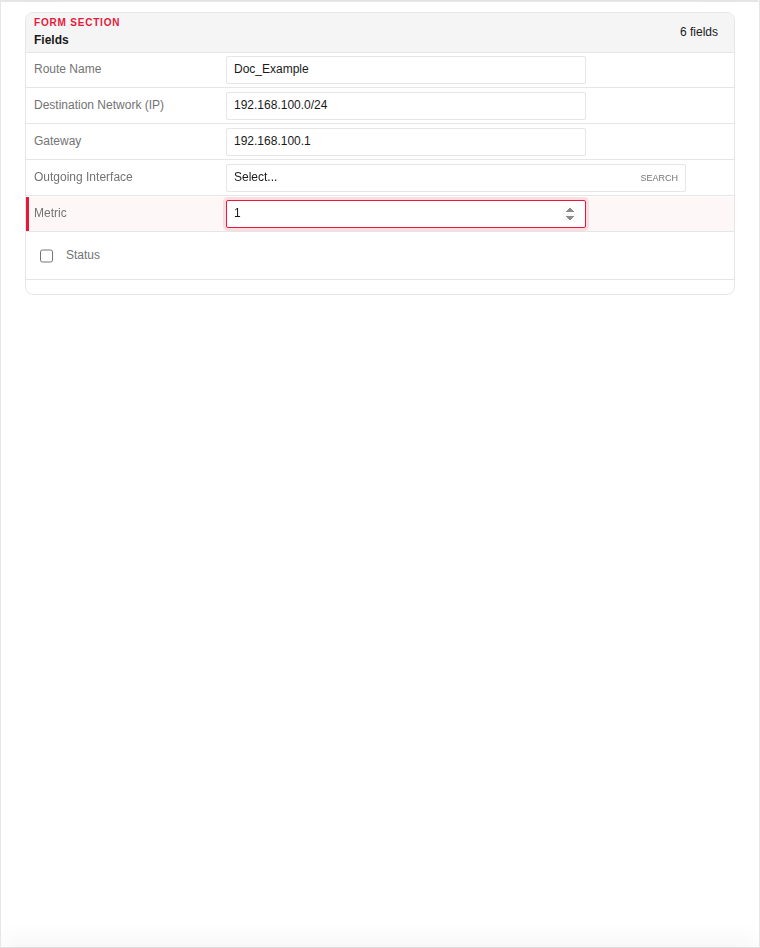
| Route Name | Yes | Descriptive label for this route. | Default_Gateway |
Required for identification in the routing table UI. |
| Destination Network (IP) | Yes | Remote network in CIDR notation (0.0.0.0/0 for default). | 0.0.0.0/0 |
Required — tells the WAF which destination IPs use this route. |
| Gateway | Yes | Next-hop router IP address. | 192.168.100.254 |
Required unless using a directly connected route — traffic is forwarded here. |
| Outgoing Interface | No | Egress interface for this route. | WAN |
Required when multiple WAN paths exist — pins the route to a specific link. |
| Metric | Yes | Route priority — lower value is preferred. | 1 |
Required when multiple routes target the same destination. |
| Status | Yes | Enable or disable this route. | Enabled |
Must be Enabled for the route to appear in the routing table. |
Empty form after clicking + Add New:
Same form filled with example data (do not save in production):
Page sections
- Routes Settings
Available actions
- ▦ Overview
- ⚙ System Settings ›
- General
- Updates
- ◉ User Management
- ⌁ Network Settings ›
- Interfaces
- Static Routs
- Static DNS
- □ Aliases & Objects ›
- ◇ Rules & Policies ›
- ◆ Security Profiles ›
- ◆ Event & Monitor ›
- • Logs & Events ›
- Sign Out
- Refresh Data
- static
- Add Record