Proxy Certificate
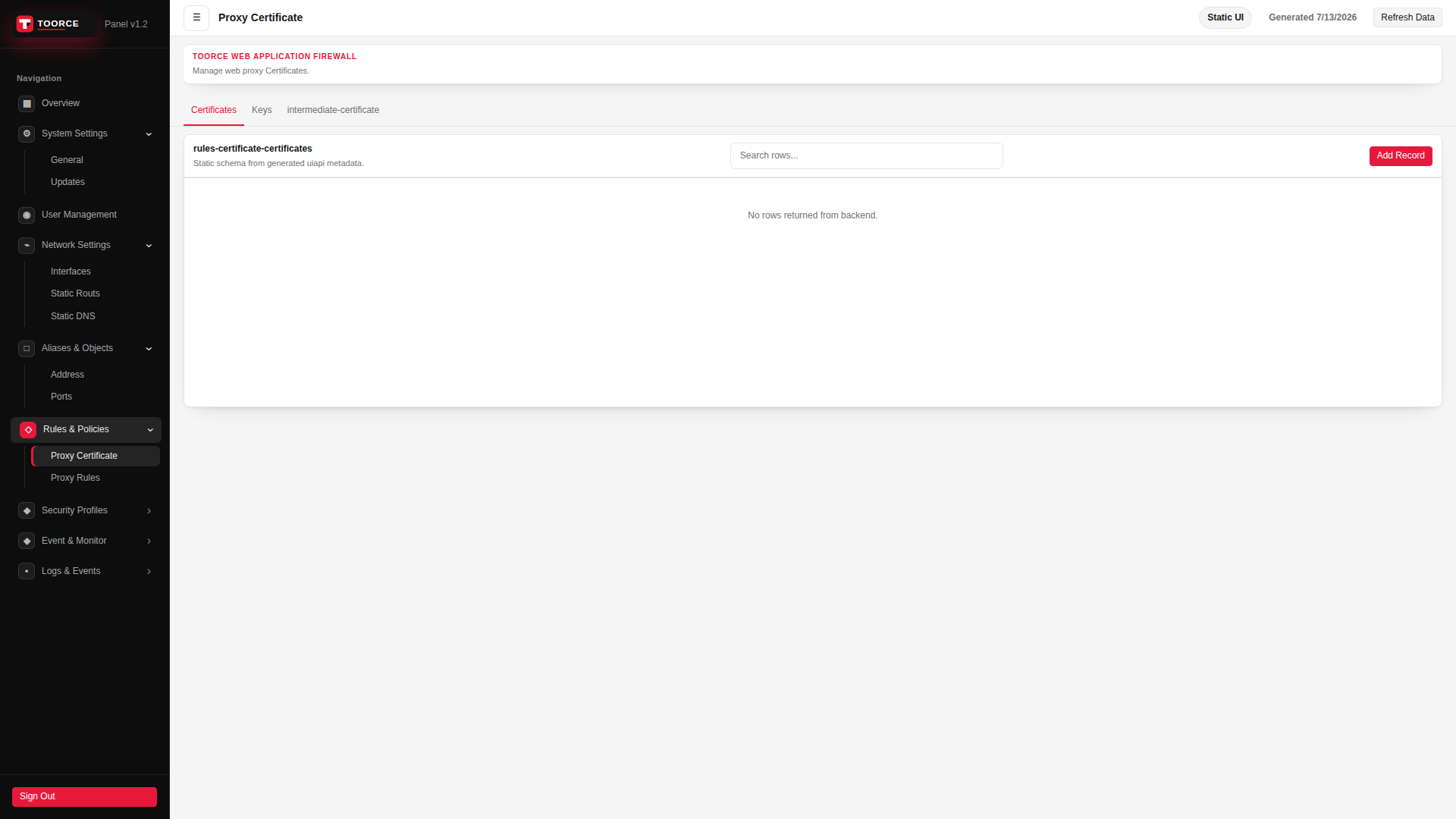
Navigation: Rules & Policies
Static schema from generated uiapi metadata.
Add / Edit forms
Click + Add New to open the creation dialog, or Edit on an existing row to modify a record.
List view
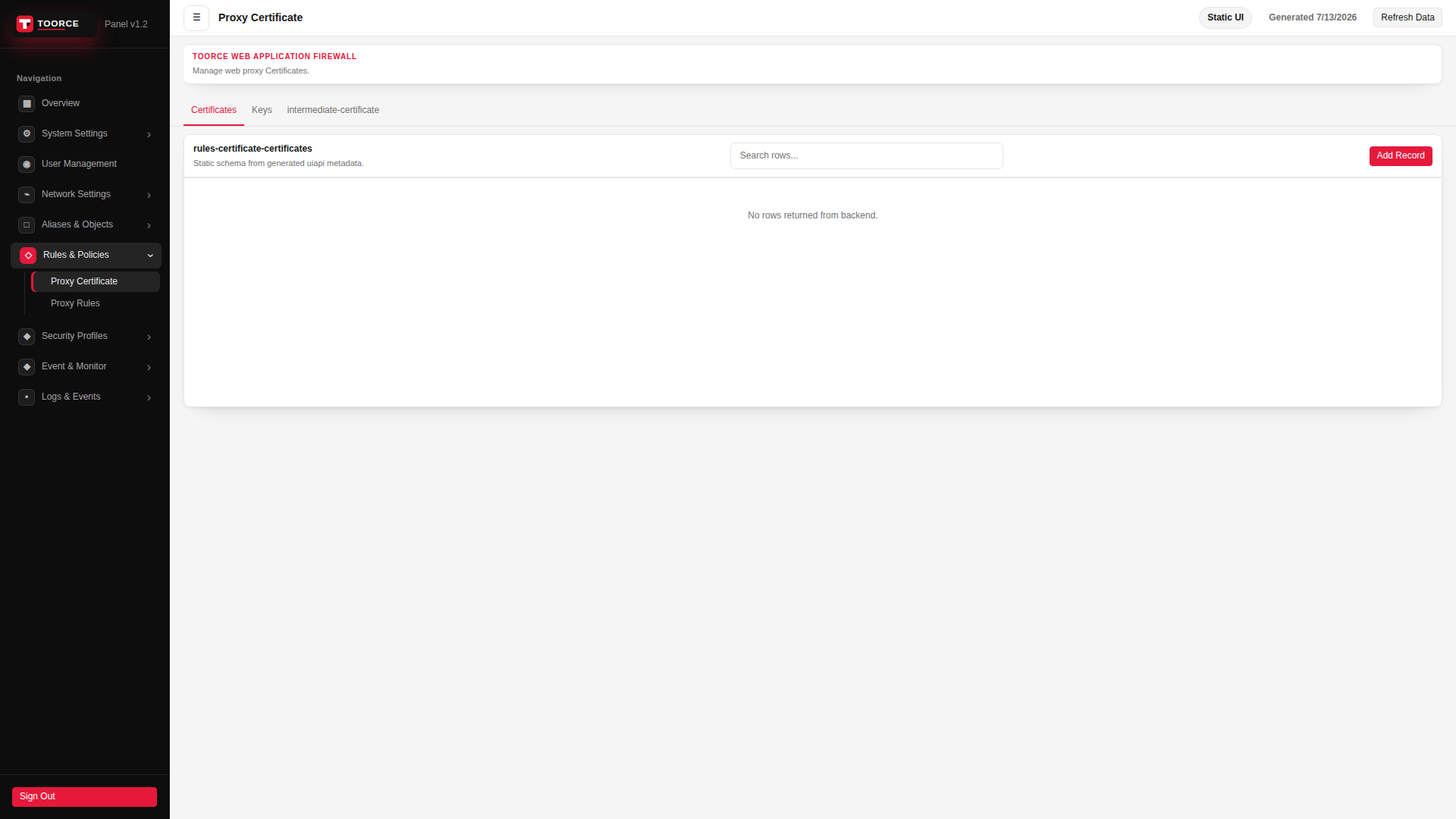
Add form
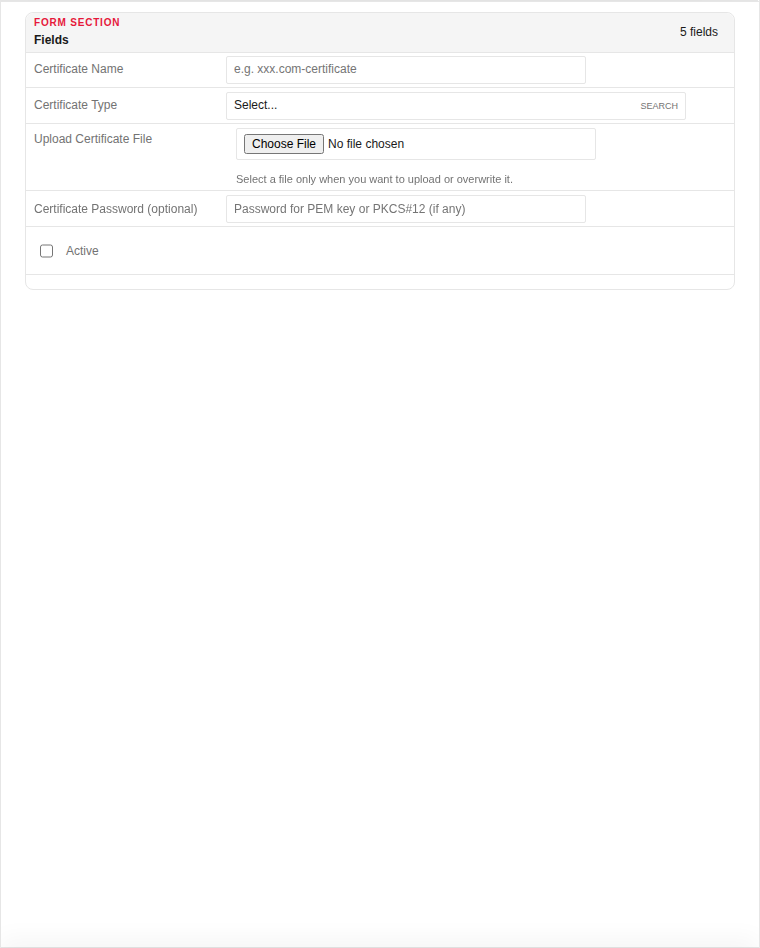
| Field | Required | Description | Example | Why this data is needed |
|---|---|---|---|---|
| Certificate Name | Yes | Label for this certificate in the WAF. | example.com-cert |
Required — Virtual Service tab references certificates by this name. |
| Certificate Type | Yes | Server, CA, or intermediate certificate. | Server |
Required — determines how the WAF uses the uploaded file. |
| Upload Certificate File | Yes | PEM or PKCS#12 certificate file. | (certificate.pem) |
Required on first upload — without it TLS termination cannot work. |
| Certificate Password (optional) | No | Password for encrypted PEM keys or PKCS#12. | (if encrypted) |
Only needed when the uploaded file is password-protected. |
| Active | Yes | Whether this certificate is available for rules. | Active |
Must be Active to attach to a Virtual Service listener. |
Empty form after clicking + Add New:
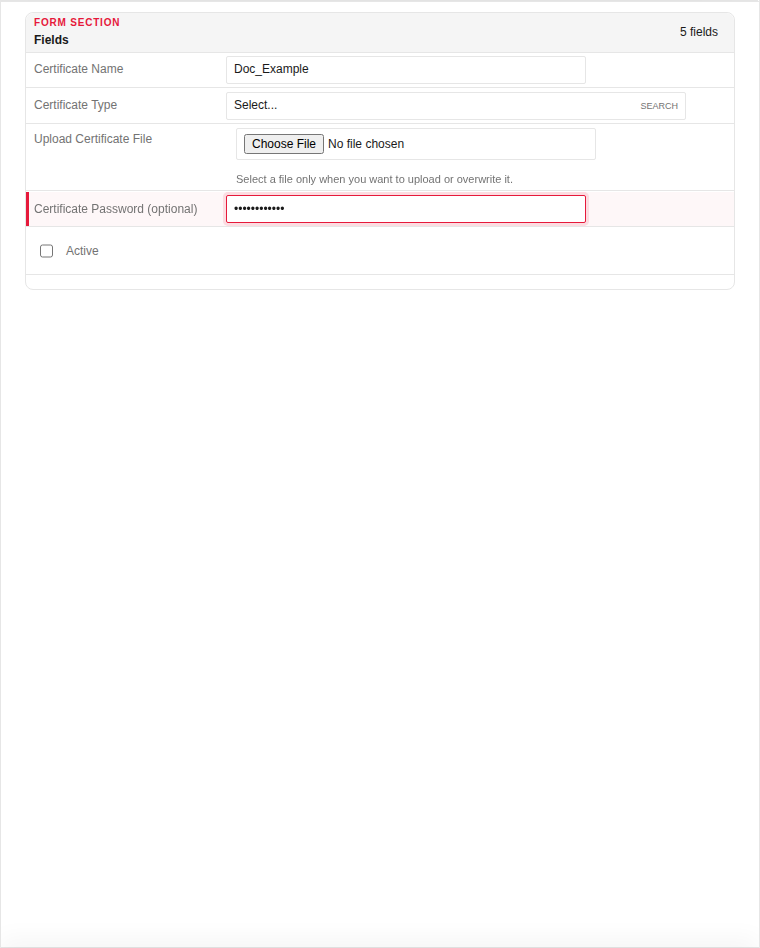
Same form filled with example data (do not save in production):
Page sections
Available actions
- ▦ Overview
- ⚙ System Settings ›
- General
- Updates
- ◉ User Management
- ⌁ Network Settings ›
- Interfaces
- Static Routs
- Static DNS
- □ Aliases & Objects ›
- Address
- Ports
- ◇ Rules & Policies ›
- Proxy Certificate
- Proxy Rules
- ◆ Security Profiles ›
- ◆ Event & Monitor ›
- • Logs & Events ›
- Sign Out
- Refresh Data
- Certificates
- Keys
- intermediate-certificate
- Add Record